EN-48
System Menu
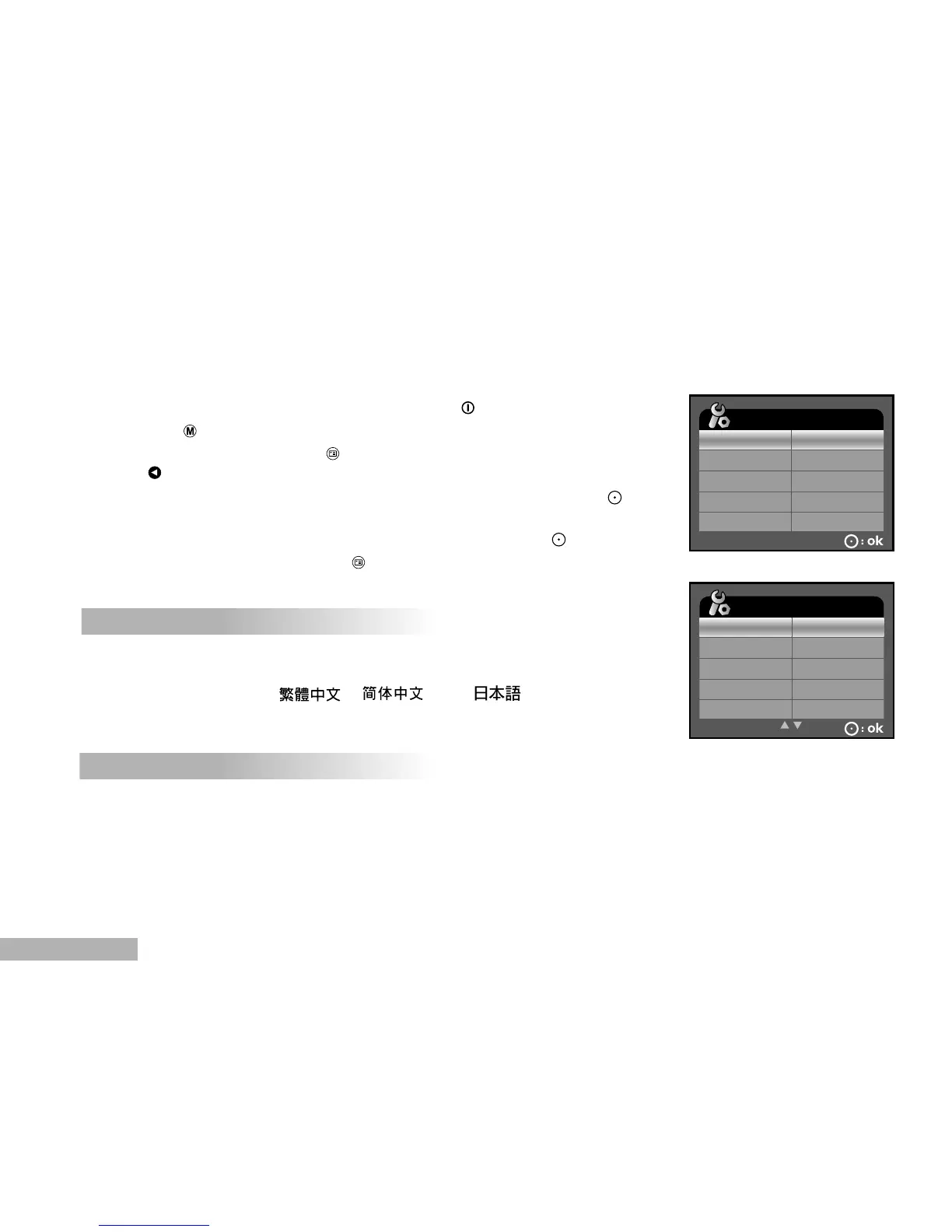
Sets your DVR-510’s operating environment.
1. Turn on the power by pressing and holding the button.
2. Toggle the button to access in movie, camera or playback (SELECT
MODE) mode, then press the button.
3. Press to access in SYSTEM MENU.
4. Select the desired option item with the zoom lever, and press the
button.
5. Select the desired setting with the zoom lever, and press the button.
6. To exit from the menu, press the button.
FORMAT
This function will delete all still images/video clips and other data recorded
on the internal memory or external memory card. Memory card cannot be
formatted if it is write-protected.
[YES]: Formats the internal memory (or memory card) and erase all still
images/video clips and other data.
[NO]: Does not format the internal memory (or memory card).
LANGUAGE
This sets the language that is displayed on the LCD monitor.
The provided languages are [ENGLISH], [FRANÇAIS], [DEUTSCH],
[ESPAÑOL], [ITALIANO], [ ], [ ] and [ ].



 To Next Page