EN-20
Setting the Date and Time
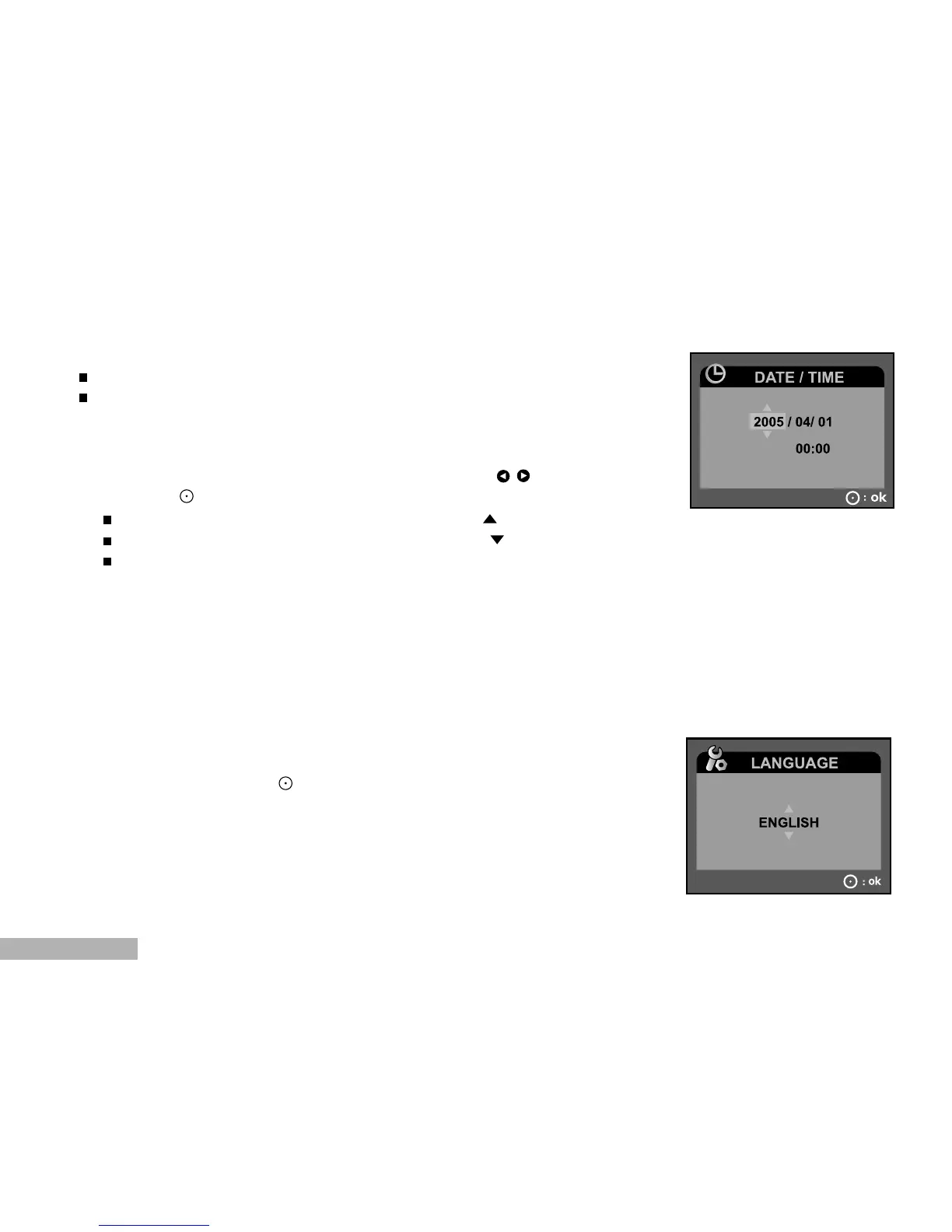
The date/time setting screen will automatically appear:
When first turning the DVR-510 on;
When turning the power on after leaving the DVR-510 without the
batteries for an extended period of time.
To adjust the date and time:
1. Select the year, month, day and time fields with the / buttons.
2. Press the button after all fields are set.
To increase a value, slide the zoom lever to the / T side.
To decrease a value, slide the zoom lever to the / W side.
The time is displayed in 24-hours format.
Choosing the OSD (On-Screen Display) Language
This setting specifies in which language menus and messages are to be
displayed on the LCD monitor. Select the displayed language with the
zoom lever and press the button. The setting will be stored. Refer to
section in this manual titled "LANGUAGE" in the System Menu for further
details.


 To Next Page