EN-56
USER MANUAL
A copy of the user manual is provided on the CD-ROM in PDF format. It is a backup copy of the printed manual.
If you misplace the printed guide, you may print another copy from the CD-ROM. The only requirement for
viewing the User Manual on the CD-ROM is that you have Acrobat Reader (Adobe Reader) installed on your
computer. Updates to this manual, and versions in other languages may be found on the Vivitar website (www.
vivitar.com).
1. Insert the CD-ROM that came with the camera into the CD-ROM drive.
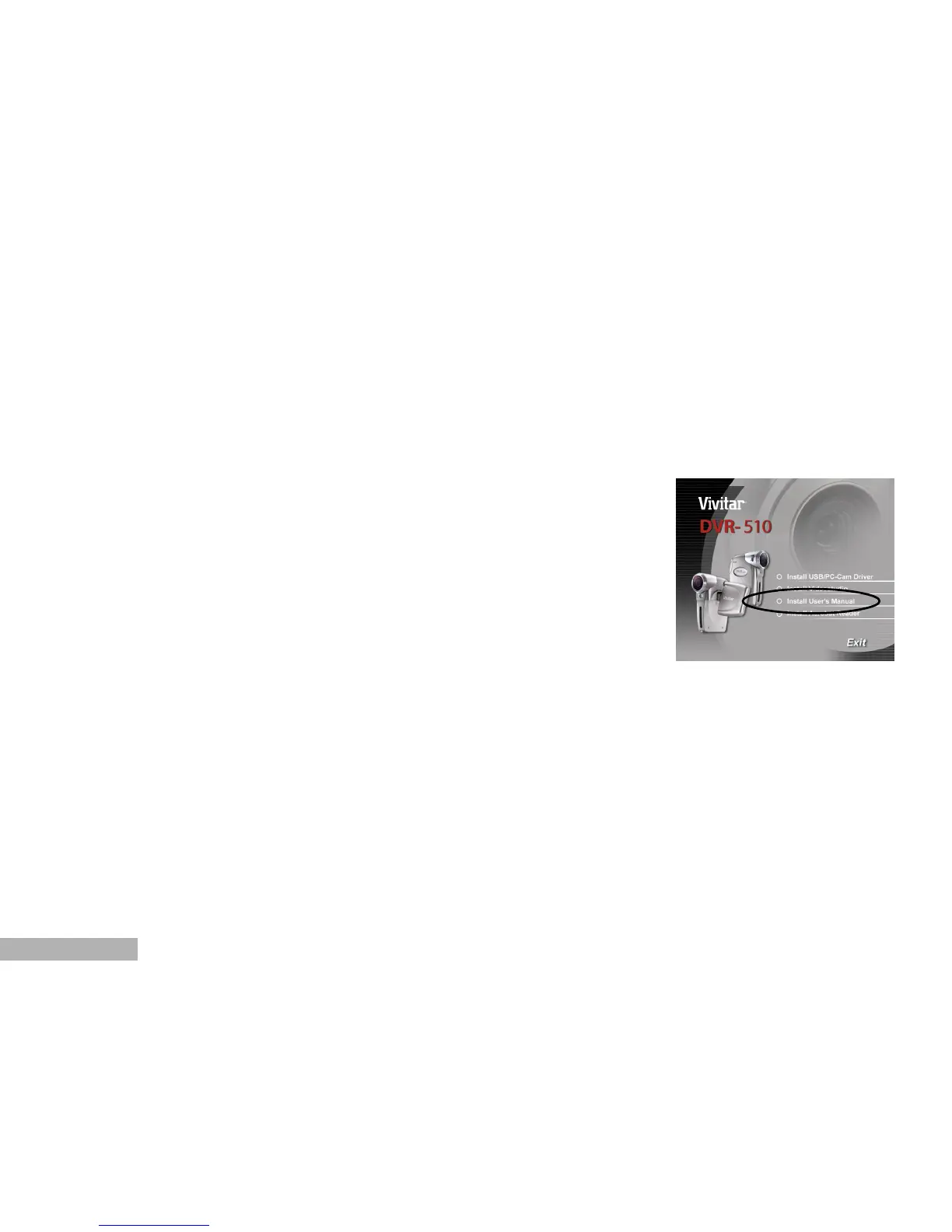
The welcome screen appears.
2. Click “Install User’s Manual”. Follow the on-screen instructions to
complete the installation.
Alternatively, browse the CD-ROM to find the PDF file.



 To Next Page