EN-58
Step 1: Install the PC Camera Driver (same as USB driver- this is
needed on ACC Windows systems)
The PC-camera driver included on the CD-ROM is exclusively for Windows. The PC camera function is not
supported for Mac platforms.
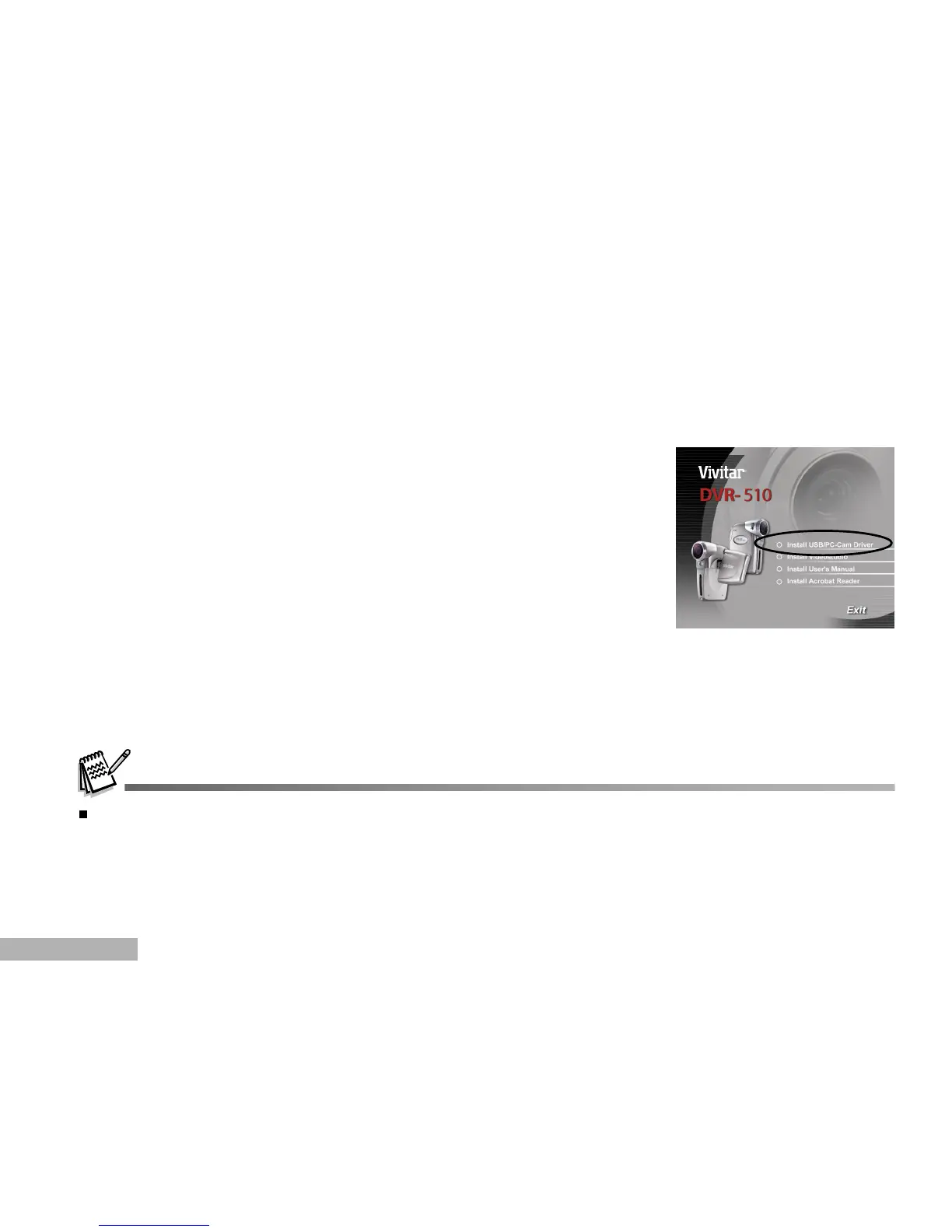
1. Insert the CD-ROM that came with the camera into your CD-ROM drive.
The welcome screen appears.
2. Click "Install USB/PC-Cam driver". Follow the on-screen instructions
to complete the installation. After the driver installation is completed,
restart your computer.
The USB driver that bundled inside the CD-ROM is designed in a form 2 in 1 (USB & PC camera driver).
a) On Windows 98, the Windows OS will install both USB & PC camera drivers.
b) On Windows 2000/ME/XP, it will only install PC camera driver.



 To Next Page