EN-42
This sets the white balance photographing under a variety of lighting conditions and permits photographs to be
taken that approach the conditions that are seen by the human eye.
[AUTO] AUTO: Automatic adjustment
[ ] DAYLIGHT: For recording outdoors on a bright day
[ ] LAMP: For recording under incandescent lights
[ ] FLUORESCENT-1: Cool white fluorescent (W3900-4500K)
[ ] FLUORESCENT-2: Day white fluorescent (W4600-5400K)
[ ] SHADE: For recording outdoors on a cloudy day
EV
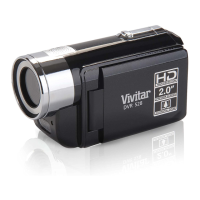
Your DVR-510 adjusts the exposure of each scene automatically. However, if the subject is very dark, or very
bright, you may override the DVR-510's automatic exposure determination to make the subject brighter or
darker. This is called EV compensation. The EV compensation can be adjusted from -1.8EV to +1.8EV.
AWB


 To Next Page