DLP Projector—User’s Manual
– 16 –
4.
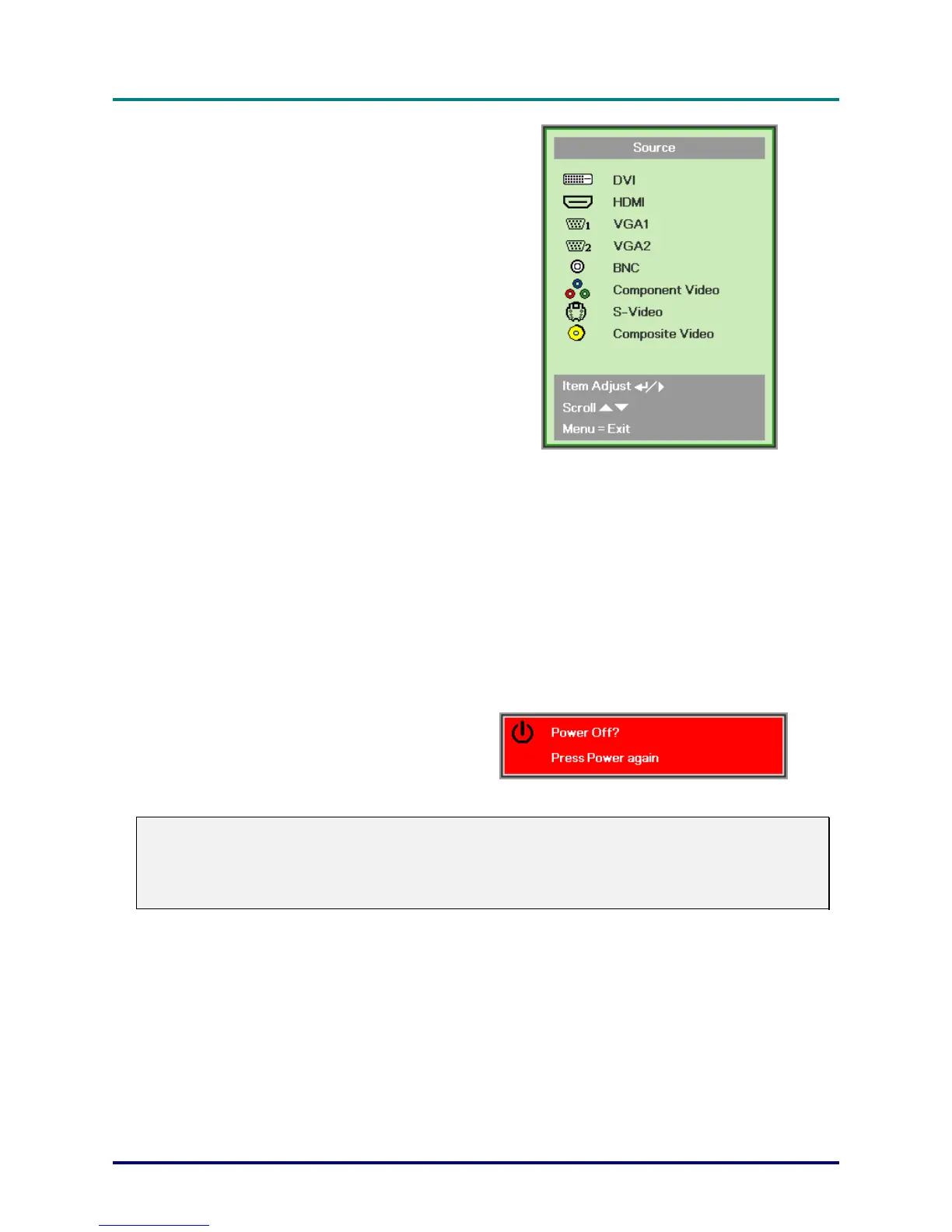
If more than one input device is con-
nected, press the
SOURCE
button and
use ▲▼ to scroll among devices.
(Component is supported through the
RGB to COMPONENT ADAPTER.)
DVI: DVI
HDMI: HDMI
VGA1/ VGA2: Analog RGB
BNC: Analog / serial digital interface video inputs
Component Video: DVD input YCbCr / YPbPr, or
HDTV input YPbPr via HD15 connector
S-Video: Super video (Y/C separated)
Composite Video: Traditional composite video
5.
When the “Power Off? /Press Power
again” message appears, press the
POWER
button. The projector turns
off.
Caution:
1. Be sure to remove the lens cap before starting projector.
2. Do not unplug the power cord until the LAMP LED stops flashing–indicating the projector has
cooled down.



 To Next Page