DLP Projector—User’s Manual
– 32 –
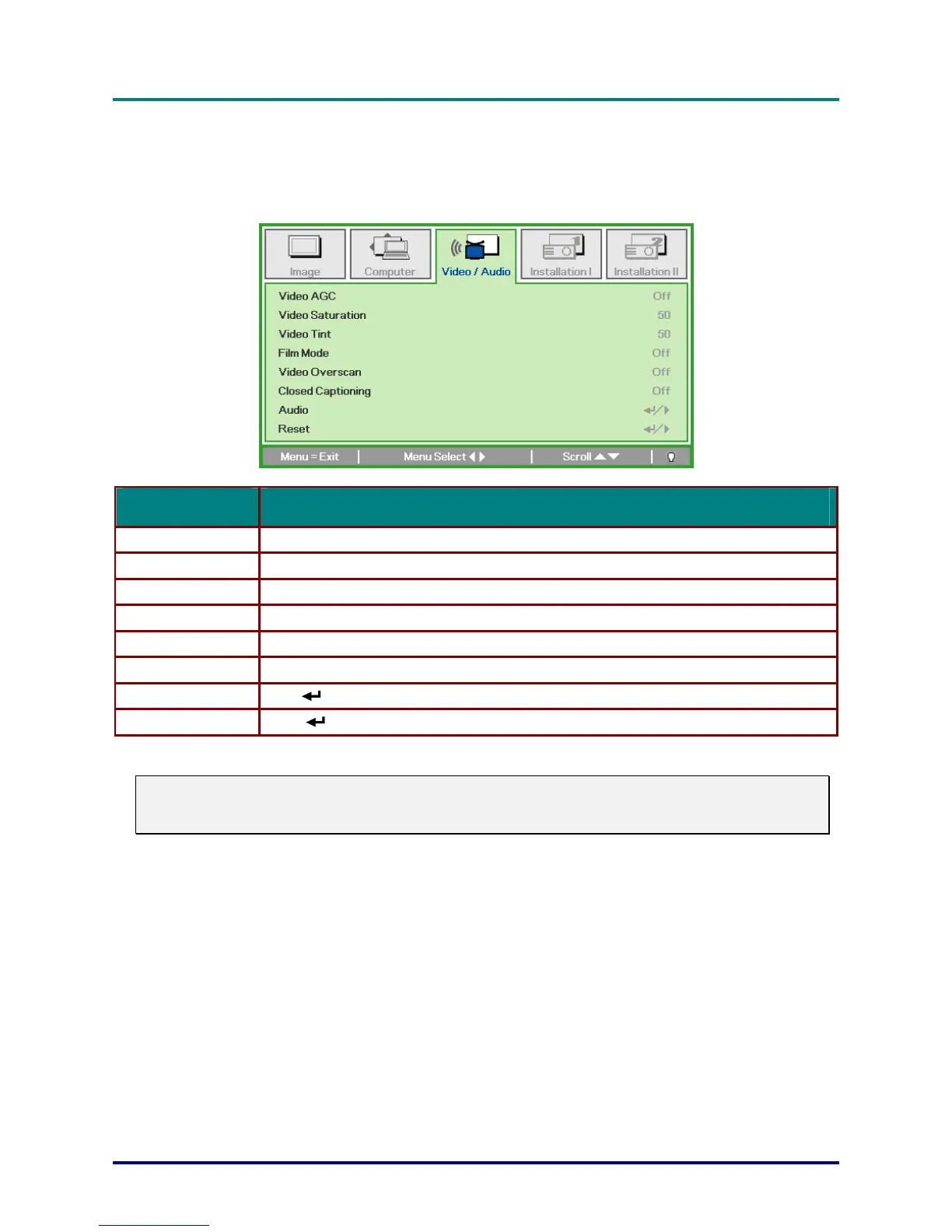
Video/Audio Menu
Press the
MENU
button to open the
OSD
menu. Press the cursor ◄► button to move to the
Video/Audio
menu. Press the cursor ▲▼ button to move up and down in the
Video/Audio
menu.
Press ◄► to change values for settings.
ITEM DESCRIPTION
Video AGC Press the ◄► buttons to enable or disable the Automatic Gain Control for video source.
Video Saturation Press the ◄► buttons to adjust the video saturation.
Video Tint Press the ◄► buttons to adjust the video tint/hue.
Film Mode Press the ◄► buttons to select a different film mode.
Video Overscan Press the ◄► buttons to enable or disable video over scan.
Closed Captioning Press the ◄► buttons to enable or disable Closed Captioning
Audio Press (Enter) / ► to enter the Audio menu. See Audio on page 33.
Reset Press (Enter) / ► to reset all settings to default values.
Note:
Video jagging may occur when playing interlace video. To overcome this issue, open the
Video / Audio menu and adjust the Film Mode feature.



 To Next Page