DLP Projector – User’s Manual
– 15 –
Starting and Shutting down the Projector
1.
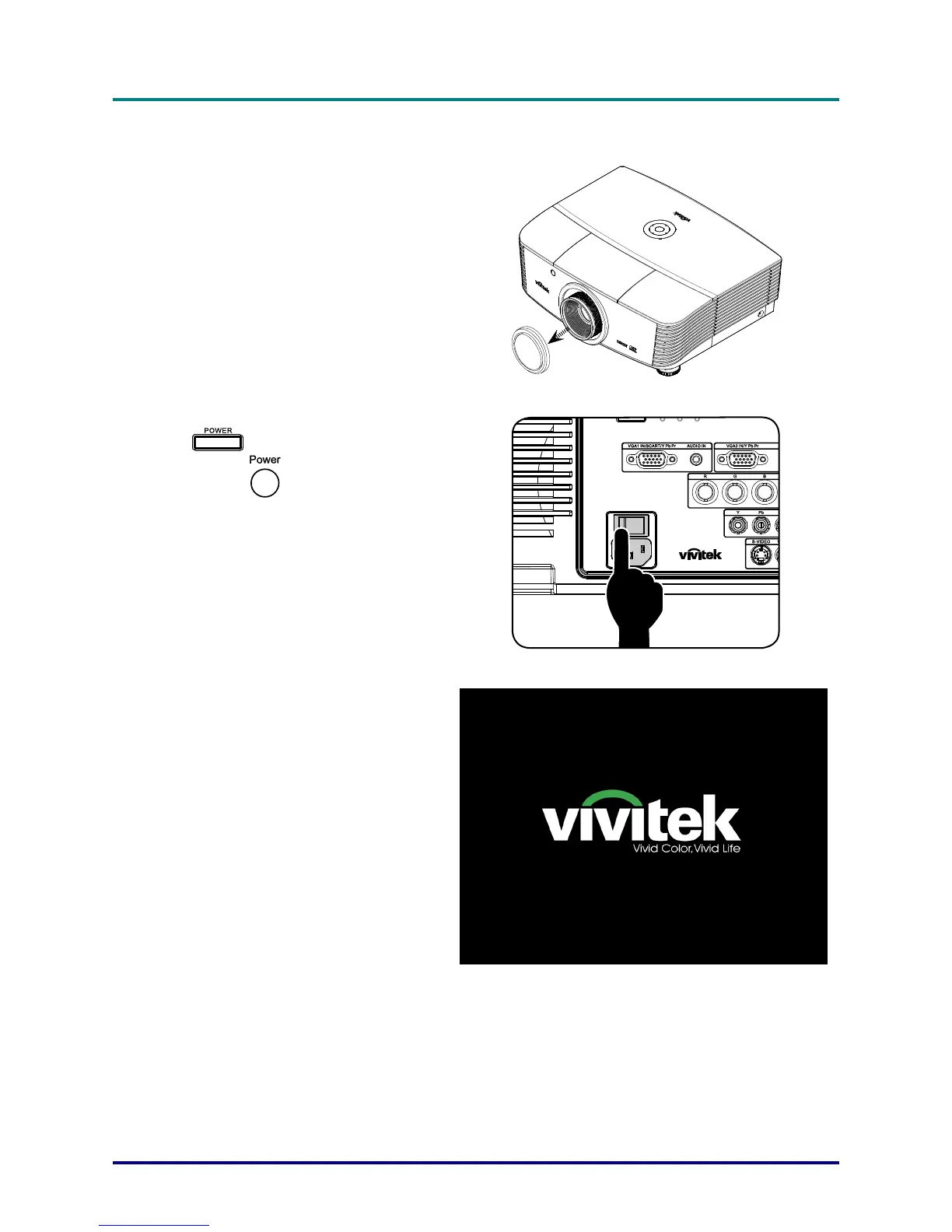
Remove the lens cap.
2.
Securely connect the power cord and
signal cable. When connected, the
power led will turn red.
3.
Turn on the lamp by pressing
“
” button on the rear of the pro-
jector or “
” on the remote control.
The PWR LED will now flash green.
The startup screen will display in ap-
proximately 30 seconds. The first time
you use the projector, you can select
your preferred language from quick
menu after the startup screen display.



 To Next Page