VIVOTEK
190 - User's Manual
http:// <servername>/cgi-bin/admin/
jpegtoavi.cgi?resolution=800x600&fps=1&list=’/mnt/auto/CF/NCMF/video1650.jpg’, ’/mnt/auto/C
F/NCMF/video1651.jpg’, ’/mnt/auto/CF/NCMF/video1652.jpg’,
8.14 Virtual input
Note: Change virtual input (manual trigger) status.
Method: GET/POST
Syntax:
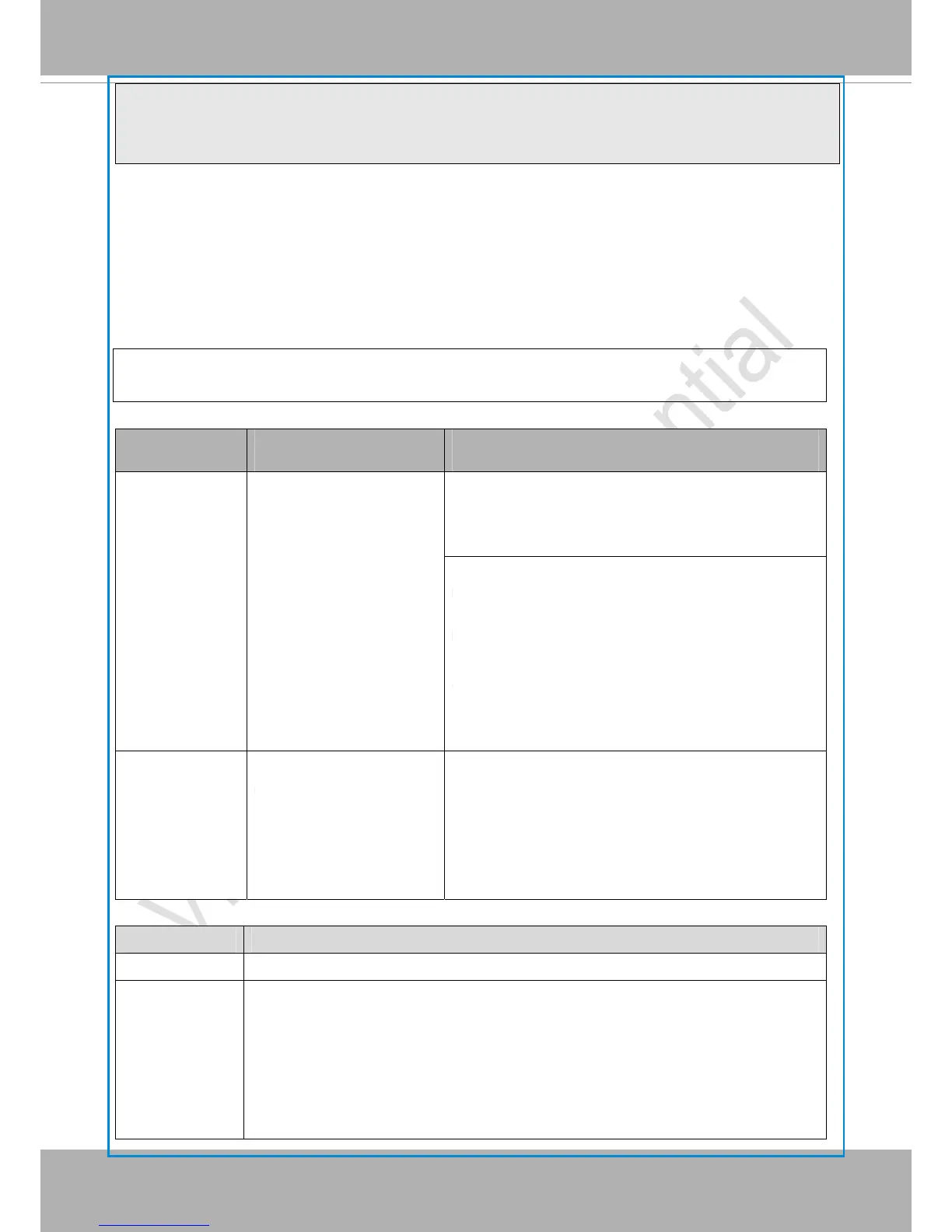
http://<servername>/cgi-bin/admin/setvi.cgi?vi0=<value>[&vi1=<value>][&vi2=<value>]
[&return=<return page>]
PARAMETER VALUE DESCRIPTION
vi<num> state[(duration)nstate]
Where "state" is 0, 1. “0”
means inactive or
normal state while “1”
means active or
triggered state.
Where "nstate" is next
state after duration.
Ex: vi0=1
Setting virtual input 0 to trigger state
Ex: vi0=0(200)1
Setting virtual input 0 to normal state, waiting 200
milliseconds, setting it to trigger state.
Note that when the virtual input is waiting for next
state, it cannot accept new requests.
return
<return page>
Redirect to the page <return page> after the
request is completely assigned. The <return
page> can be a full URL path or relative path
according the current path. If you omit this
parameter, it will redirect to an empty page.
Return Code Description
200 The request is successfully executed.
400 The request cannot be assigned, ex. incorrect parameters.
Examples:
1. setvi.cgi?vi0=0(10000)1(15000)0(20000)1
No multiple duration.
2. setvi.cgi?vi3=0
VI index is out of range.



 To Next Page