VIVOTEK - A Leading Provider of Multimedia Communication Solutions
100 - User's Manual
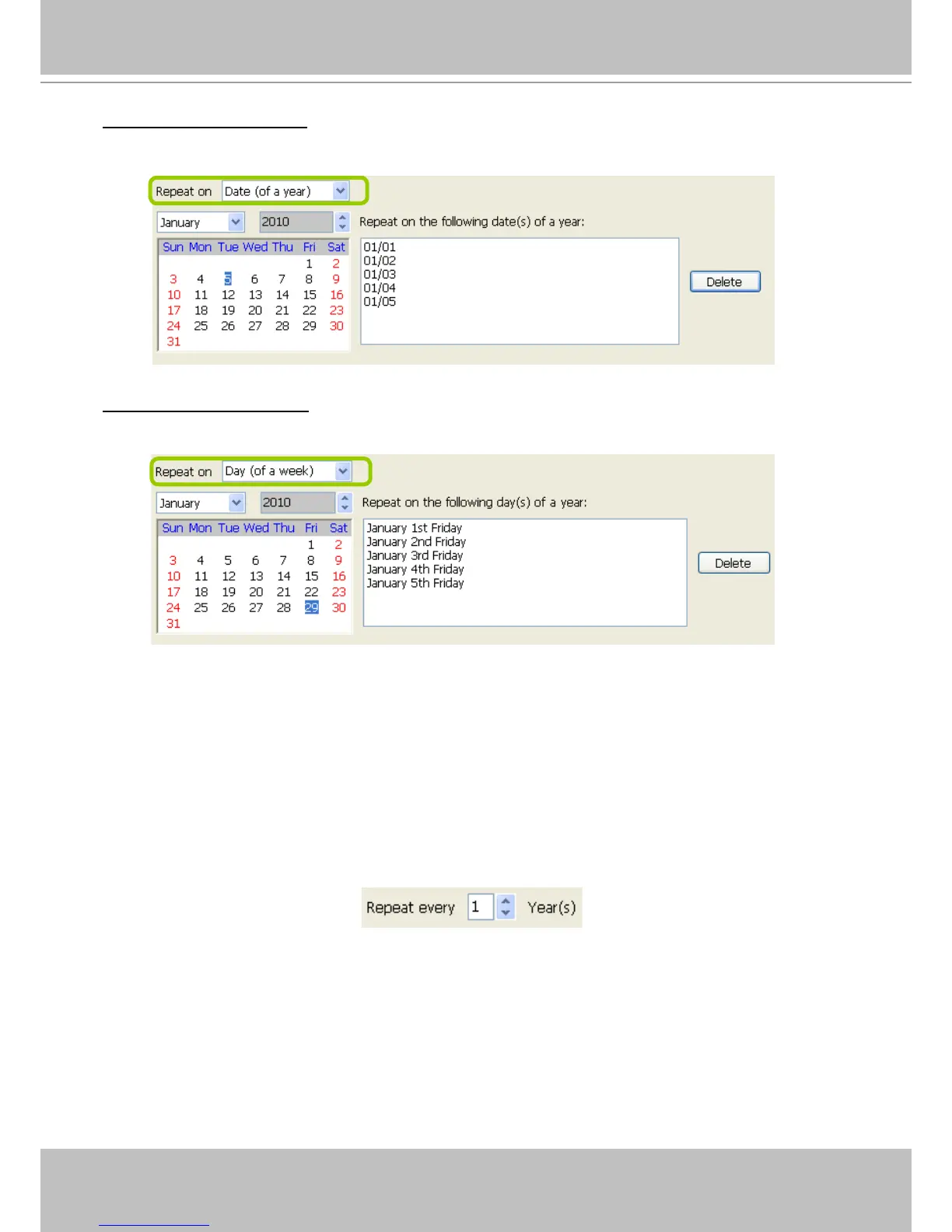
Repeat by date(s) of a year:
Select date(s) from the calendar, and it will be displayed on the right blank as shown below.
The following example refers to the 1
st
~
5
th
day of a year.
Repeat by day(s) of a week:
Select day(s) from the calendar, and it will be displayed on the right blank as shown below.
The following example refers to the January 1
st
~ 5
th
Friday of a year.
Set up applicable period of time
Please refer to page 93 for detailed instructions.
Set up repeat time interval
The repeat time intervals is "every N year(s)" as shown below. Repeat every 1 year means the time
frame would apply for every year within the period of time.



 To Next Page