VIVOTEK - A Leading Provider of Multimedia Communication Solutions
180 - User's Manual
Backup the Event Videos
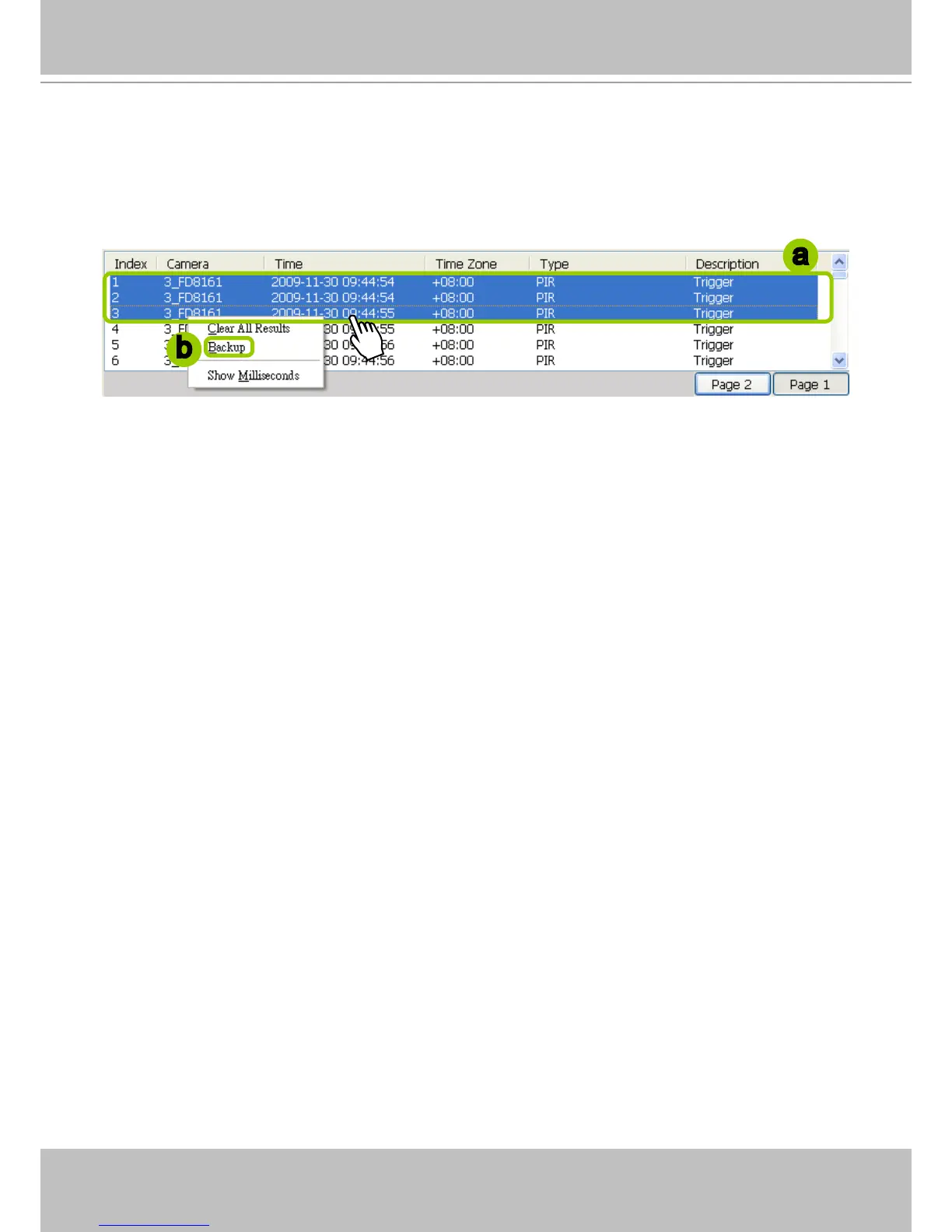
Please follow the steps below to backup the evnet videos on the results list:
a. Select the video clips you want to backup. You can select more than one video clip.
b. Right-click the selected video clips and click Backup.
c. A Backup Settings window will pop up. For more information about how to set up the Backup
Settings, please refer to page 168. For more information about how to view backup les, please refer
to page 170 for detailed illustration.
a
b



 To Next Page