VIVOTEK - A Leading Provider of Multimedia Communication Solutions
User's Manual - 147
How to Log out from the VAST Server
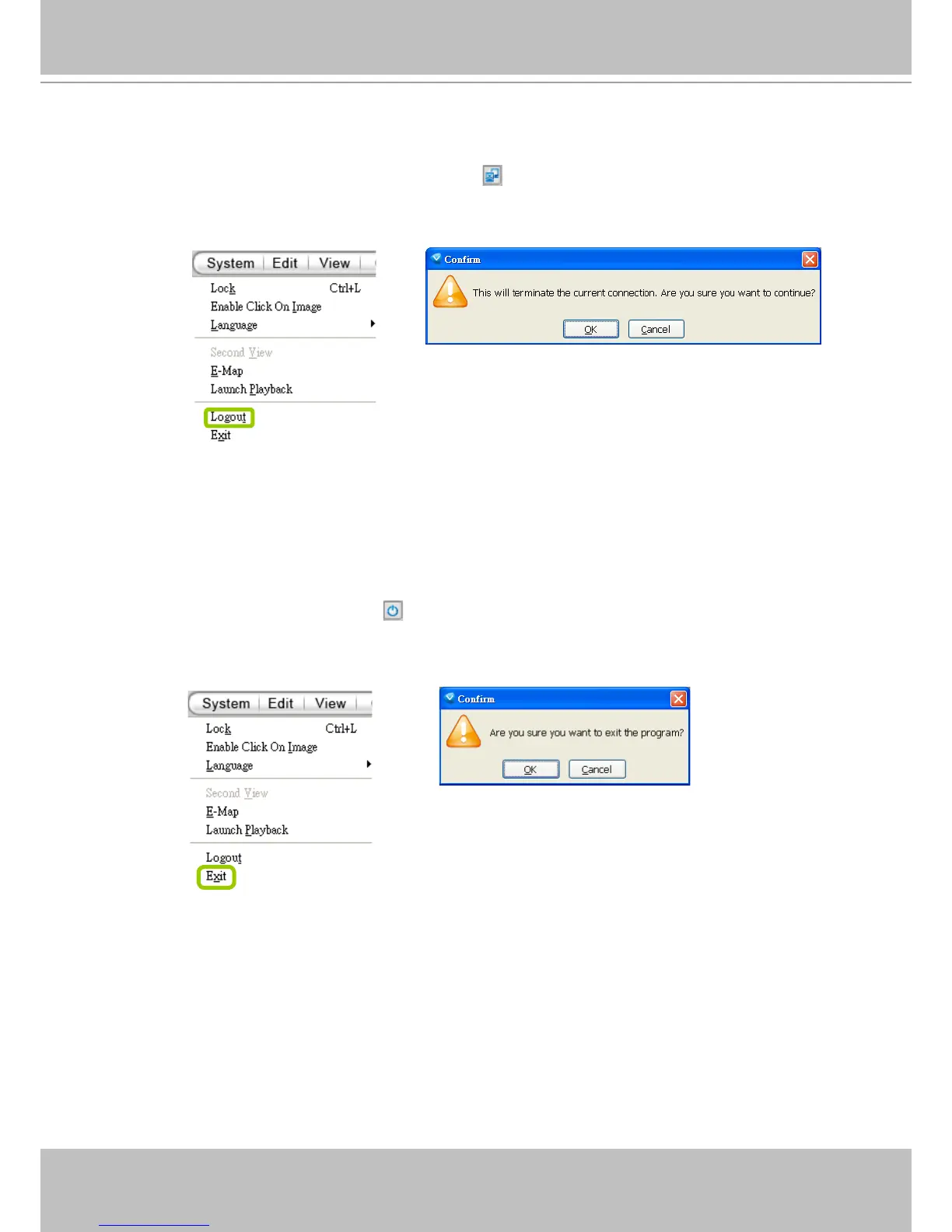
To logout from the current server, click Logout on the quick access bar or click System >
Logout on the menu bar. A conrmation window will pop up. Click OK to conrm or Cancel to
return to the VAST LiveClient window.
How to Exit VAST LiveClient
To exit VAST LiveClient, click Exit on the quick access bar or click System > Exit on the
menu bar. A confirmation window will pop up. Click OK to confirm or Cancel to return to the
VAST LiveClient window. When you exit the program, your user account will be automatically
logged out from the current server.



 To Next Page