VIVOTEK - A Leading Provider of Multimedia Communication Solutions
User's Manual - 85
Load/Save Schedule Templates
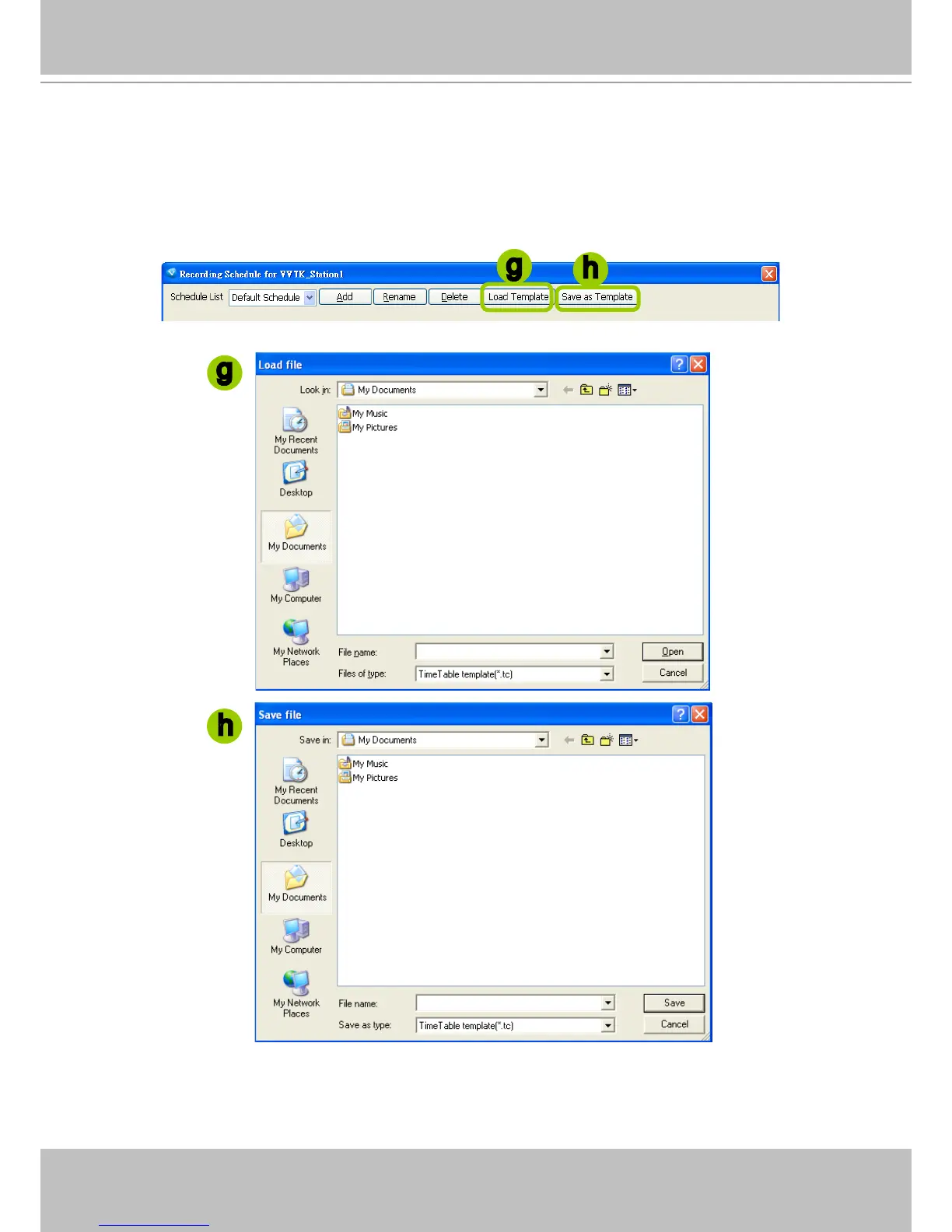
g. If you have a schedule template with time frame settings, you can upload it to simplify the editing of
the schedule. Click Load Template, and a Load File dialog box will pop up. Select the template le
and click Open to load.
h. If you want to save a schedule as a template for future use, select the schedule from the schedule
drop-down list and click Save as Template. A Save File dialog box will pop up for you to save the
template le.
g
h
h
g



 To Next Page