VIVOTEK - A Leading Provider of Multimedia Communication Solutions
72 - User's Manual
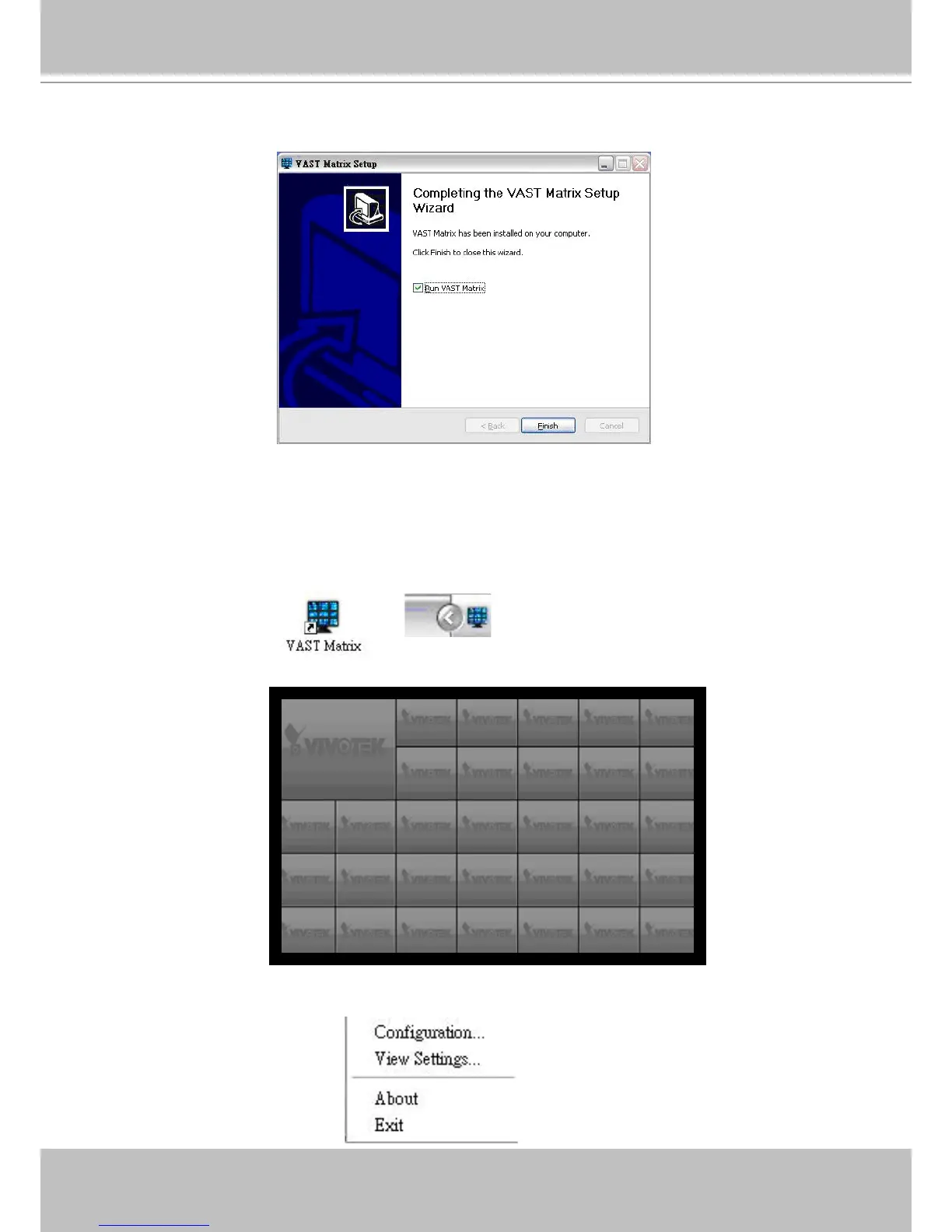
e. Click Finish to close the installation wizard, and you might want to run VAST Matrix immediately after
installation by selecting the option Run VAST Matrix.
Launching VAST Matrix
Please follow the steps below to install VAST Matrix Program:
a. Click the desktop icon to start VAST Matrix. When it’s begun running, there will be a VAST Matrix tray
icon on the toolbar for the user to congure easily.
b. The VAST Matrix live view window with multiple types of layout will be displayed. The following shows
32-channels layout.
c. Right-click on the live view window, a function menu will pop up. You may also open the menu by
right-click on the tray icon.



 To Next Page