VIVOTEK - A Leading Provider of Multimedia Communication Solutions
50 - User's Manual
View Live Video with Multiple Monitors
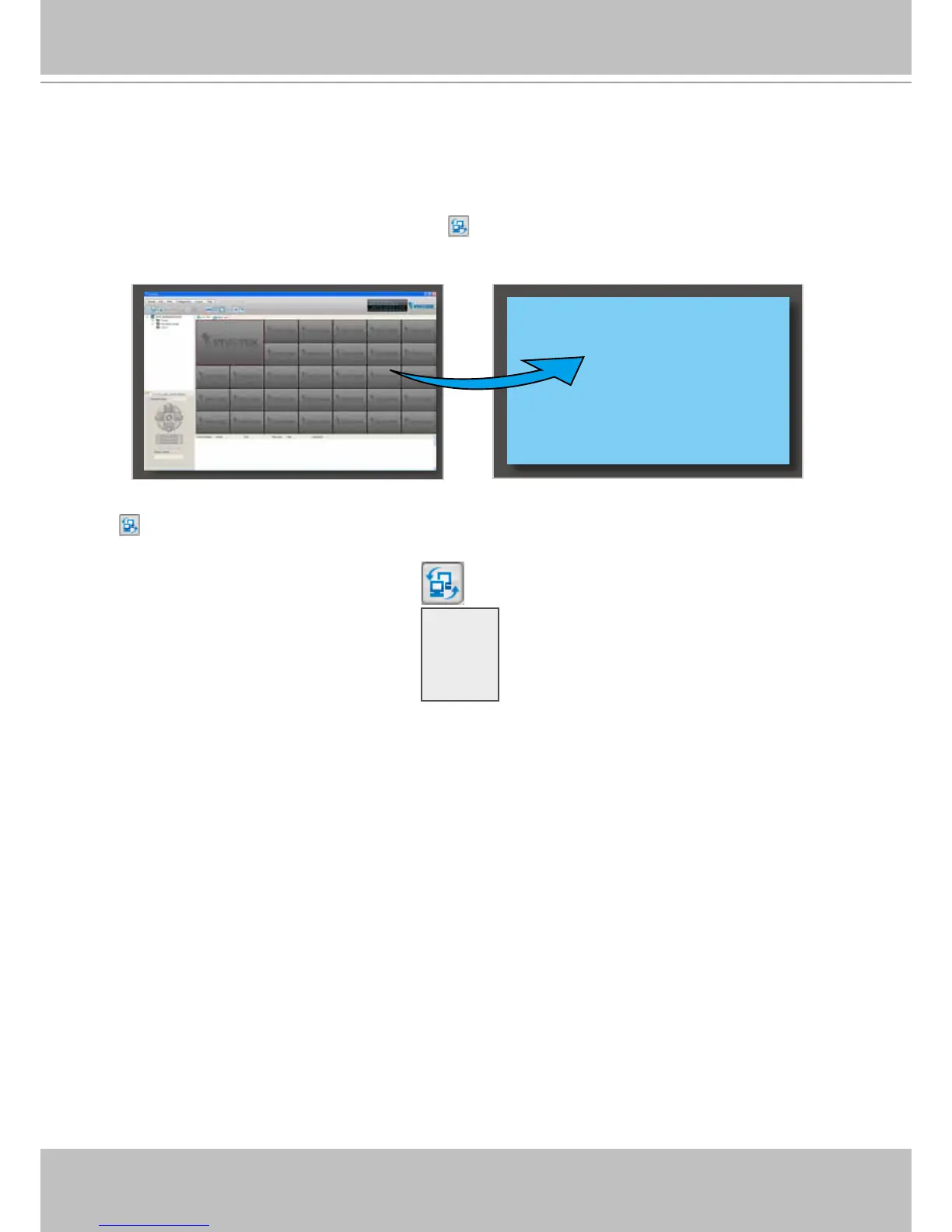
If you have multiple screens in your monitoring center, you can switch the VAST LiveClient
Window among these screens.
If you have two monitors, click Switch Screen on the menu bar; the LiveClient window on monitor 1
will switch to monitor 2.
If you have three or more monitors, a drop-down list will be displayed when you click Switch Screen
on the menu bar. The number of items on this list depends on the number of your screens. Select a
desired screen on the drop-down list and the LiveClient Window will switch to the specied screen.
Monitor 1 Monitor 2
Monitor 1
Monitor 2
Monitor 3
......



 To Next Page