VIVOTEK - A Leading Provider of Multimedia Communication Solutions
User's Manual - 163
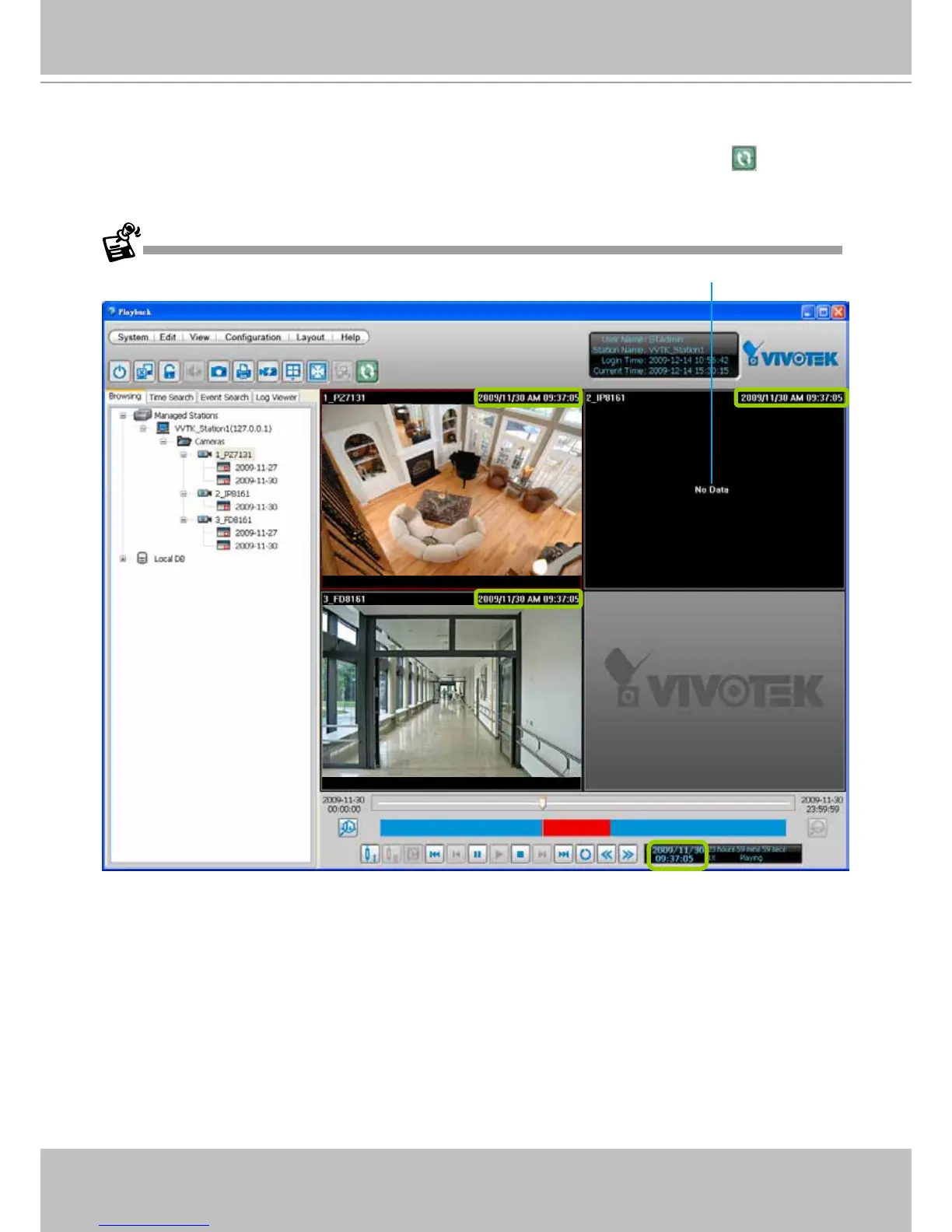
d. You can move forward/backward the Timeline Slider Bar to another time point, and all of the time
stamps on the video cells will change accordingly.
e. If you want to stop synchronous playback, click the non-synchronous playback button
again.
The following illustration shows that during the specic time, there is no recorded video on the camera.



 To Next Page