VIVOTEK - A Leading Provider of Multimedia Communication Solutions
68 - User's Manual
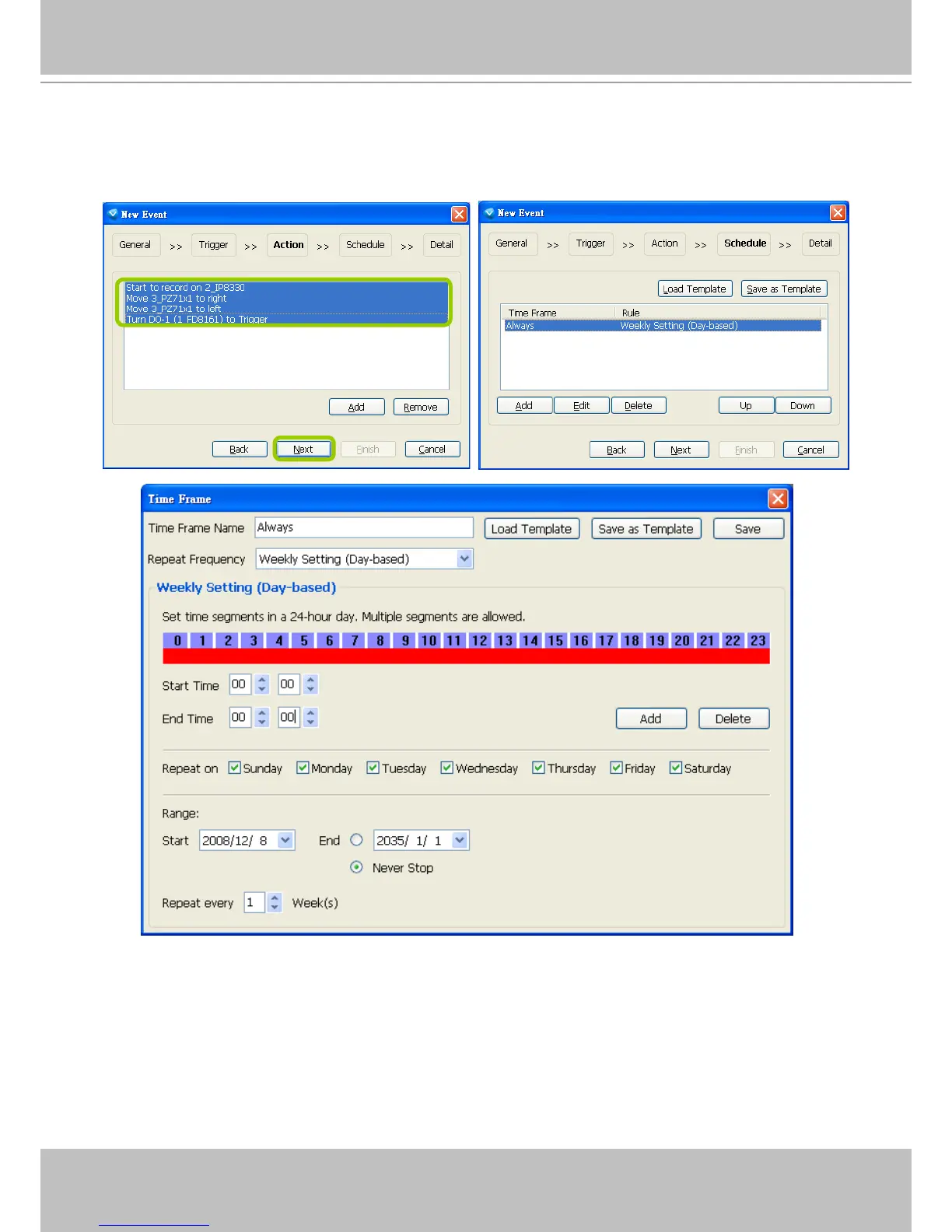
s. The action(s) will be listed in the window as shown below.
Then click Next to set up schedule(s) to the action(s).
For more information about Schedule Settings, please refer to Recording Schedule Settings on page
83. You can assign more than one time frame to one action.



 To Next Page