□ Install OEM bolt that was removed from inside wheel well that
goes through the inner fender and secures into the glow plug
bracket (previously secured into the battery box).
3.5 Battery Cable and Relocated Battery Box
□ Unscrew the positive lock nut from terminal on glow plug module.
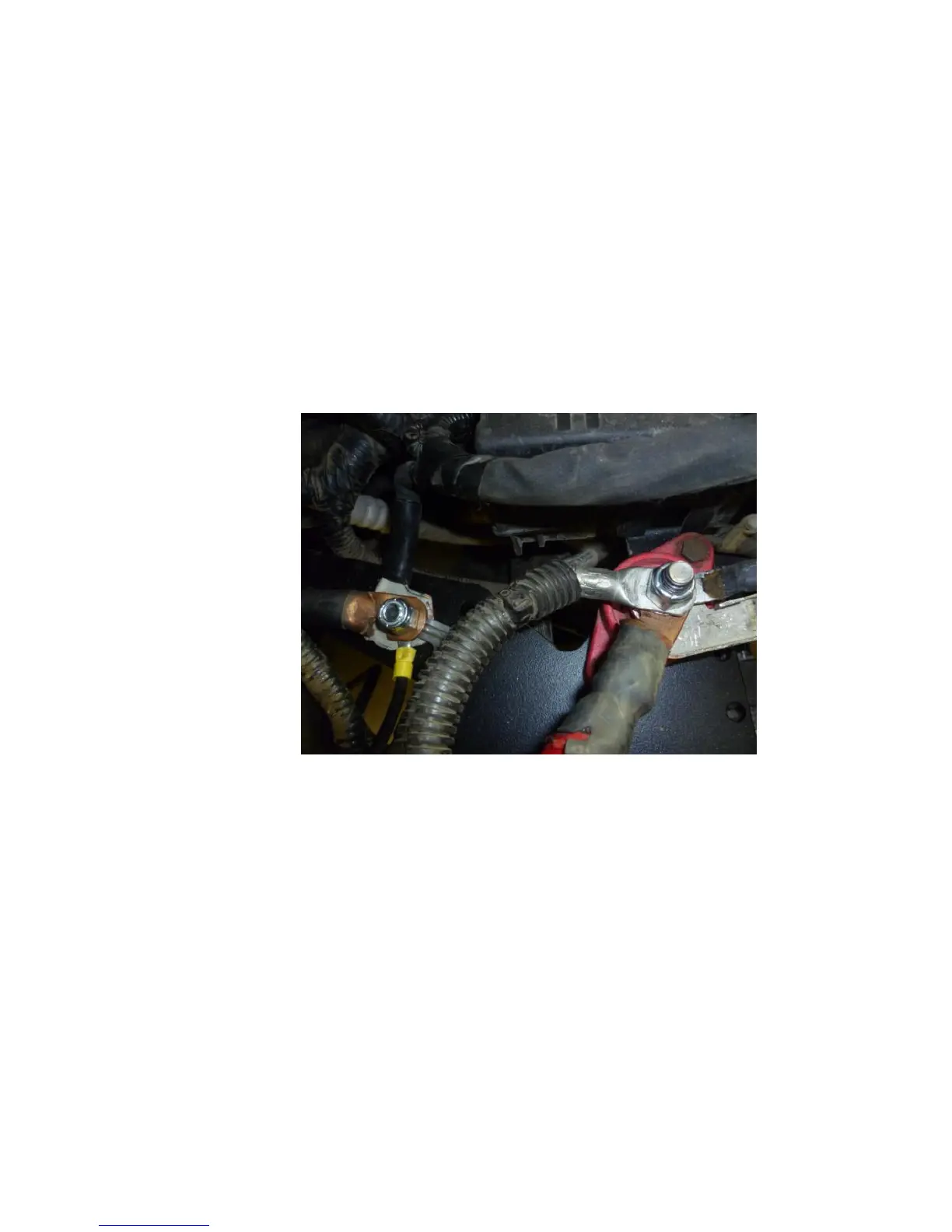
□ Modify both OEM battery cable ends (positive and negative) by
removing the threaded stud from the battery cable ends and then
enlarging the stud holes to allow them to fit over each of the
studs on the glow plug module. (Figure 3.20).
Figure 3.20
□ If the battery cable clamping portions are not cut of it will look like
the diagram below. Be sure to wrap any exposed ‘positive’ clamp
with black electrical tape to prevent short circuiting. (Figure
3.21).



 To Next Page