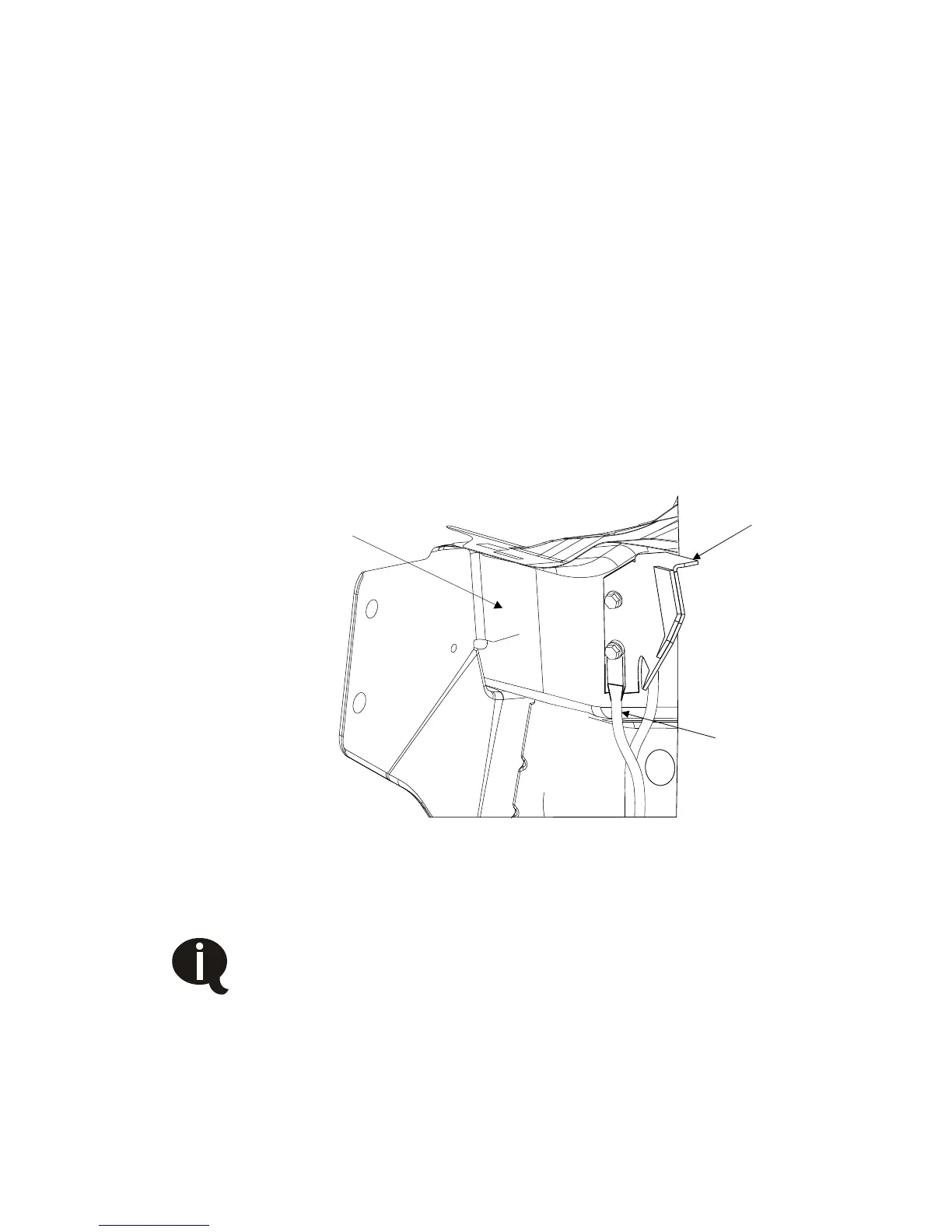
□ Use the OEM fastener to tap threads into the existing OEM hole
1-3/4” above the ground wire hole. Remove OEM fastener and
retain. (6mm tap may also be used).
□ Install supplied brace bracket and ground wire using the OEM
fastener into lower hole.
□ Then install the supplied fastener into the new threaded hole
above it. The brace should sit flush against the firewall with the
ground strap on top of the brace.
□ Ensure the brace does not make contact with the electrical
connector on the firewall. Do not remove the ground cable,
(Figure 3.36).
Figure 3.36
Proceed to the section for installing tank and hoses, and
the section installing the electrical components before
continuing. Completing these sections first is easier
without the air filter box installed.



 To Next Page