41
Part 4: Installing the Control Unit
4.1 Installing the control unit
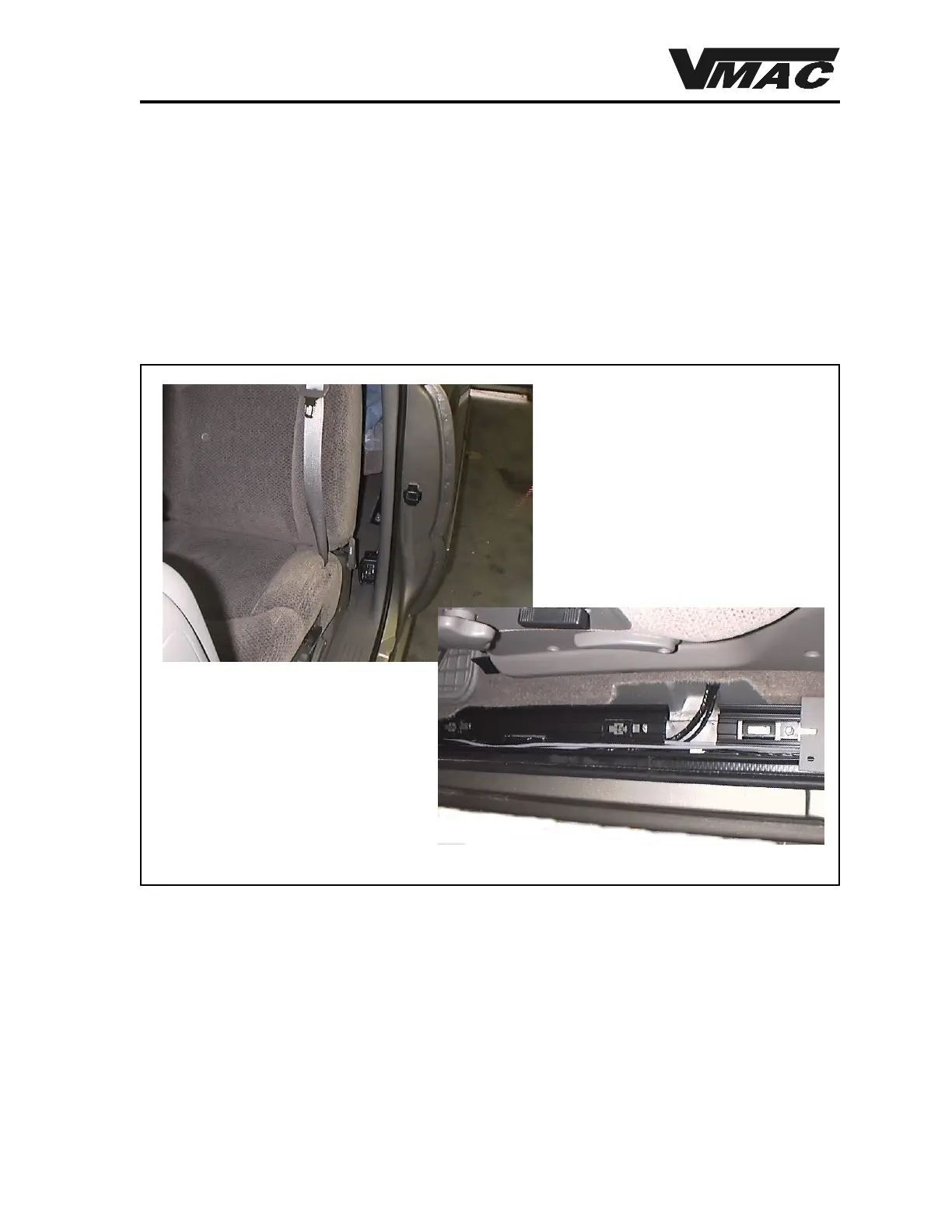
1. Locate a suitable location for the control unit. One recommended location is behind the
seat on the driver’s side of the vehicle (Figure 4.1).
2. Locate and drill two (2) holes through the plastic trim panel to match the control unit
brackets.
.
Figure 4.1
3. Mount the control unit with the cable coming out of the back of the unit. Use the supplied
sheet metal screws.
4. Mount the small electronic control unit with the three (3) wire connectors under the dash
near the emergency brake using the supplied plastic ties.
5. Remove the door trim panel and the kick panel beside the emergency brake pedal.
6. Route the single wire from the control unit along the trough in the body under the trim panel
(Figure 4.1) and up the side of the body to the electronic control unit.
DOCUMENT 19299
Locating the control unit
Routing the wiring



 To Next Page