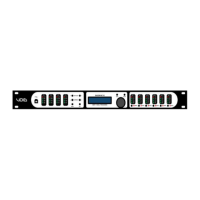
Digidrive V2
User Manual
2
0.0…………………………………………………………………...Quick Start
This quick start guide offers a simple way to set the Digidrive V2 up
in a practical application.
NOTE: make sure you know the limitations of your loudspeakers
before setting up a system with the Digidrive V2. Also, ensure that
the unit and all power amps are powered off before making any
connections to/from the Digidrive. Always make sure that power
amps are the last units turned on, and the first units turned off.
0.1..…………………………………………………………Connections
x Ensure power is off to the device and power amplifiers,
connect the output signal from the sending device
(mixer) via XLR to Input A (mono signal), or Input A + B
(stereo signal).
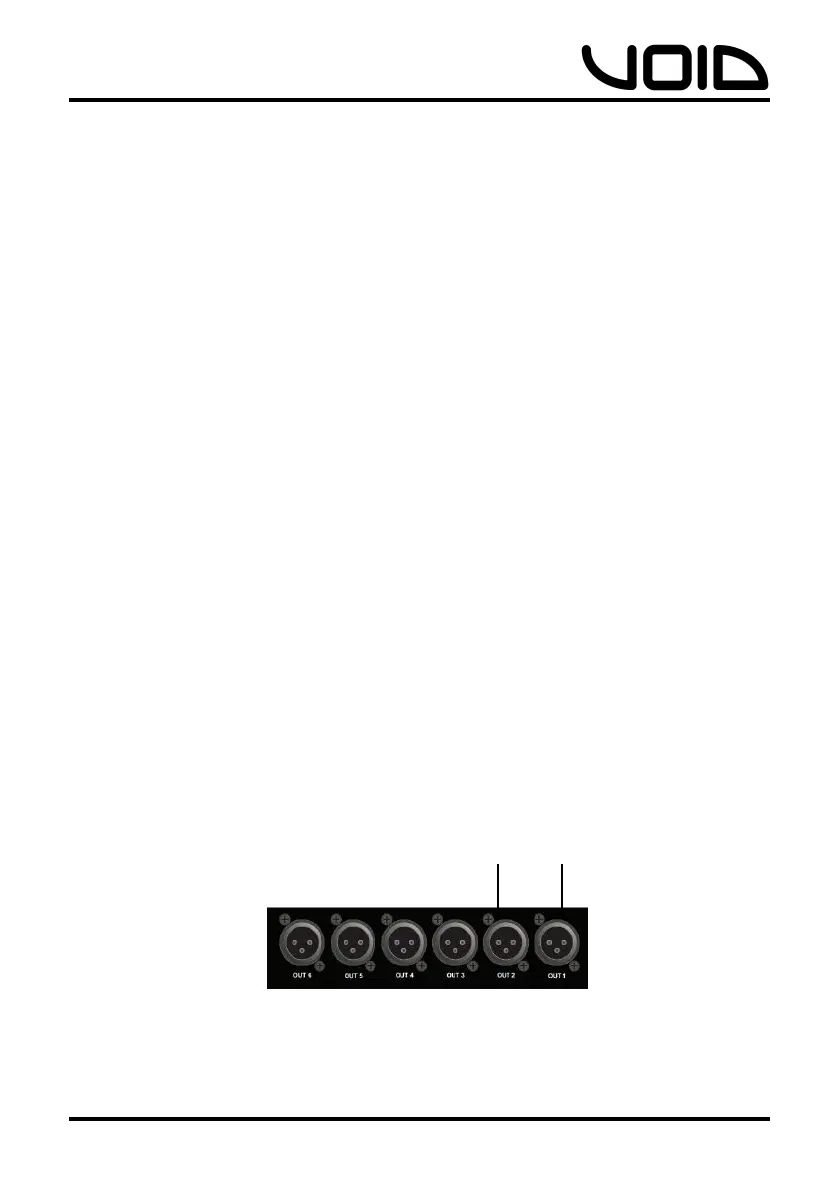
x Connect appropriate connections from the output XLR
connectors to the power amplifier(s), depending on the
routing configuration suitable to the loudspeaker
system. Eg:
x 1-way – Outputs 1+2 (full range of frequencies)
x 2-way – Outputs 1+2 (LF), Outputs 3+4 (HF)
x 3-way – Outputs 1+2 (LF), Outputs 3+4 (MF),
Outputs 5+6 (HF)
NOTE: There are many more routing options than the examples
above, but these options are basic configurations for beginners.
All
frequencies
to amp
1-way


 To Next Page