Digidrive V2
User Manual
13
6.0……………………………………………..…Operating the Digidrive V2
6
.1…………………….…………………………………Channel Select
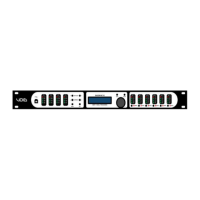
Using the –
CH SELECT and CH SELECT+ buttons, users
can select the channel(s) to control. This can be Input
AB, CD, Output 12, 34, 56 or Input A, B, C, D, Output 1, 2,
3, 4, 5, 6.
6
.2.……………………..………………………………..Input Menus
Each input channel has a set of Menus for specific parameters,
accessed with the –
PAGE and PAGE+ buttons.
G
ain, -48.00dB (mute) to +12.00dB, in 0.25dB steps.
D
elay, 0ms to 2000ms in 0.01ms steps. By depressing
the control wheel, units can be changed to feet or mm.
L
ow Pass, 20Hz to 20kHz (off), in 1, 10, 50 and 100Hz
steps. By depressing control wheel , users can enable/
disable it and change the Filter Type.
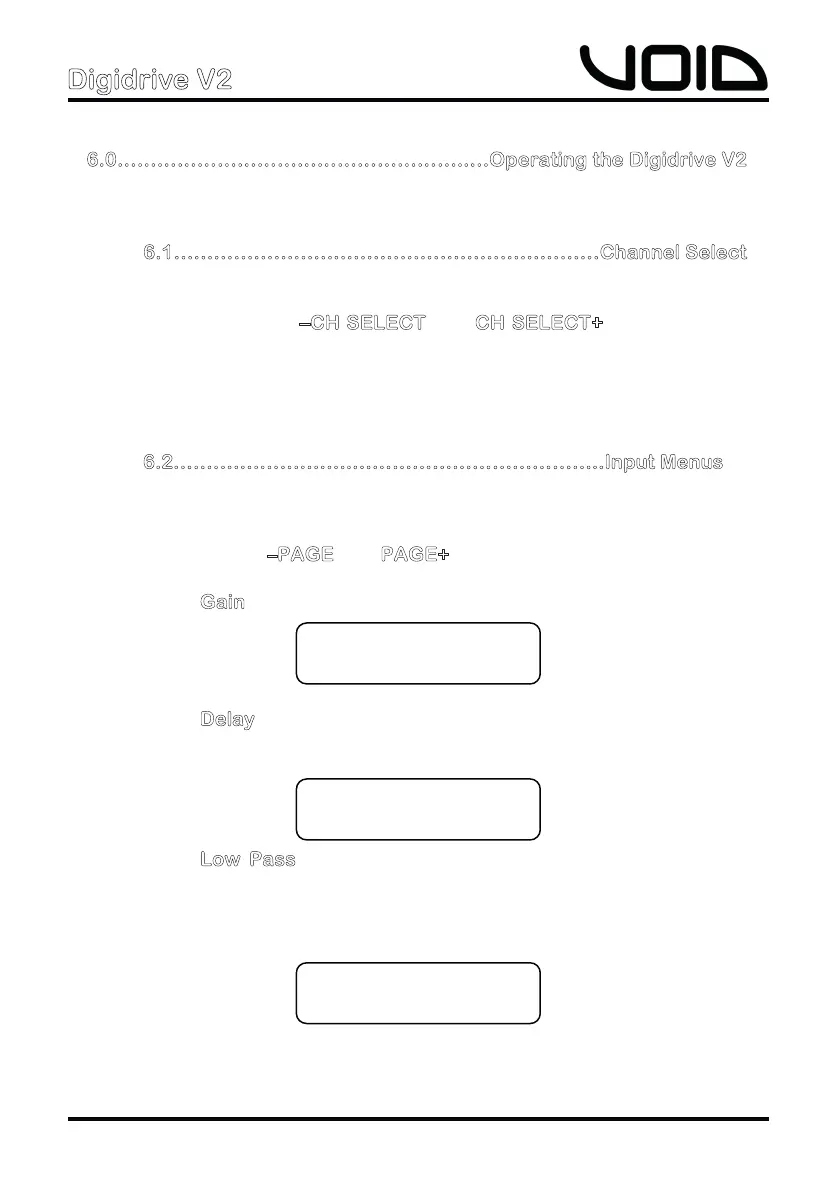
In A Delay
000.000ms
In A LowPass
Freq: 80Hz
In A Gain
00.00dB


 To Next Page