RNS 310, RNS 315
Radio settings menu (SETUP)
Please first read and observe the safety in-
structions on page 3 and the introduc-
tory information on page 12.
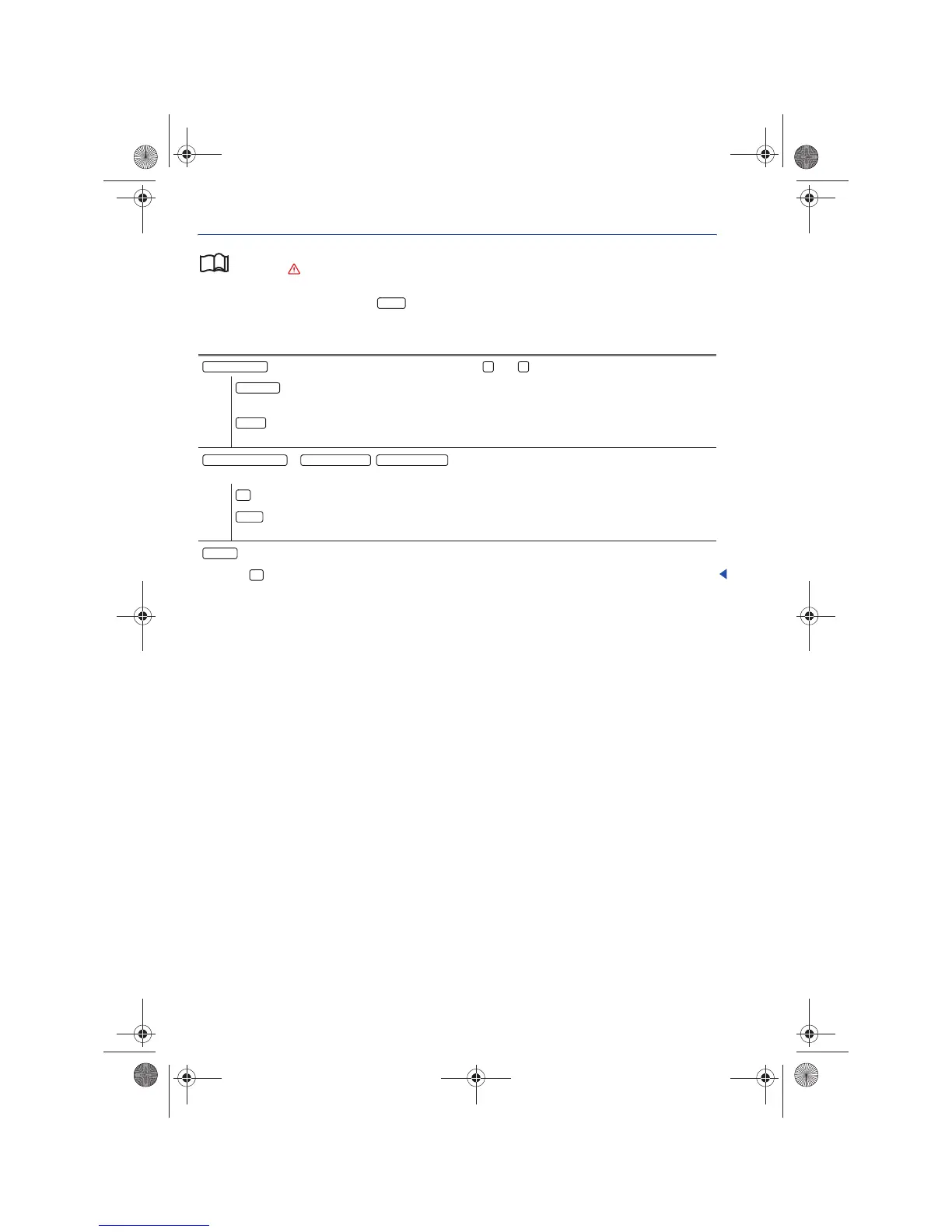
In the RADIO main menu, press the button
in order to open the Radio Settings menu.
SETUP
Function button: Effect
: Define station selection for arrow buttons and .
: All stations within reach in the selected frequency band can be browsed using the
arrow buttons ⇒ page 13.
: Only the stored stations can be browsed using the arrow buttons ⇒ page 16 (Display:
⇒ page 16, fig. 13).
a)
, , : Delete stations for a frequency band Stored on the
station preset buttons.
: All stored stations in the frequency band are deleted.
: Turn the frequency knob ⇒ page 6, fig. 1 , to display the stored stations one after the
other, and press to delete the displayed station.
a)
: Shows the Sirius Audio ID as well as the web site and phone number for activation ⇒ page 16.
Press the button to cancel ⇒ page 6, fig. 1 .
a)
For devices with SIRIUS satellite radio tuners.
Arrow buttons
Station List
Presets
Deleting Sirius Presets Delete FM Presets Delete AM Presets
All
Single



 To Next Page