RNS 310, RNS 315
Saving or editing the home address
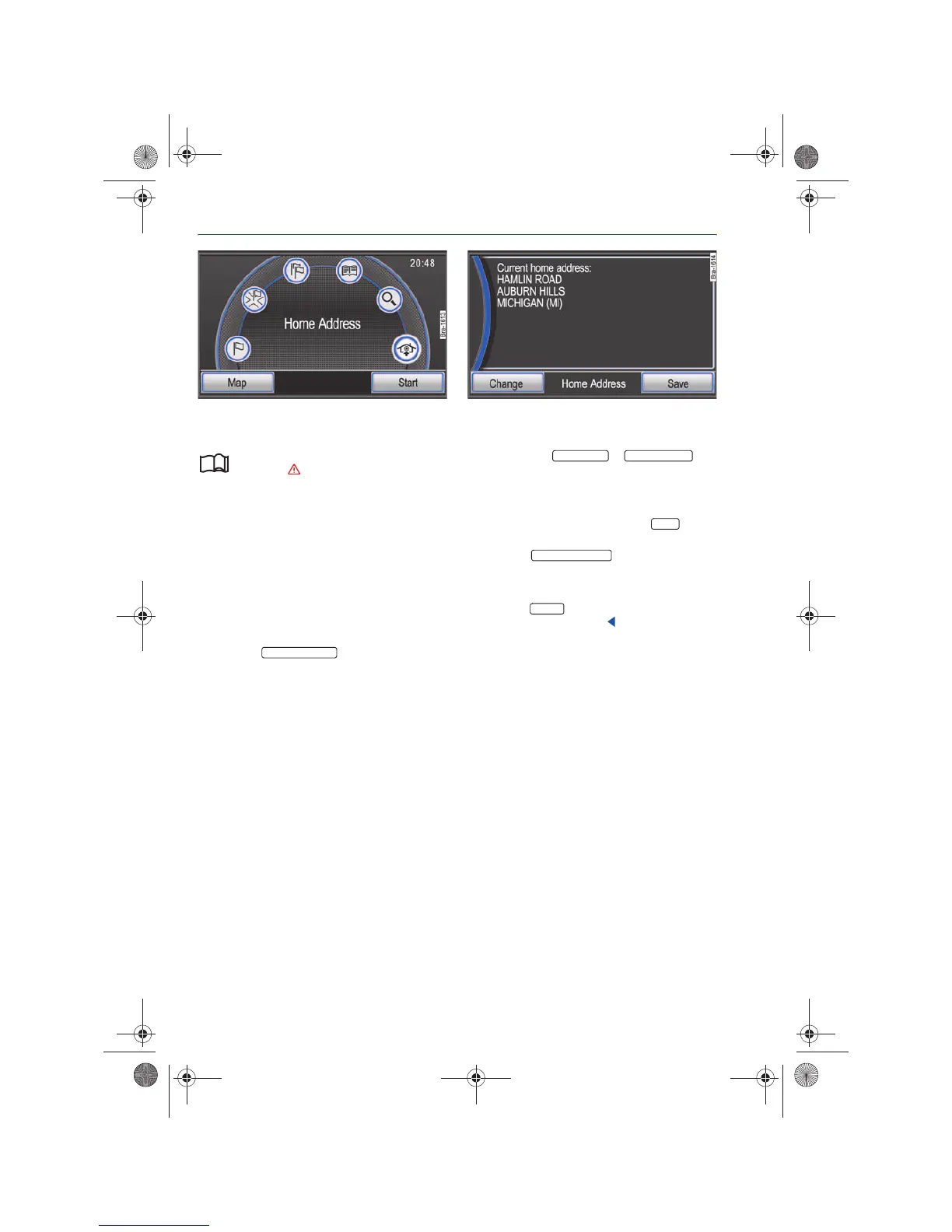
Fig. 59 Navigation main menu: Select the home ad-
dress
Fig. 60 Modifying the saved home address.
Please first read and observe the safety in-
structions on page 3 and the introduc-
tory information on page 45.
Only one address or position can be saved as the
home address.
Route guidance can be launched through the Nav-
igation by selecting the Home Address destination
option.
If no home address has been stored, an address
can be entered after confirming a related instruc-
tion.
Entering the home address
• Press the function button to
save your current geographical position (longitude
and latitude) as your home address.
• OR: Press the or
function button to enter a home address the same
way as a regular destination entry ⇒ page 41.
Changing the stored home address
• In any navigation menu, press the button
in order to open the Navigation setup menu.
• Press the function button.
If you have already saved a home address, it will be
shown in the information window ⇒ fig. 60.
• Press the function button to enter a new
home address as described.
Set current position
Enter Address Enter Intersection
SETUP
Enter Home Address
Change
Navigationssystem_111.5U6.N31_23.book Seite 48 Donnerstag, 22. April 2010 5:16 17



 To Next Page