Audio mode 25
111.5U6.N31.23
If an inserted memory card cannot be read, a pop-
up window with a related message is opened.
• Press the function button and wait for the
prompt to eject the memory card!
When a memory card which does not contain any
audio files is inserted, the function button in the
Media selection menu will remain inactive
⇒ page 27.
Memory cards must be removed manually.
External audio sources: (AUX-IN) input
Fig. 23 External audio source connected to the AUX-
IN multimedia socket.
Please first read and observe the safety in-
structions on page 3 and the introduc-
tory information and safety instructions on
page 21.
The AUX-IN ⇒ page 6, fig. 1 multimedia socket
only works with a 3.5 mm jack plug.
The connected external audio source is played
back via the vehicle speakers and cannot be con-
trolled via the radio navigation system.
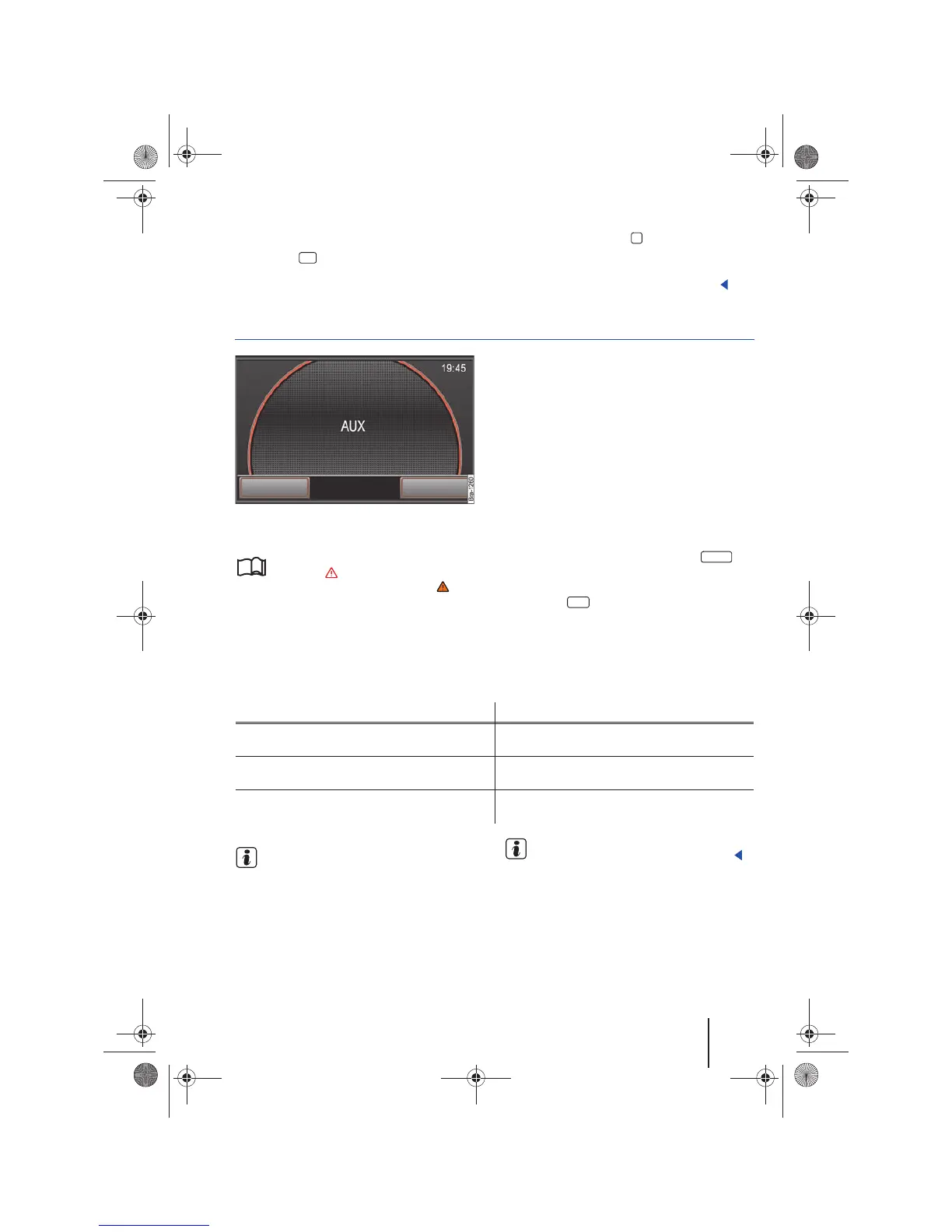
A connected external audio source is indicated by
AUX on the screen.
Connecting an external audio source to the AUX-
IN multimedia socket
• Reduce playback volume on the radio naviga-
tion system ⇒ page 8.
• Connect an external audio source to the AUX-
IN multimedia socket.
• Start playback on the external audio source.
• In the RADIO main menu, press the
button in order to open the Media selection menu
⇒ page 27, fig. 27.
• Press the function button to start playback
of an external audio source through the vehicle
speakers ⇒ page 27.
The volume should be adjusted to match the
volume of the other audio sources ⇒ page 30.
Operating an external audio source via the AUX-IN multimedia socket
If the external audio source is powered by the
12 volt outlet of the vehicle, interference is
possible.
Read and follow the instructions for use of
the external audio source manufacturer.
OK
9
MEDIA
AUX
Operation Effect
Selection of a different audio source on the radio
navigation system.
External audio source continues in the back-
ground.
Stop playback of the external audio source. The radio navigation system remains in the AUX
menu.
Remove the the jack from the AUX-IN socket. The radio navigation system switches to playback
of the last played media source.
24
Navigationssystem_111.5U6.N31_23.book Seite 25 Donnerstag, 22. April 2010 5:16 17



 To Next Page