Settings (SETUP) 69
111.5U6.N31.23
System settings (SETUP)
Please first read and observe the safety in-
structions on page 3 and the introduc-
tory information on page 67.
• Press the button and press the
function button in order to open the system set-
tings.
Reverting to factory settings
Resetting to the original conditions deletes all pre-
vious inputs, destinations and settings.
• In the System setup menu, press the
function button.
• In the following confirmation prompt, press
in order to reset the device to its original con-
dition.
Additional system settings
The instrument cluster is used to define the
unit system displayed in the navigation
menu (metric or Anglo-American).
SETUP System
Factory settings
Ye s
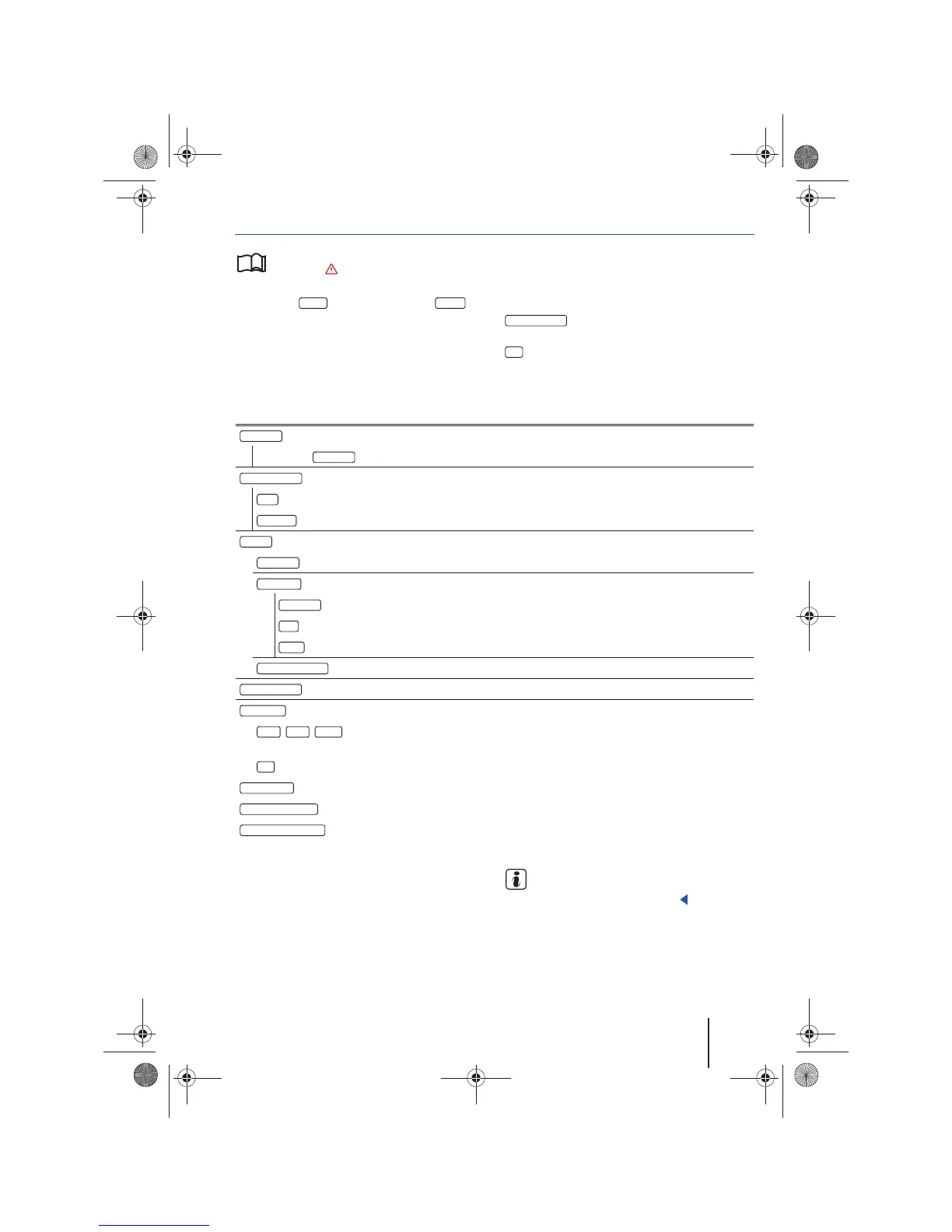
Function button: Effect
: Press to select the desired language for message and voice output.
OR: Select to adopt the language being used by the instrument cluster.
: Alphabetical alignment of the keypad block in the input screens.
: Computer-like alignment of the keypad block in the input screens.
: Adjust display settings.
: Press to adjust the level of brightness.
: Change the map display.
: The map display changes depending on activation or deactivation of the headlights.
: The map display is always in day design (bright).
: The map display is always in night design (dark).
: Turn on or off the confirmation tone associated with pressing function buttons.
: Revert to the device factory settings.
, , : Changes to the climate control system will be shown on the screen for 3, 5 or
10 seconds.
: Changes to the climate control system are not shown on the screen.
: Activate or deactivate the time display ⇒ page 9.
: Display status of the memory card with navigation data.
: Some devices require the memory card to be prepared for removal before it is taken
out ⇒ page 21.
Language
Automatic
Keypad display
ABC
QWE RTY
Display
Brightness
Day/Night
Automatic
Day
Night
Confirmation tone
Factory settings
AC Display
3sec 5sec 10 sec
Off
Clock display
Memory card status
Remove memory card
68
Navigationssystem_111.5U6.N31_23.book Seite 69 Donnerstag, 22. April 2010 5:16 17



 To Next Page