Telephone operation (Phone) 65
111.5U6.N31.23
Making a call from the call list
Please first read and note the introductory
information on page 64.
• Open the call list in the PHONE main menu.
• Mark the desired list entry by turning the
tuning knob ⇒ page 6, fig. 1 .
• Press the tuning knob to begin a call.
• OR: Press the tagged telephone book entry to
begin a call.
• OR: Press the tuning knob or the button
below it to begin a call.
During a phone call
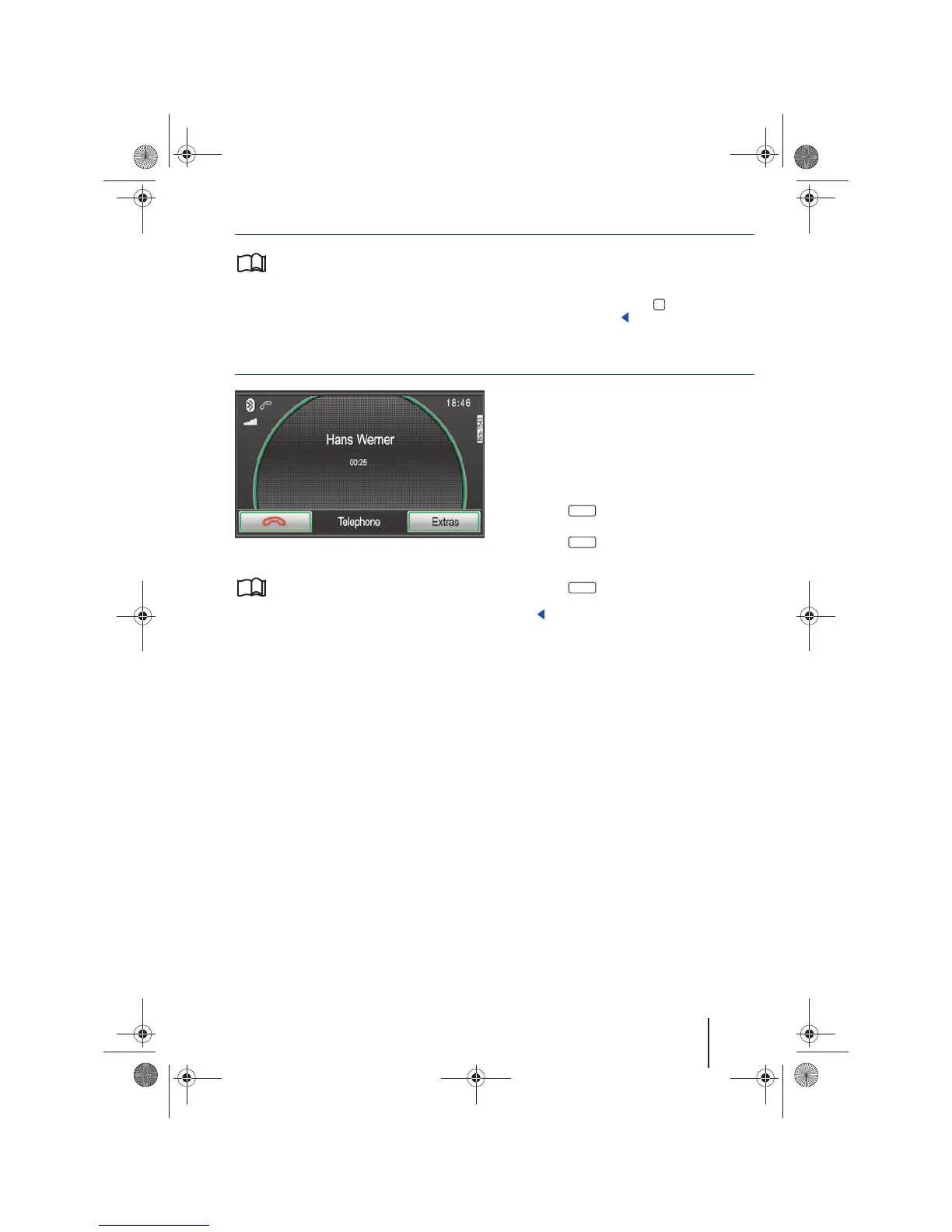
Fig. 76 Displaying an active connection.
Please first read and note the introductory
information on page 64.
Displaying an active connection
During a phone call, the phone number and call
duration will be displayed on the screen.
If a phone number is saved under a name in the
address book, the name will be displayed rather
than the number.
Muting a call
To ensure that the caller does not hear conversa-
tions in the vehicle during a call, audio transmis-
sion can be interrupted.
• Press the function button during an ac-
tive call.
• Press the function button in the pop-up
window to stop sending an audio signal to the
caller.
• Press the function button in the pop-up
window to resume sending an audio signal to the
caller.
A
10
Extras
MUTE
MUTE
64
Navigationssystem_111.5U6.N31_23.book Seite 65 Donnerstag, 22. April 2010 5:16 17



 To Next Page