RNS 310, RNS 315
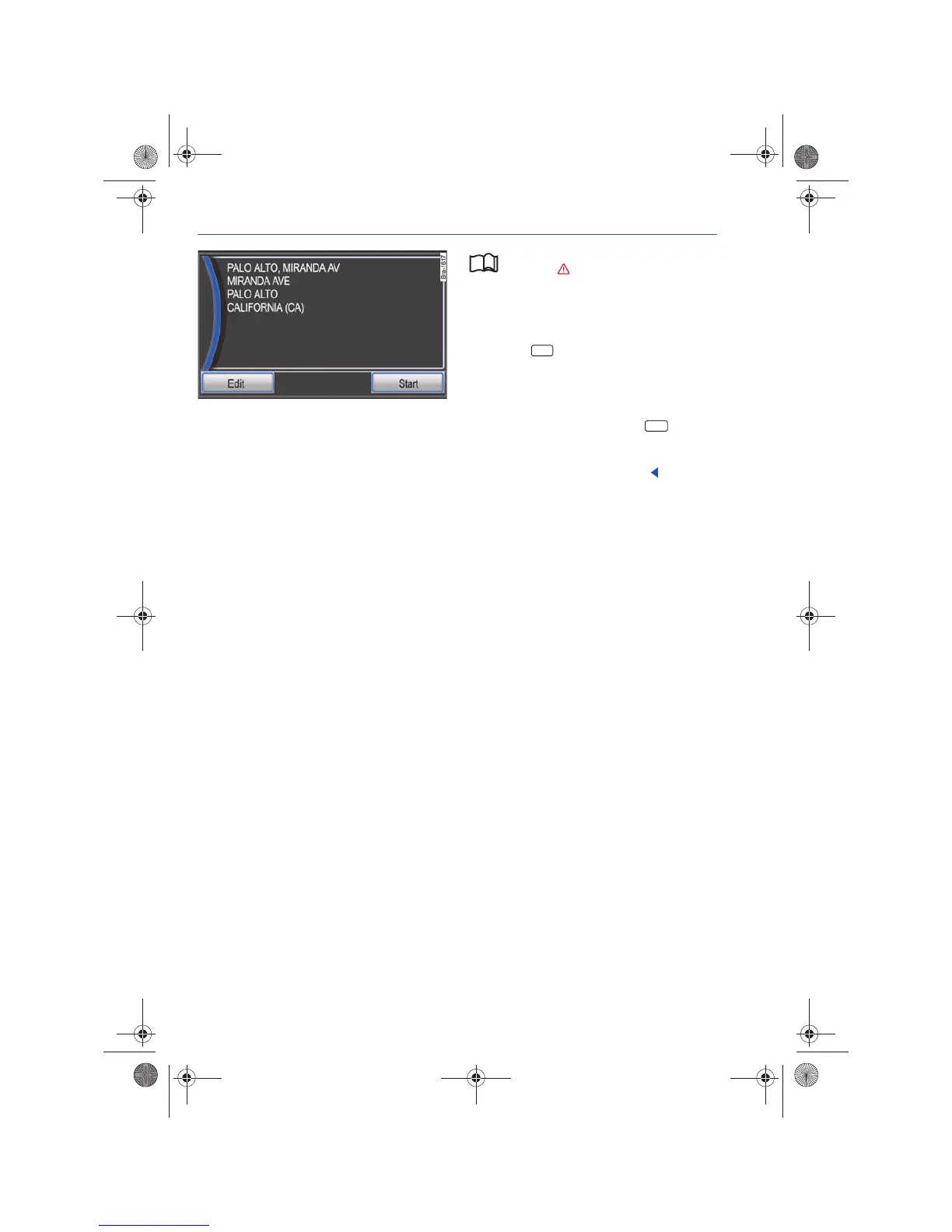
Details view of a destination
Fig. 52 Details view of a destination saved in the ad-
dress book
Please first read and observe the safety in-
structions on page 3 and the introduc-
tory information on page 41.
In Details view, the name under which the destina-
tion was saved as well as additional destination
details are displayed ⇒ fig. 52.
• Press the function button in order to start
route guidance to the displayed destination
⇒ page 49.
Recently selected destinations, as well as destina-
tions saved in the Last Destinations list can be saved
in the Address Book by pressing the function
button ⇒ page 45.
Destinations already saved in the Address Book
can be deleted or renamed ⇒ fig. 52.
Start
Save
Navigationssystem_111.5U6.N31_23.book Seite 44 Donnerstag, 22. April 2010 5:16 17



 To Next Page