Model DMTC22KW
Domestic Charger AC 22kW
→ In the “Port” box, select the port where the “RFID reader” is connected and
click “Connect”;
→ Place the new card on top of the machine and click on “New card init” (if it is
a new card);
→ Click on “Check” to see the card balance;
→ Click "Clear" to clear the card balance;
→ Select “Deposit” to add balance to the card;
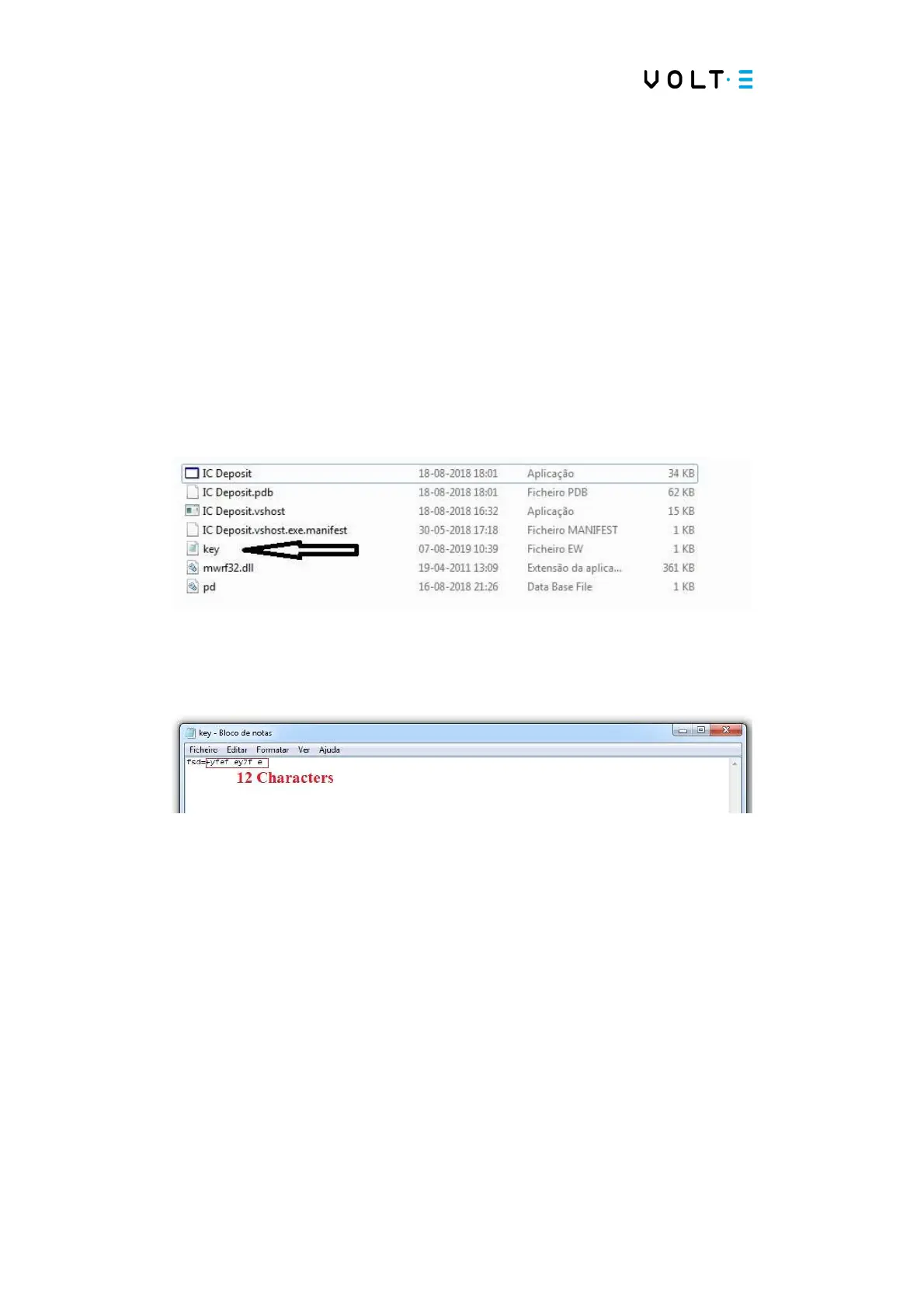
→ Inside the software folder there is a file called “Key”;
→ Este ficheiro tem 12 caracteres;
→ This file must be imported into the Charging Station, so the use of the RFID
card will be linked to it.
6.5. Configuration for OCPP (only after performing point
6.3).
→ Select “Connector Settings”


 To Next Page