Model DMTC22KW
Domestic Charger AC 22kW
6.4. Configure RFID card application (for Basic Software)
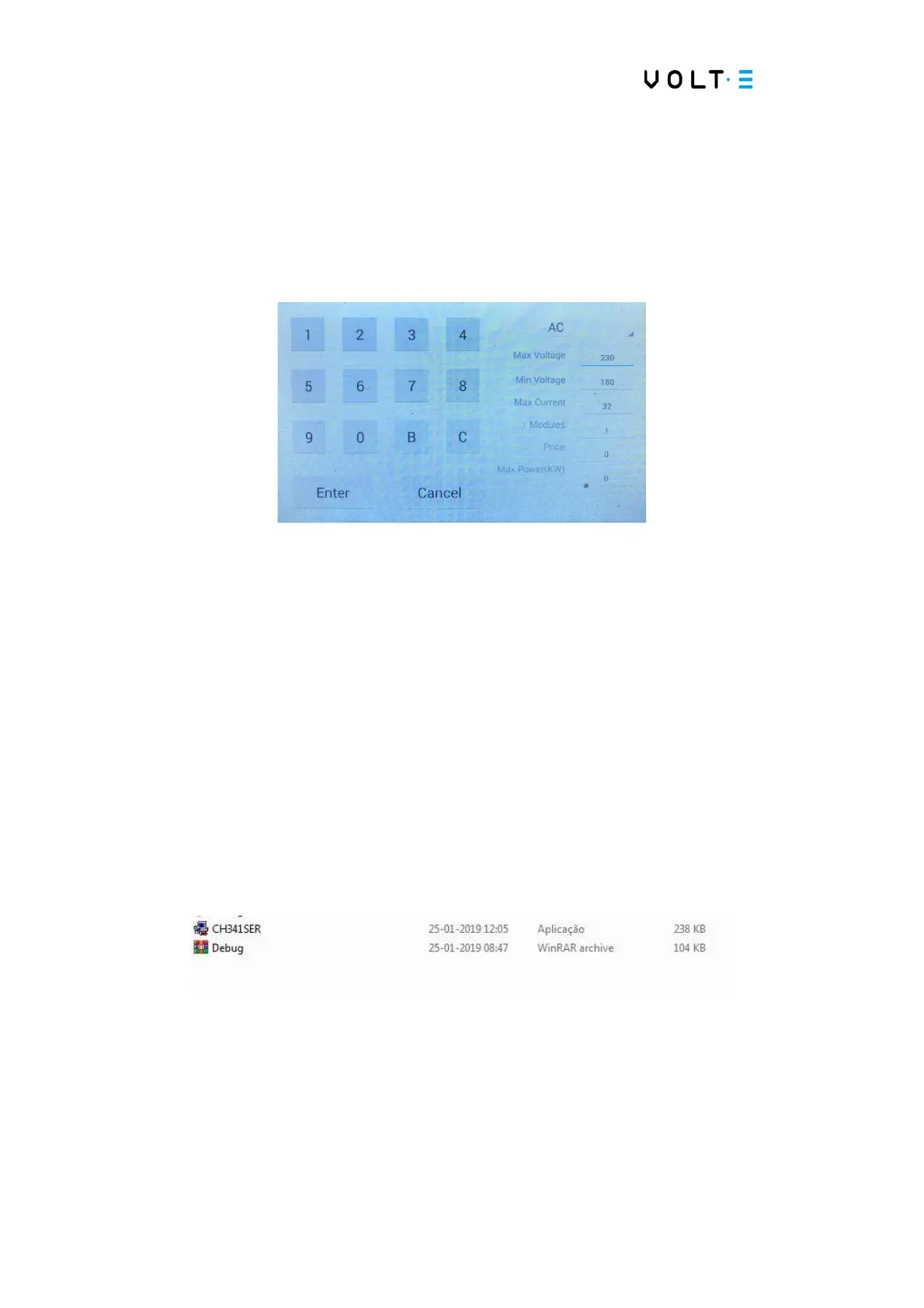
⇒ Select the Base Setting menu, to configure the kW value:
→ In the “price” field, select the desired value and press “Enter”;
→ After entering the value, press “Enter”.
⇒ To format RFID cards:
→ To use the RFID card loading software, you need a recent Windows
computer;
→ If the computer has an old version of Windows, it is necessary to install the
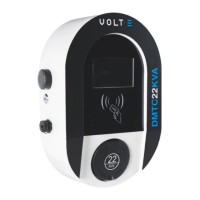
CH341SER application on the computer to use the USB drives;
→ After the drives are installed, place all the indicated files in a single folder;


 To Next Page