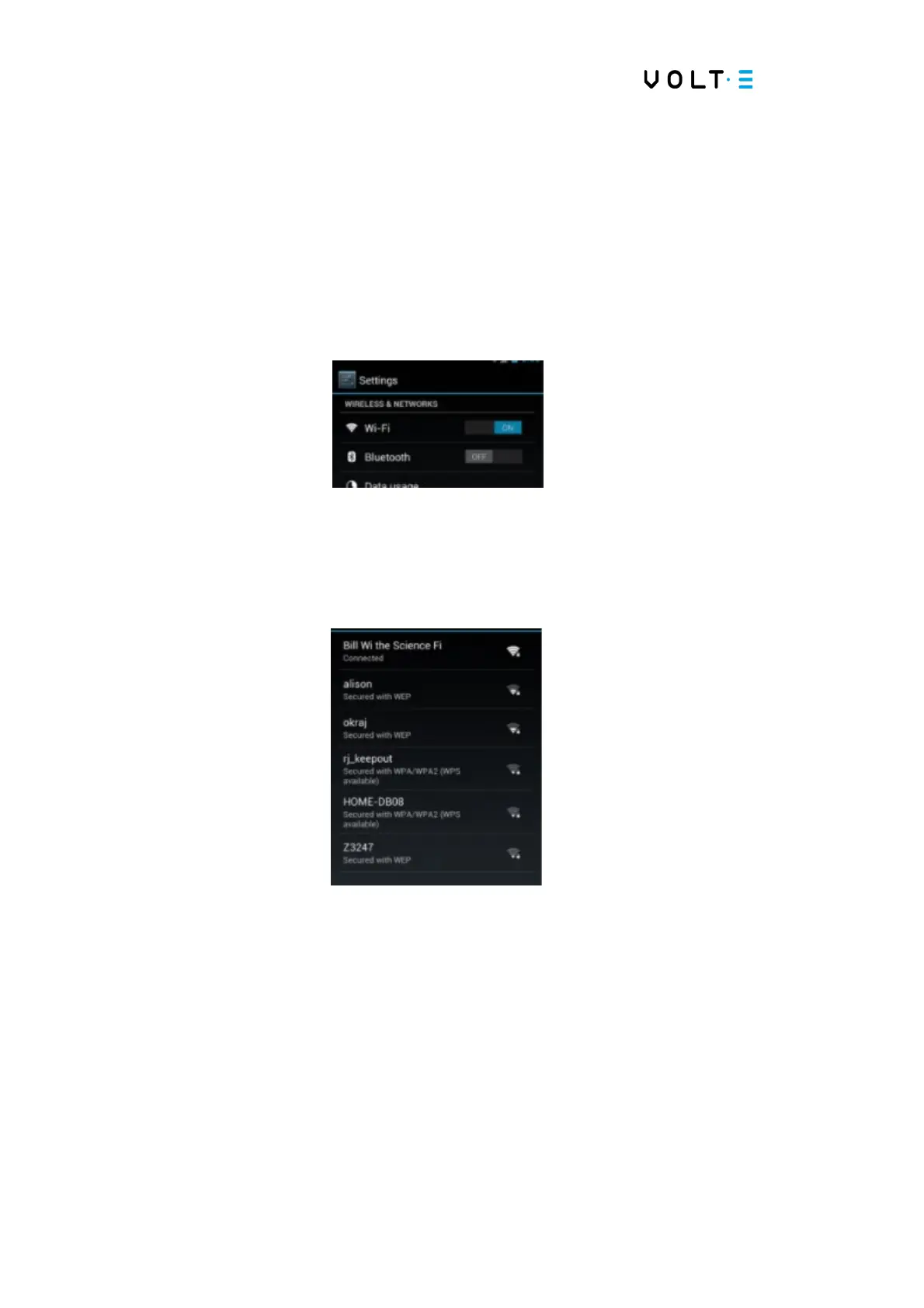
Model DMTC22KW
Domestic Charger AC 22kW
→ Authenticate - Put the code by default, or the code you set to open the menus.
→ Android Settings – Choose the option Android Settings.
→ Menu Wireless & Networks – Choose the menu, Wireless & Networks.
→ Enable the Wi-Fi option - Ensures that the Wi-Fi network interface is ON.
→ Select the network - On the right side, select the SSID of the network you want to
connect to. And authenticate with the network password.
→ Disconnect the Ethernet network – Disconnect the RJ45 network connector from
the Android controller. To ensure that only one network interface forwards packets,
thus avoiding future connectivity problems.
→ Restart the equipment – Physically restart the equipment to ensure that it starts up
correctly with the ChargeMonitorApplication application.


 To Next Page