INFOTAINMENT
* Option/accessory, for more information, see Introduction.
36
Automatic volume control
The infotainment system compensates for dis-
rupting noises in the passenger compartment.
The system increases the volume to compensate
for the speed of the vehicle. Sound level compen-
sation can be set at
Low, Medium, High or Off.
1.
Press SOUND to open the sound settings
menu. Turn TUNE to go to
Volume
compensation and press OK/MENU.
2.
Select a level by turning TUNE and confirm
by pressing OK/MENU.
Related information
•
Infotainment – operating the system (p. 28)
Radio
Your vehicle's radio offers AM, FM and
SiriusXM™ satellite radio*.
If the vehicle is connected to the Internet, it may
also be possible to listen to web radio, see
Applications (p. 78).
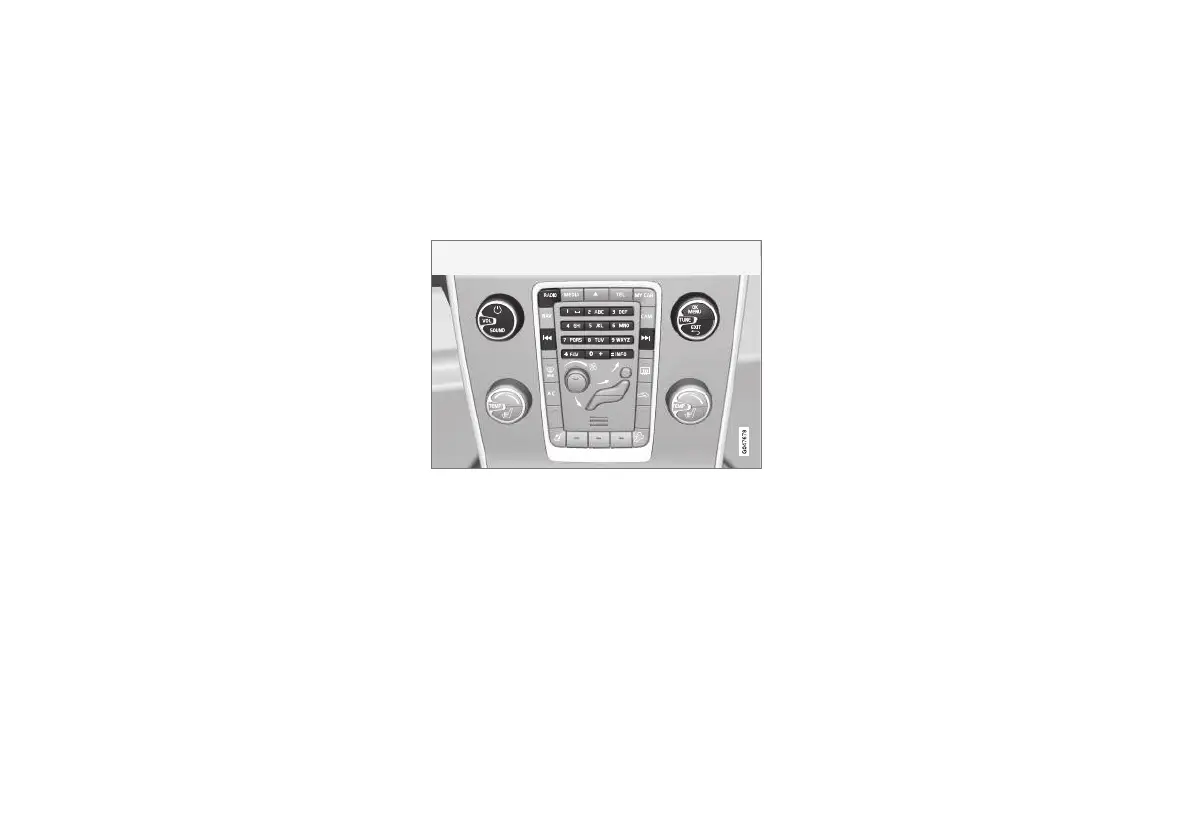
Radio controls on the center console
Shortcuts to certain functions can be stored in
the FAV button. A shortcut can then be activated
by pressing the FAV button, see Favorites (p. 33).
AM/FM radio
•
Radio station search (p. 37)
•
Preset radio stations (p. 38)
SiriusXM™ satellite radio*
•
Preset radio stations (p. 38)
•
SiriusXM™ satellite radio* (p. 42)
Web radio
•
Applications (p. 78)
Related information
•
AM radio menus (p. 82)
•
FM radio menus (p. 82)
•
Internet connection (p. 73)



 To Next Page