INFOTAINMENT
}}
* Option/accessory, for more information, see Introduction.
69
•
The vehicle's doors, windows and moonroof*
should be closed when using the voice con-
trol system
•
Avoid background noises in the cabin when
using the system
NOTE
If you are uncertain of the commands that you
can use, saying
help will prompt the system
to provide a number of commands that can
be used in a specific situation.
Commands can be cancelled by:
•
Saying
cancel
•
Pressing EXIT or any of the mode but-
tons (Tel, MEDIA, etc.).
Cell phones
Before any phone-related voice commands can
be used, a Bluetooth
®
-enabled cell phone must
be paired with and connected to the infotainment
system. If a command is given and no phone is
connected, the system will inform you of this. See
Connecting a Bluetooth
®
device (p. 58) for infor-
mation about pairing and connecting a cell
phone.
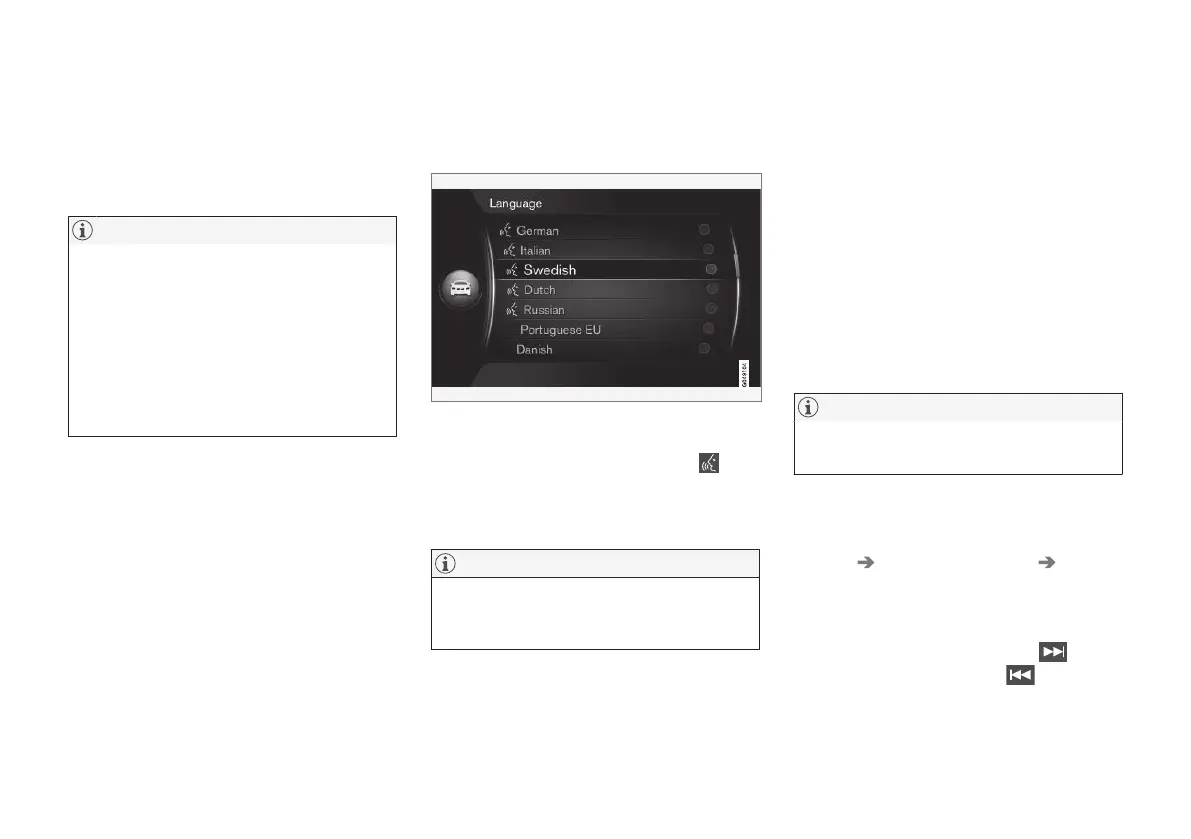
Voice control language
The languages available for voice control can be
selected in the MY CAR menu system.
Sample list of languages
Voice control is not available in all languages. The
languages supported are marked by the
icon
in the list of languages and may vary according to
the country/area in which you live. Language
changes are made in the MY CAR menu system.
NOTE
Changing the language for voice controls also
changes the language used in the entire info-
tainment system.
Related information
•
Voice control help functions (p. 69)
•
Voice control settings (p. 70)
Voice control help functions
These functions help you get started using the
voice control system (p. 68) and improve the
system's voice recognition.
•
Voice tutorial: helps acquaint you with the
system and the procedure for giving voice
commands.
•
Voice training: A function that helps the
system improve its voice recognition (learn to
identify your voice and pronunciation). This
also makes it possible to set a user profile.
•
Brief instruction: A function that reads a
brief instruction about how the system works.
NOTE
These instructions are only available when the
vehicle is parked.
Tutorial
The tutorial can be started in the normal view for
MY CAR, by press OK/MENU and select
Settings Voice control settings Tutorial.
The tutorial is divided into 3 lessons that take a
total of about 5 minutes to complete. By default,
the system begins with the first lesson. To skip a
lesson and go to the next one, press
. Go to
the previous lesson by pressing
.
Leave the tutorial by pressing EXIT.



 To Next Page