||
INFOTAINMENT
54
MP3 audio specifications
Format kHz kbps
MPEG-1/Audio 32
32–320
A
44.1
32–320
A
48
32–320
A
MPEG-2/Audio 16 8–160
22.05 8–160
24 8–160
MPEG-2.5/Audio 8 8-64
11.025 8-64
12 8-64
A
Not 144 kbps.
WMA audio specifications
In order to play, a file must meet the following cri-
teria:
WMA version 8.x, 9.x, 10.x, Pro
AAC audio specifications
In order to play, a file must meet the following cri-
teria:
Audio format MPEG-2 and MPEG-4
Audio sampling rate 8–96 kHz
Channels (ch) 1ch and 2ch
WAV audio specifications
In order to play, a file must meet the following cri-
teria:
Audio sampling rate Up to 44.1 kHz
Channels (ch) 1ch and 2ch
Audio bit rate 16 kbps for 1ch
The .wav format also supports the PCM format.
Related information
•
Playing and navigating in DVDs (p. 52)
External audio sources via the
AUX/USB sockets
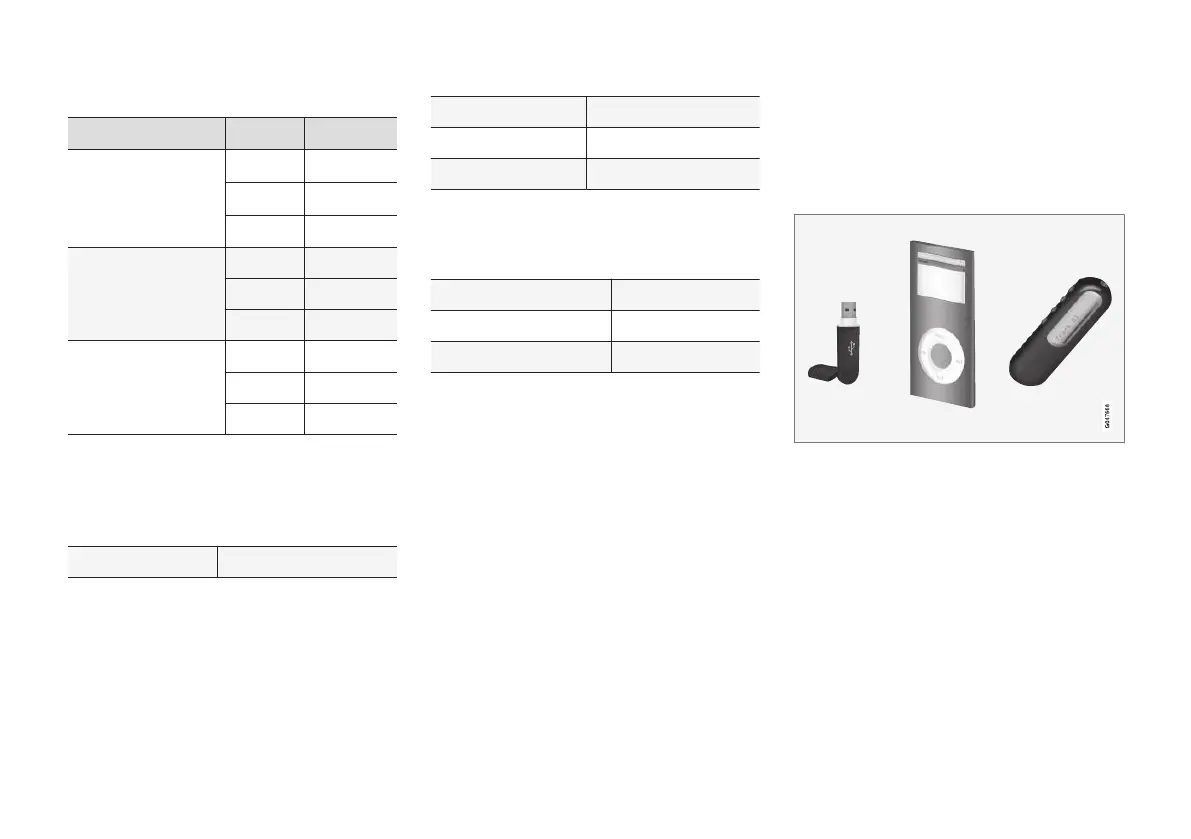
External audio sources such as an iPod
®
or an
mp3 player can be connected to the infotain-
ment system.
A device with rechargeable batteries can be
recharged when it is connected to the USB
socket (if the ignition is on or the engine is run-
ning).
The FAV button can be used to store frequently
used functions. The stored function can then be
started by pressing FAV, see Favorites (p. 33).
Listening and navigating menus
An audio source connected to the USB socket
can be operated using the infotainment controls.
This is not the case for a device connected via
the AUX socket.



 To Next Page