INFOTAINMENT
}}
43
3. If you tune to an unsubscribed channel, the
SiriusXM™ ID will be displayed (see "Sir-
iusXM™ ID" below for an alternative method
of displaying the ID).
4.
Updating subscription will be displayed
while the subscription is being updated, after
which the display will return to the normal
view.
Traffic information
This feature interrupts regular programming to
provide you with information about traffic jams,
accidents, etc.
To activate:
1. With Sirius activated, press the thumb wheel
on the steering wheel keypad or OK/MENU
on the center console to display the Sirius
menu.
2.
Scroll to
Traffic announcement and press
the thumb wheel on the steering wheel key-
pad or OK/MENU on the center console to
open a list where you can switch this feature
on or off, or select an area from which you
would like to receive traffic information.
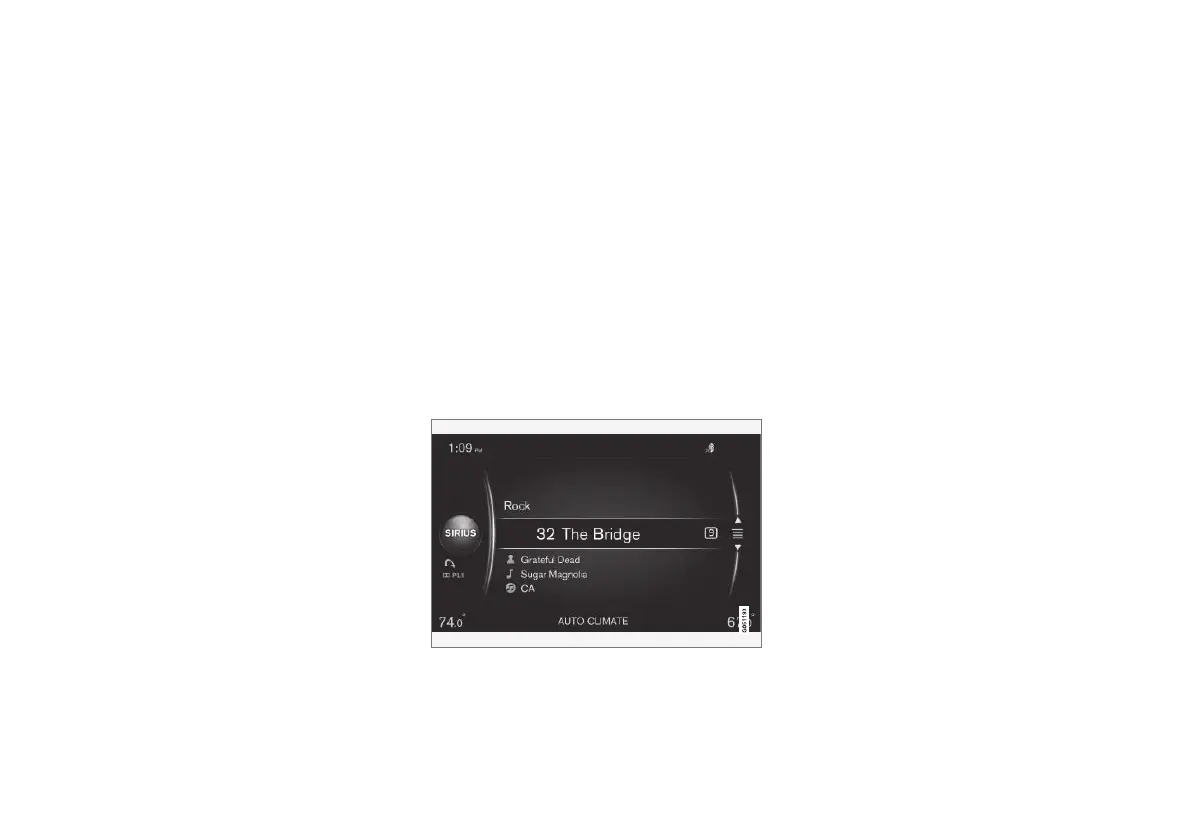
> If you have activated the function, a curved
arrow symbol will appear under the Sirius
symbol on the left side of the screen - see
the following illustration. You will then
receive traffic information from the traffic
channel in the area that you have
selected (i.e., the radio will switch from the
current channel to the traffic channel),
regardless of which mode (RADIO,
MEDIA, etc.) that you are currently using.
3.
Press EXIT to leave this list.
If the current radio programming is interrupted by
a traffic announcement:
•
Press the thumb wheel on the steering
wheel keypad or OK/MENU on the center
console. The pop-up window on the screen
will close but the traffic announcement will
continue.
•
Press EXIT to close the pop-up window and
reject the traffic announcement. The radio
will return to the previous radio broadcast.
Traffic channel toggling
If the radio program that you are listening to is
interrupted too often by traffic information, do as
follows:
1. Save the channel that you are currently lis-
tening to (or the channels that you frequently
listen to) as a preset (p. 45).
2. Activate the traffic function if you have not
already done so (see the information above)
3. The first time your current channel is inter-
rupted by traffic information, accept by press-
ing the thumb wheel or OK/MENU.
> The radio will switch automatically to the
traffic channel in the area that you have
selected.
4. Save the traffic channel as a preset.
5. Toggle at any time between the channels
("your" channel and the traffic channel)
using the keys used to store the presets on
the center console.



 To Next Page