||
INFOTAINMENT
60
The examples are based on pairing a cell phone.
Connecting a media player is done in the same
way. However, it is done from MEDIA mode
(press the MEDIA button on the center console
to enter this mode).
There are two ways of pairing a device:
•
By searching for the external device using
the infotainment system's menus.
•
By searching for the vehicle (infotainment
system) using the external device’s
Bluetooth
®
function.
If you are not already in telephone mode, press
the TEL button on the center console.
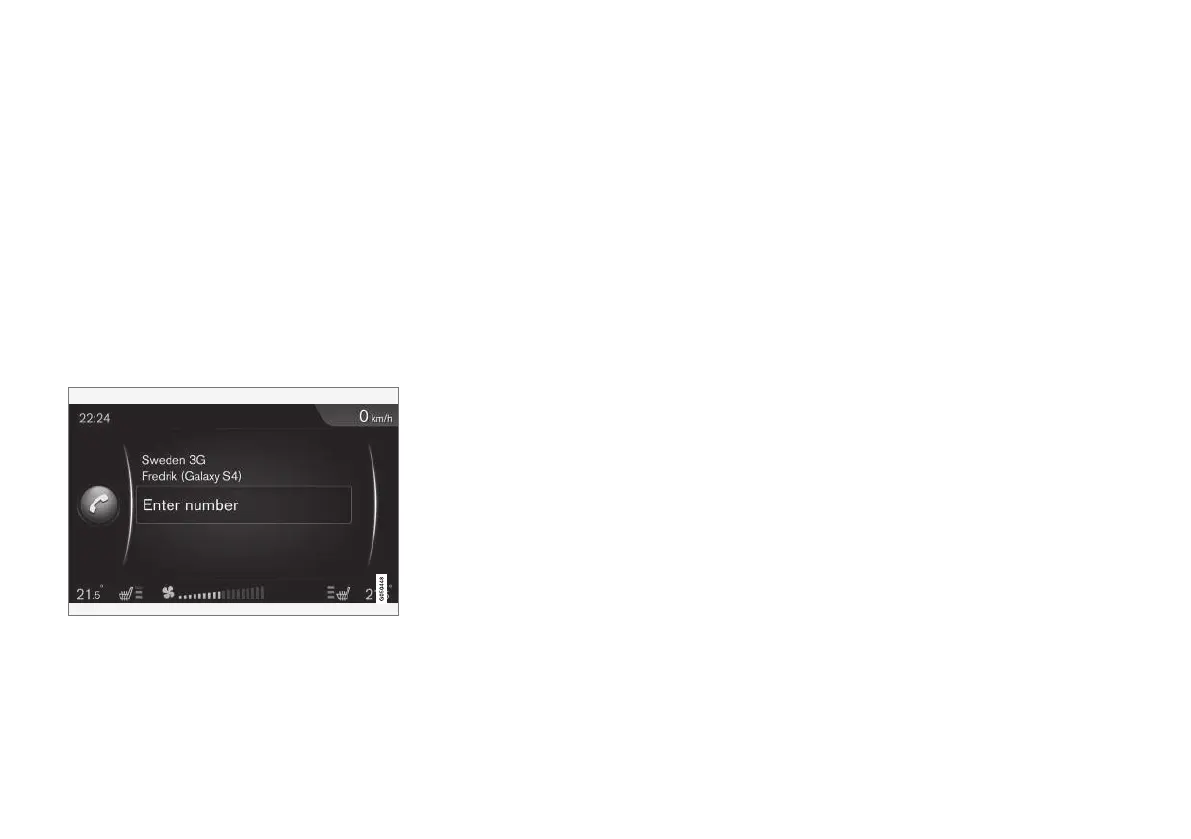
An example of telephone mode's normal view
Method 1: search for the external
device using the infotainment system's
menus
1. Make the external device discoverable/visible
using its Bluetooth
®
function. Refer to the
device's user's guide if necessary or go to
www.volvocars.com.
2. From the telephone’s normal view, press
OK/MENU and select
Search new phone
(for media players, Search new device).
> The infotainment system will now search
for Bluetooth
®
devices that are in range,
which may take up to 1 minute.
3.
Select a Bluetooth
®
device from the list and
press OK/MENU.
4. Be sure that the code displayed in the device
is the same as the one shown on the info-
tainment screen. If so, accept the code in
both places.
5. From the cell phone, accept or reject any
choices regarding its phone book and mes-
sages.
> The external device is now paired to the
infotainment system.
If this method has not succeeded, press EXIT
and pair the device using method 2.
Method 2: search for the vehicle using
the external device’s Bluetooth
®
function
1. From the telephone’s normal view, press
OK/MENU and select
Make car
discoverable. Confirm by pressing OK/
MENU.
2.
Search for Bluetooth
®
devices (i.e., the info-
tainment system) from the external device,
which may take up to 1 minute.
3. Select the vehicle's name on the external
device's screen.
4. Be sure that the code displayed in the device
is the same as the one shown on the info-
tainment screen. If so, accept the code in
both places.
5. From the cell phone, accept or reject any
choices regarding its phone book and mes-
sages.
> The external device is now paired to the
infotainment system.
When the external device has been paired and
selected, its Bluetooth
®
name will appear on the
infotainment system's screen and the device can
be controlled from the vehicle.
Related information
•
Infotainment – operating the system (p. 28)
•
Connecting and disconnecting a Bluetooth
®
device (p. 57)



 To Next Page