INFOTAINMENT
}}
77
NOTE
•
The data subscription in the vehicle must
be active in order to connect to the Inter-
net.
•
To avoid having to enter the PIN code
each time the ignition is switched on, the
SIM card can be unlocked in the menu
system. To do so, press the MY CAR but-
ton on the center console to display this
mode’s normal view. Press OK/MENU
and select
Settings Internet settings
Car modem. Deselect (unmark) the
Lock SIM card box.
From MY CAR’s normal view, press OK/MENU
and select
Settings Internet settings
None to turn off the Internet connection.
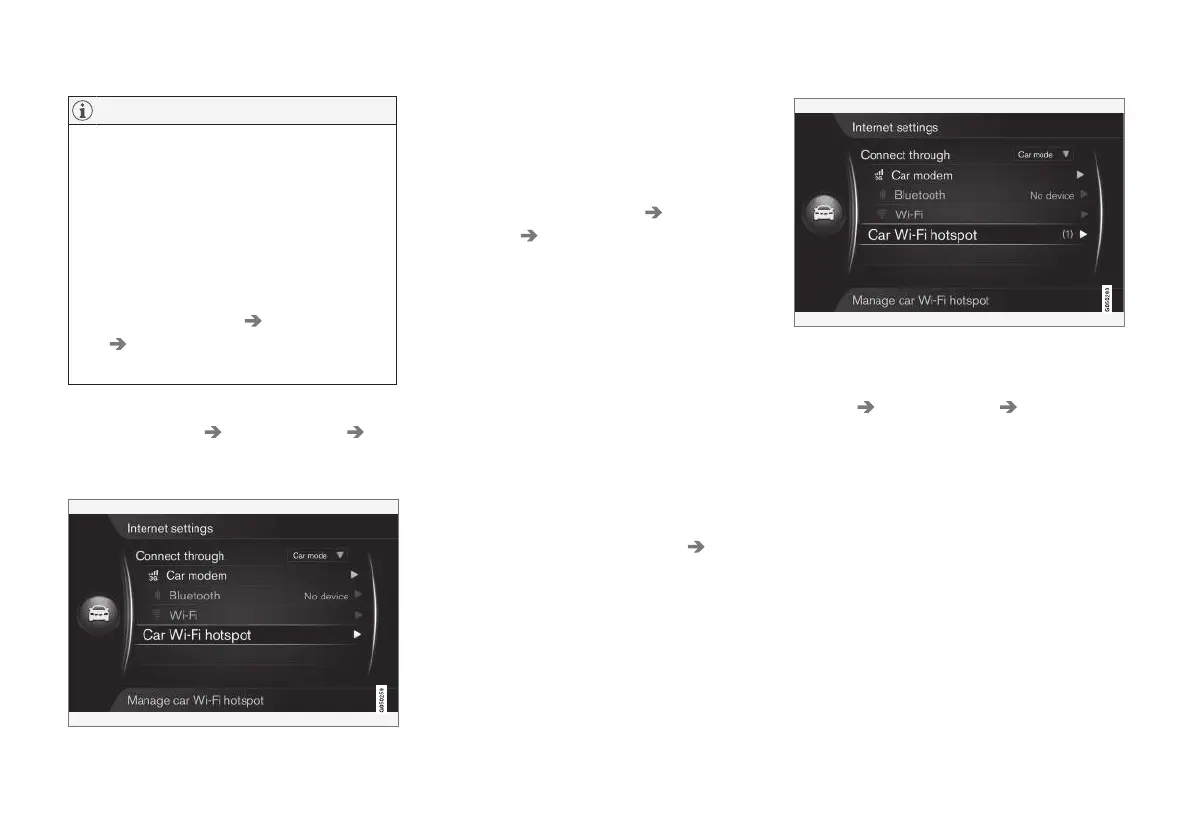
Sharing a Wi-Fi hotspot (tethering)
When an Internet connection has been estab-
lished using the modem, this connection (a Wi-Fi
hotspot) can be shared (tethered) to enable other
devices in the vehicle to use the modem.
1.
From MY CAR’s normal view, press OK/
MENU and select
Settings Internet
settings
Car Wi-Fi hotspot
Enter a name for the Wi-Fi network (SSID)
and specify a password. The name must con-
tain 6-32 characters and the password must
contain 10-63 characters. The name and
password can be changed at any time.
2. Activate the vehicle's Wi-Fi hotspot by
checking the box on the screen.
> External devices can now connect to the
vehicle's Wi-Fi hotspot.
To deactivate, remove the check from the box.
Up to 8 devices can be connected to the vehi-
cle's Wi-Fi hotspot. To view the number of devi-
ces connected, from MY CAR’s normal view,
press OK/MENU and select
Settings
Internet settings.
Number of devices connected to the Wi-Fi hotspot
For certain connected devices, from MY CAR’s
normal view, press OK/MENU and select
Settings Internet settings Car Wi-Fi
hotspot
.
Wi-Fi hotspot technical specifications and
security
Wi-Fi hotspot tethering uses a frequency of 2.4
GHz. If several devices use this frequency simul-
taneously, this may result in slower access times.
•
Frequency: 2.4 GHz.
•
Standards: 802.11 b / g / n.
•
Security certificate: WPA2-AES-CCMP.
•
The antenna for the vehicle's modem is
located on the roof.
No or poor Internet connection
See Internet connection (p. 73).



 To Next Page