EasyManua.ls Logo

Volvo SENSUS NAVIGATION - Page 13

Volvo SENSUS NAVIGATION
96 pages
Print Icon
To Next Page IconTo Next Page
To Previous Page IconTo Previous Page
Loading...
01 Get started now
01
11
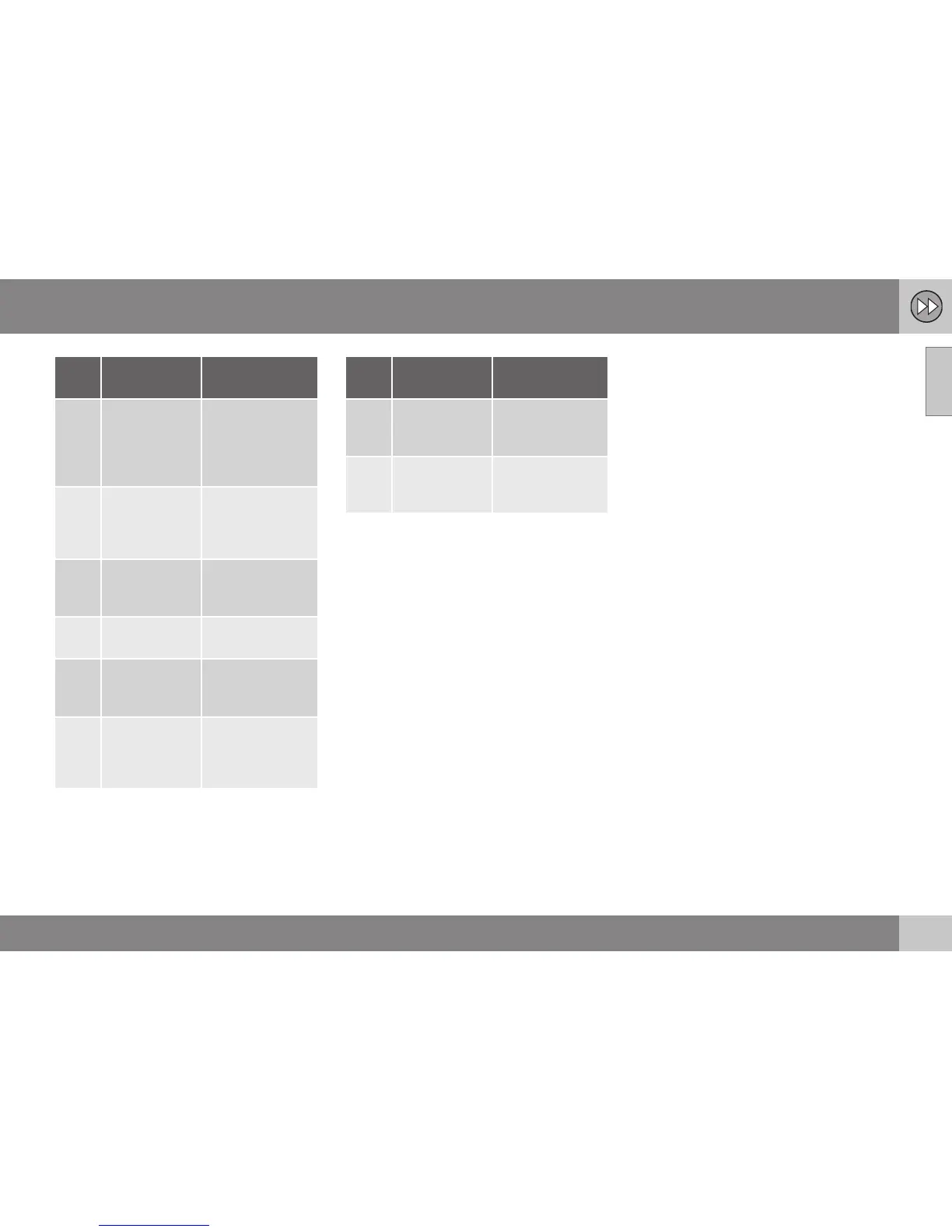
Step Screen/
menu
Action
1 If the screen
does not show
a map image,
proceed as
follows:
Press the centre
console button
NAV.
2 Map Press NAV to
display the
"
Shortcuts"
menu.
3
Menu Short-
cuts, see
(p. 34).
Mark Set point
of interest +
OK.
4
Point of
interest (POI)
Select e.g. Near
the car + OK.
5
Menu Near
the car and
Results list.
Select e.g. Near-
est tourist
attraction + OK.
6
Results list
Select the
desired option
from the list +
OK.
Step Screen/
menu
Action
7 Pop-up menu
Mark Set single
destination +
OK.
8 Map Guidance starts -
follow the
instructions.
For more detailed information on searching
destinations with POI, see (p. 44) and
(p. 79).
Related information
Activating the system (p. 9)
Controls - quick guide (p. 9)

Table of Contents

Related product manuals