11 Settings
11
}}
61
•
System information (p. 69)
•
FAV button (p. 70)
•
Importing/exporting stored locations
(p. 71)
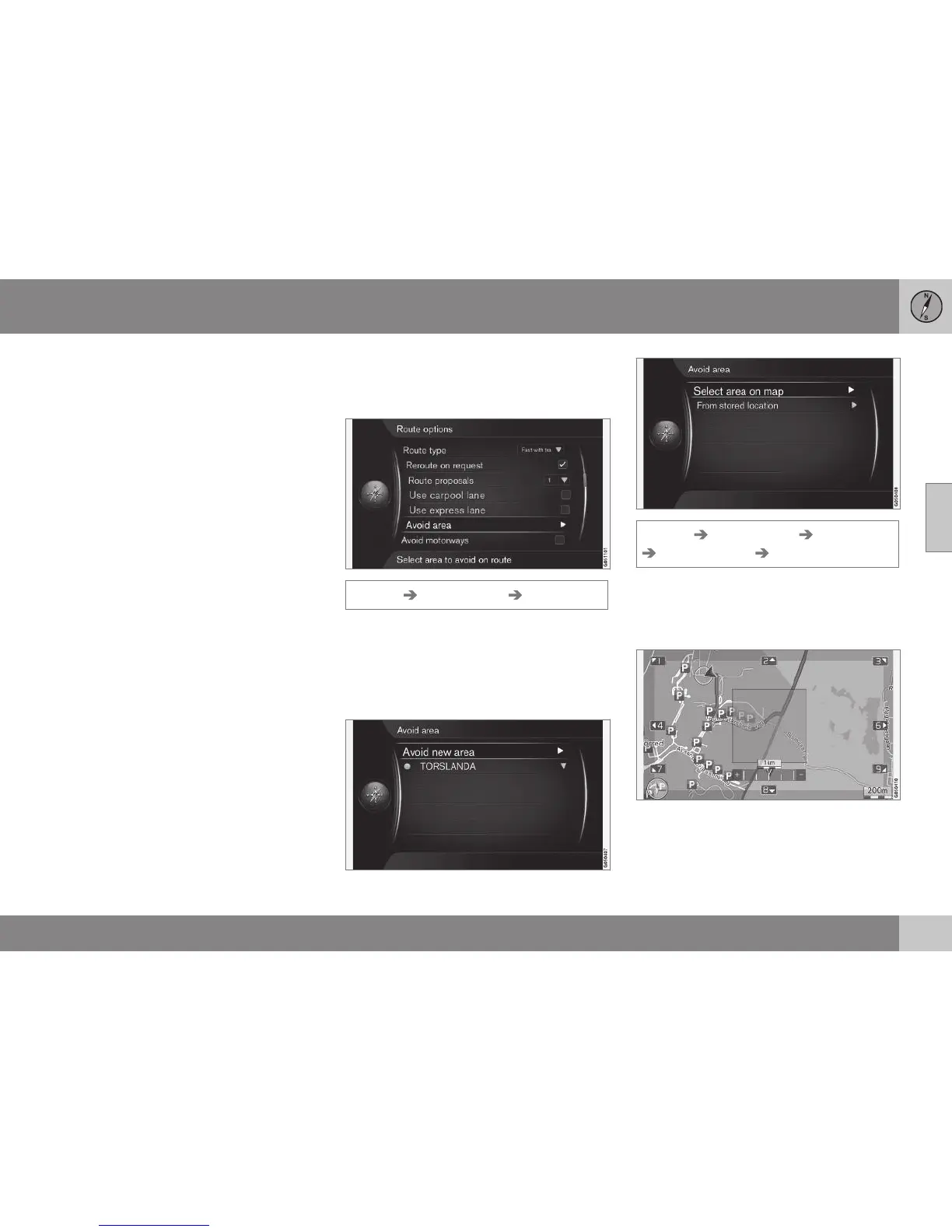
Route options - avoid area
Create restricted areas in order to avoid guid-
ance through e.g. certain cities or districts.
Settings Route options Avoid area
The function ignores a whole map area when
calculating the route outline. Can be used for
avoiding guidance through a particular area.
The exception is motorways, which are also
used for calculation in a "deselected/restric-
ted" map area.
Settings Route options Avoid area
Avoid new area Select area on map
Creating a restricted area
An area that shall be avoided is selected by
highlighting directly on the map with a square
zone/a "box".
To create and store a restricted area:
1. Scroll the map until the cursor is in the
desired area.
2. Press OK - a red "box" is created.



 To Next Page