10 Route
10
57
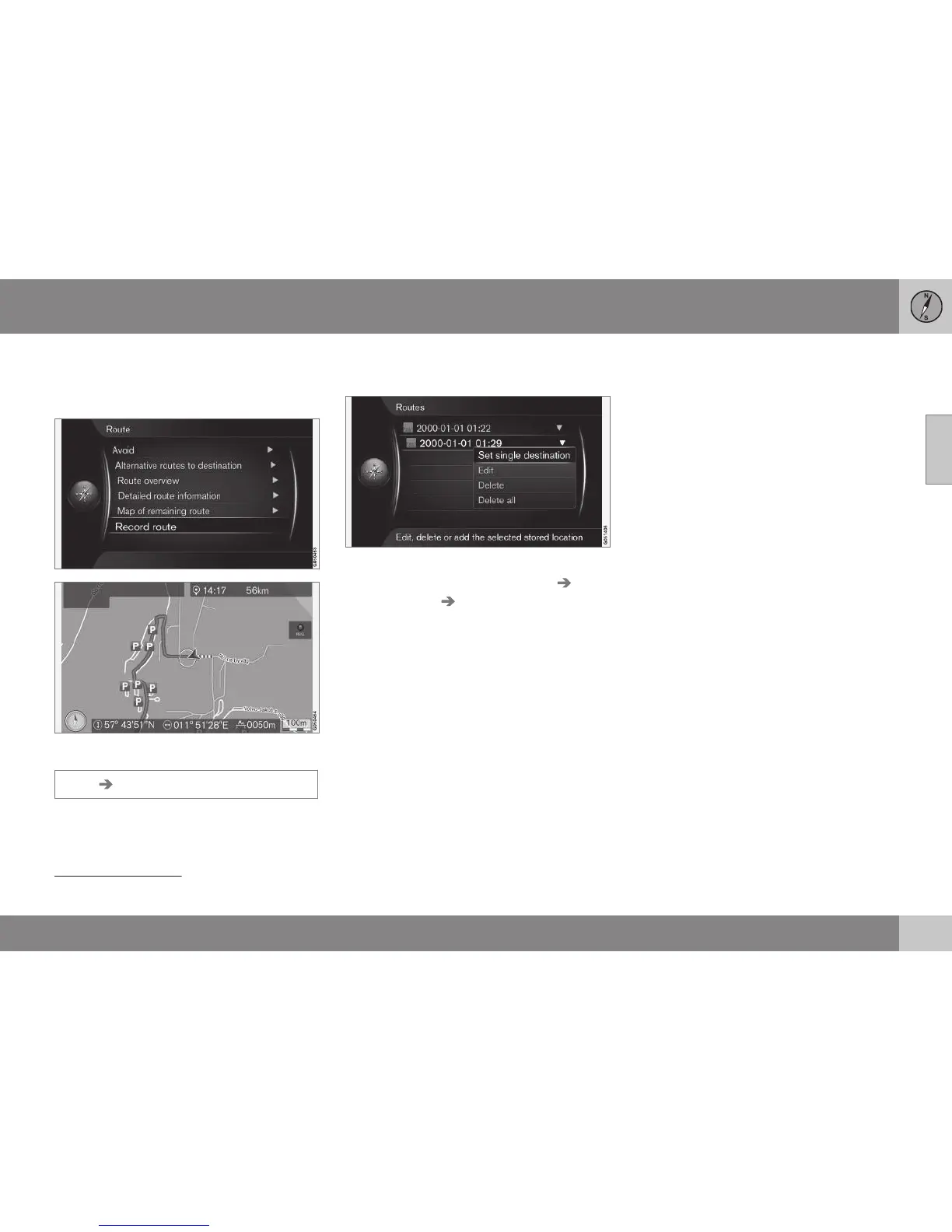
Record a route
Record and store the route in the navigation
system's memory.
The "REC" symbol indicates that route recording
is in progress.
Route Record route
The REC symbol is shown on the screen
while recording is in progress. Recording is
cancelled with the same menu option - Start/
Stop route recording.
Recoded routes are stored and can be
opened in the menu
Set destination
Stored location Routes (p. 45).
Recorded files can be exported/transferred to
a USB memory stick
1
in order to e.g. be cop-
ied to another vehicle's GPS navigator. For
more information, see (p. 71).
Related information
•
Route - avoid (p. 54)
1
For information about connecting a USB memory stick, see the owner's manual for the car or the Sensus Infotainment supplement.



 To Next Page