11 Settings
11
}}
63
When the required options have been
selected:
•
Leave the menu with EXIT or NAV.
NOTE
•
If an itinerary is entered when these
selections are made then there may be
a certain delay after an option has
been ticked/unticked since the itiner-
ary must be recalculated.
•
If tunnels, toll roads and motorways
are not selected then these are avoi-
ded as far as possible and are only
used if no other reasonable alternative
is available.
Related information
•
Route options (p. 59)
•
Route options - avoid area (p. 61)
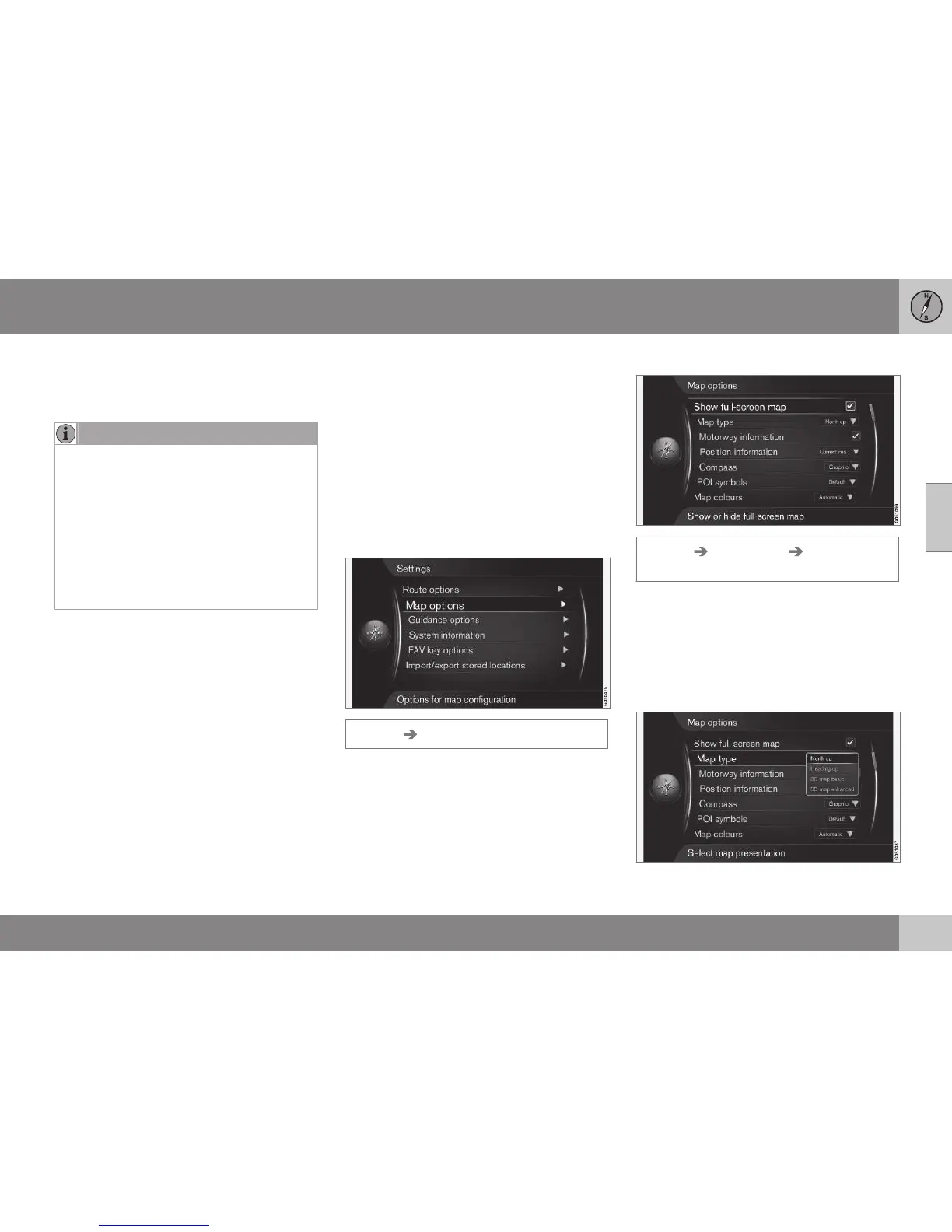
Map options
Settings can be made here for how the map
should be shown on the screen.
Examples of what can be set are:
•
full screen map
•
compass direction
•
motorway information
•
position information
•
POI
•
map colours.
Settings Map options
Full screen map
Settings Map options Show full-
screen map
Highlighted option + OK shows the map
across the whole screen without other car-
related information, such as passenger com-
partment temperature or active radio trans-
mitter in the lower and upper edge of the
screen.
Map mode compass direction



 To Next Page