11 Settings
11
71
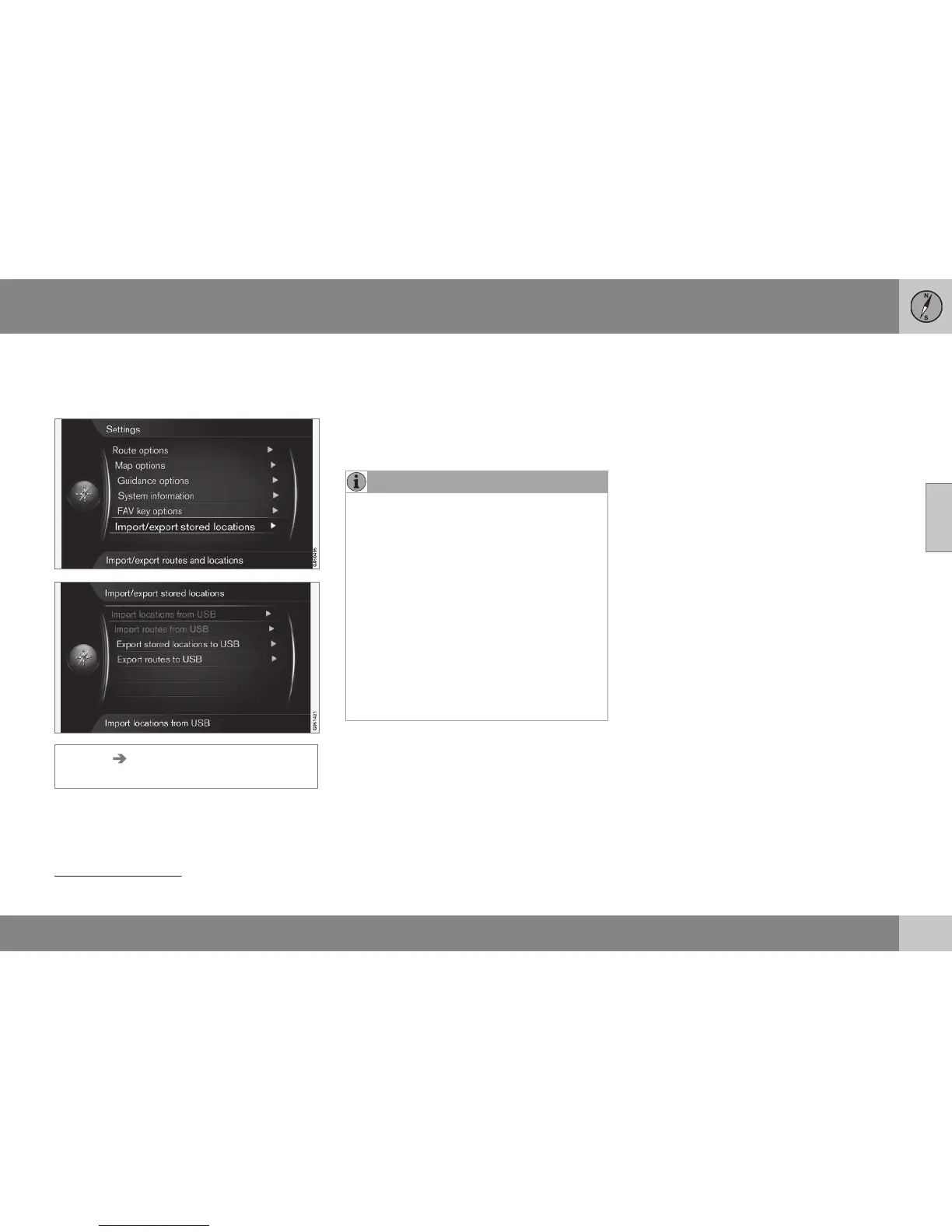
Importing/exporting stored locations
Import and/or export stored routes and loca-
tions.
Settings Import/export stored
locations
The navigation system's stored routes and
destinations/locations (see Stored locations
(p. 45)) can be copied over to a USB memory
stick
8
.
The map database can also be supplemented
with POI options from other sources via a
USB memory stick, providing that the POI
files are in the "gpx" format.
NOTE
•
Adding POI files to the map database
requires a certain amount of computer
knowledge!
•
File format for POI files and how the
files are downloaded from the Internet
are determined by the respective man-
ufacturer/distributor. Consequently
there is no standardised process for
downloading POI files from the Inter-
net - and for this reason this owner's
manual does not show an exact step-
by-step description.
•
If you have any questions - contact a
Volvo dealer.
Related information
•
Guiding options (p. 66)
•
FAV button (p. 70)
•
Map options (p. 63)
•
System information (p. 69)
8
For information about connecting a USB memory stick, see the owner's manual for the car or the Sensus Infotainment supplement.



 To Next Page