08 Specify a destination
08
}}
41
General information about entering a
destination
Destinations can be entered in different ways.
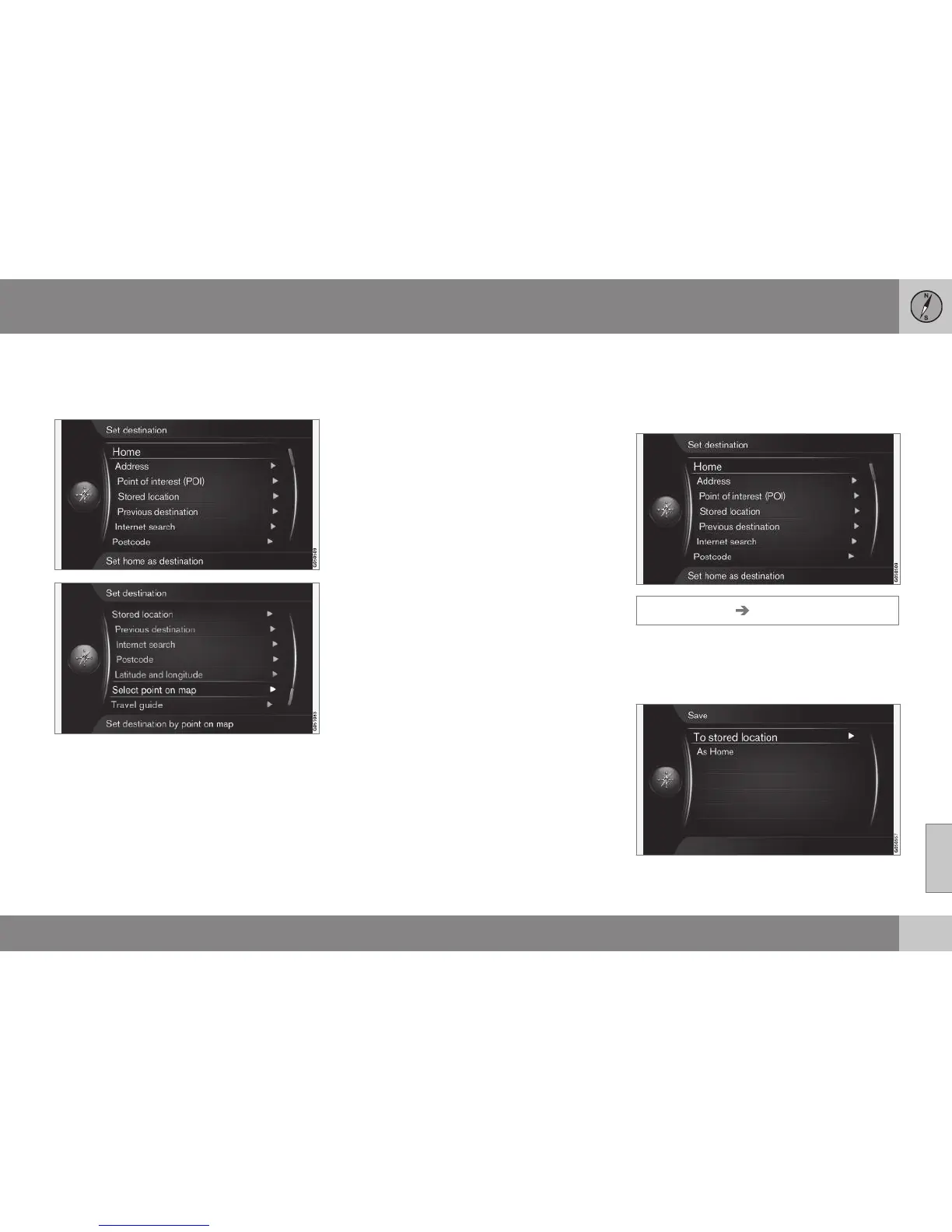
The following methods are available for enter-
ing a destination:
•
Home, (p. 41).
•
Address, (p. 42).
•
Point of interest (POI), (p. 44).
•
Stored location, (p. 45).
•
Previous destination, (p. 46).
•
Internet search, (p. 46).
•
Postcode, (p. 47).
•
Latitude and longitude, (p. 47).
•
Select point on map, (p. 48).
•
Travel guide, (p. 49).
See also daisy wheel (p. 27) for information
on how characters are typed/entered into the
system's various text fields.
Search via Home
Enter destination via search for "Home" in
order to create the return journey home or to
work.
Set destination Home
The navigation system can store (p. 45) any
position under the menu option "
Home" - the
function simplifies the return journey home or
to work after a trip or an assignment.



 To Next Page