08 Specify a destination
08
43
•
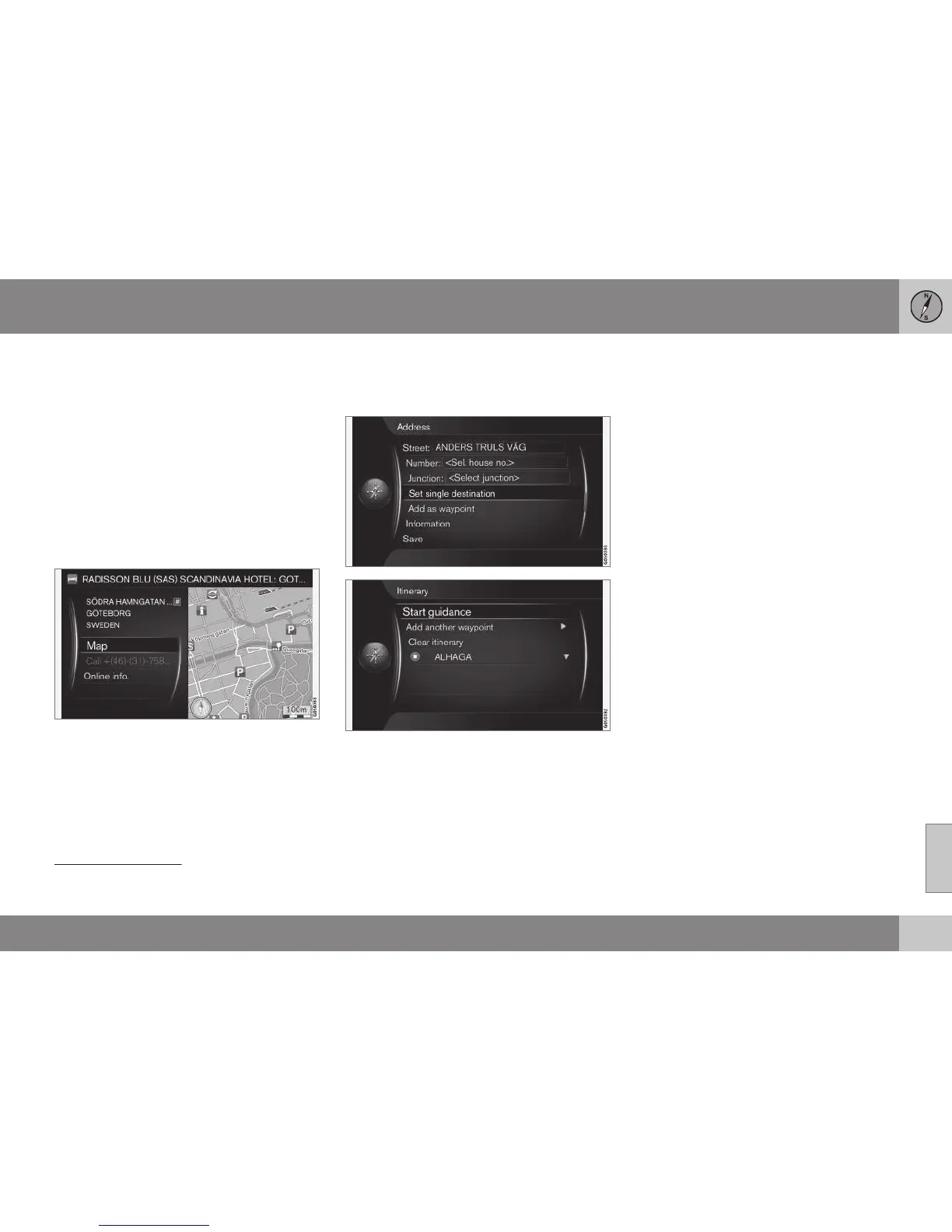
Junction: - Select destination based on
two intersecting streets/roads.
•
Set single destination - Deletes any
previous destination in the itinerary and
starts guidance to the current destination.
•
Add as waypoint - Select + OK to add
the address to the itinerary.
•
Information - Select + OK to view infor-
mation about the selected destination.
•
Save - (p. 45)in the memory as Stored
location or as Home.
More about Information
Select an address/street + OK - then the fol-
lowing can be selected:
•
Map - Shows where on the map the loca-
tion can be found - sometimes with addi-
tional information.
•
Call number
2
- Calls the facility if a tele-
phone number is given.
•
Online info.
3
- Supplementary informa-
tion is downloaded from the Internet.
Set single destination
One destination and any intermediate desti-
nations are stored in an itinerary.
•
Set single destination - an itinerary is
created. Any previous itinerary is deleted.
•
Add as waypoint - the destination is
added as an intermediate destination in
the itinerary.
•
Start guidance - activates guidance in
accordance with the current itinerary.
See more information on
Start guidance in
Itinerary - general (p. 51)
Related information
•
General information about entering a des-
tination (p. 41)
2
Requires connected mobile phone, see the Sensus Infotainment supplement.
3
Requires connection to the Internet, see the Sensus Infotainment supplement.



 To Next Page