11 Settings
11
}}
67
Settings Guidance options Street
names in voice guidance
Cursor on Street names in voice guidance
+ OK ticks/activates the function which
means that voice guidance also reads out the
names of streets and roads, in addition to the
normal information on distance and direction.
Navigation with Turn-by-turn
Settings Guidance options Turn-by-
turn navigation
Cursor on Turn-by-turn navigation + OK
ticks/activates the function, which means that
the next manoeuvre in the itinerary, as well as
the distance to it, is also shown in the com-
bined instrument panel.
Automatic reading out of traffic
Settings Guidance options
Automatic read out of traffic
Cursor on Automatic read out of traffic +
OK highlights/activates the function which
means that important traffic disruptions on
the route are read out.
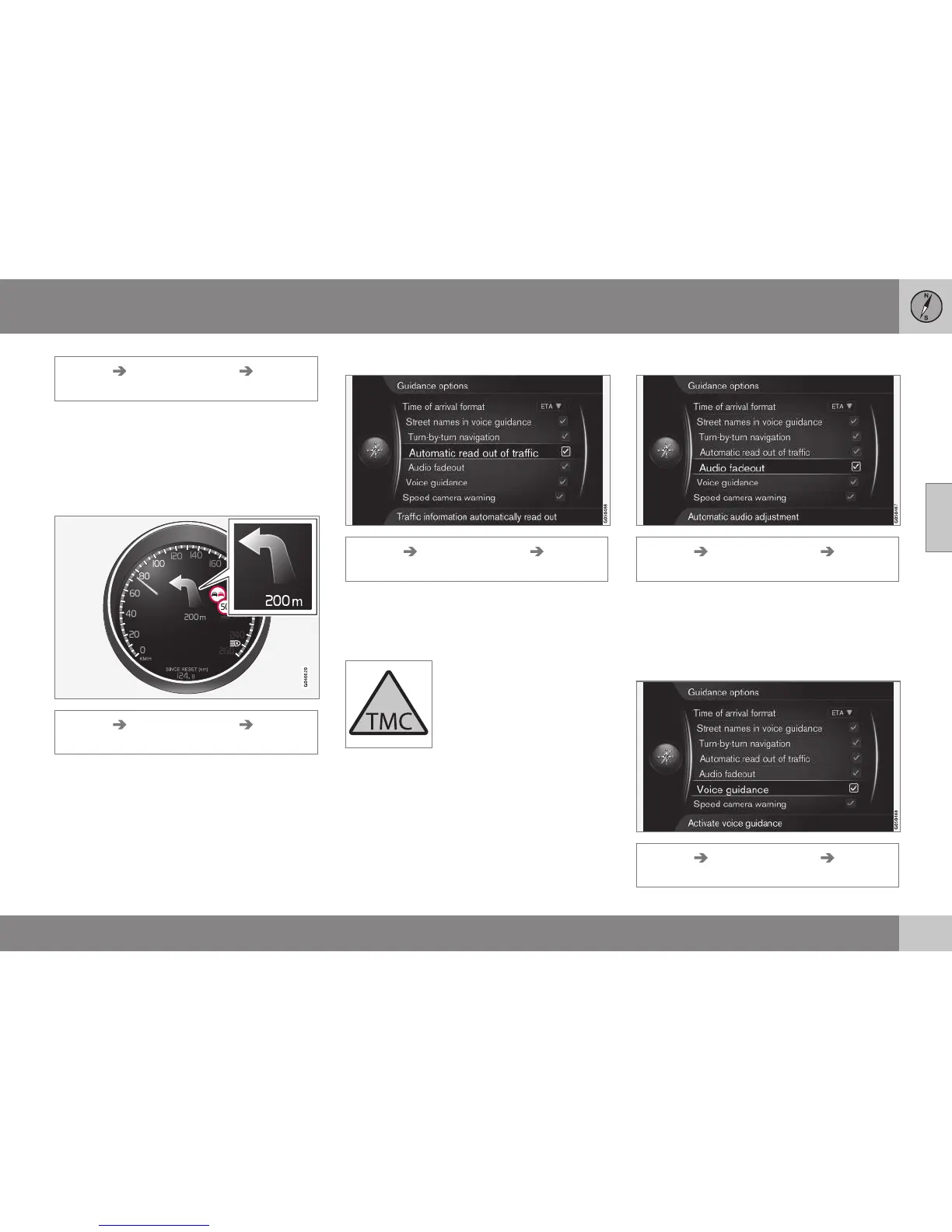
This symbol on the screen
indicates that traffic informa-
tion is available within the
current reception area. Sym-
bol colour indicates the
importance of the informa-
tion:
•
RED - the information is read out and the
position is shown on the map - see
(p. 73)
•
YELLOW - no reading out, the position is
shown on the map.
Automatic audio adaptation
Settings Guidance options Audio
fadeout
Cursor on Audio fadeout + OK ticks/acti-
vates the function which means that e.g.
audio from the radio is muted when voice
guidance reads out information.
Voice guidance
Settings Guidance options Voice
guidance



 To Next Page