IMPACT
®
4000
42 43
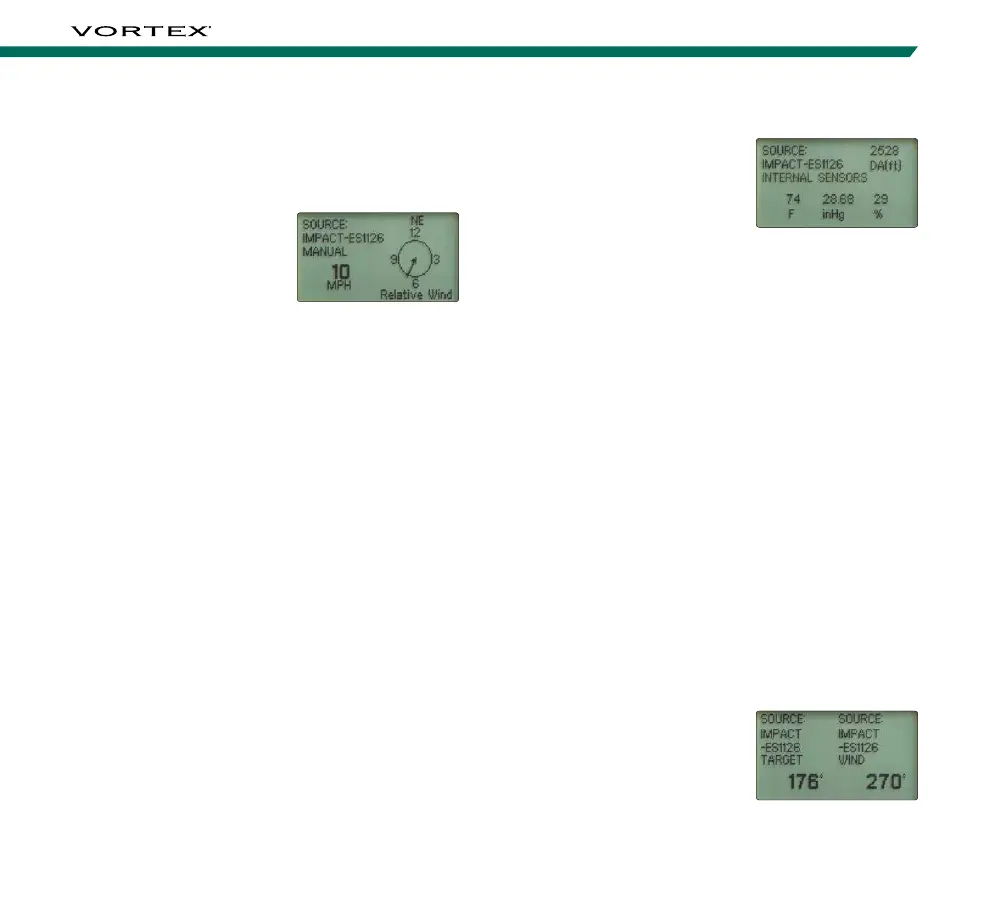
Weather Screen
Temperature, Pressure,
Humidity, and a calculated
Density Altitude are
displayed on the Weather
screen. The Weather screen
can be accessed from the
Wind screen by pressing the “Measure” button once.
The values for Temperature, Pressure and Humidity can
be measured by the on-board Environmental Sensors
or entered manually. They can also be provided by the
GeoBallistics
®
App. When provided by the app, these
values are not adjustable via the Impact
®
4000. Use
the up and down arrows to toggle between “Internal
Sensors” and “Manual”. When in Manual, you can
manually change the weather information by pressing
the “Right Arrow” button to toggle to the desired
variable and then pressing the “Up Arrow” to increase
or “Down Arrow” button to decrease the values.
Note: Density Altitude is calculated from the provided weather
information and cannot be directly entered.
Wind and Target Direction Screen
The Wind and Target Direction screen displays both the
direction of the target from the shooter along with the
direction of the wind in degrees. This screen also lists
the source of each of these data points. This screen
can be accessed via the Wind Bearing Capture Menu
by pressing the “Measure” button twice.
Example: A Target due north
of the shooter is displayed as
0˚. Wind blowing from east
to west will display as 90˚.
Establishing the Wind Bearing and Speed:
1. Press the “Measure” button to turn on the
Impact
®
4000.
2. Press the “Wind Bearing
Capture” button to
enter the Wind screen.
The wind speed and
direction will be
displayed. The displayed
direction is the direction
the Impact
®
is pointed.
3. To manually adjust the wind speed, press the
“Up Arrow” button to increase the wind speed or
press the “Down Arrow” button to decrease the
wind speed.
4. To manually change the wind direction, press the
“Left Arrow” button to move the wind direction
indicator counterclockwise or press the “Right
Arrow” button to move the wind direction indicator
clockwise. The wind indicator moves in 15-degree
increments. Orient the wind direction indicator to
represent the direction the wind is coming from.
(ie: indicator direction is the wind direction).
Note: If calibrated, the wind direction indicator will rotate
as the device rotates regardless of the direction the user
is facing.



 To Next Page