17 vwr.com I Instruction manual VWR
®
PCR Cycler XT
96
Run dialogue: Operating elements – “Simple Mode”
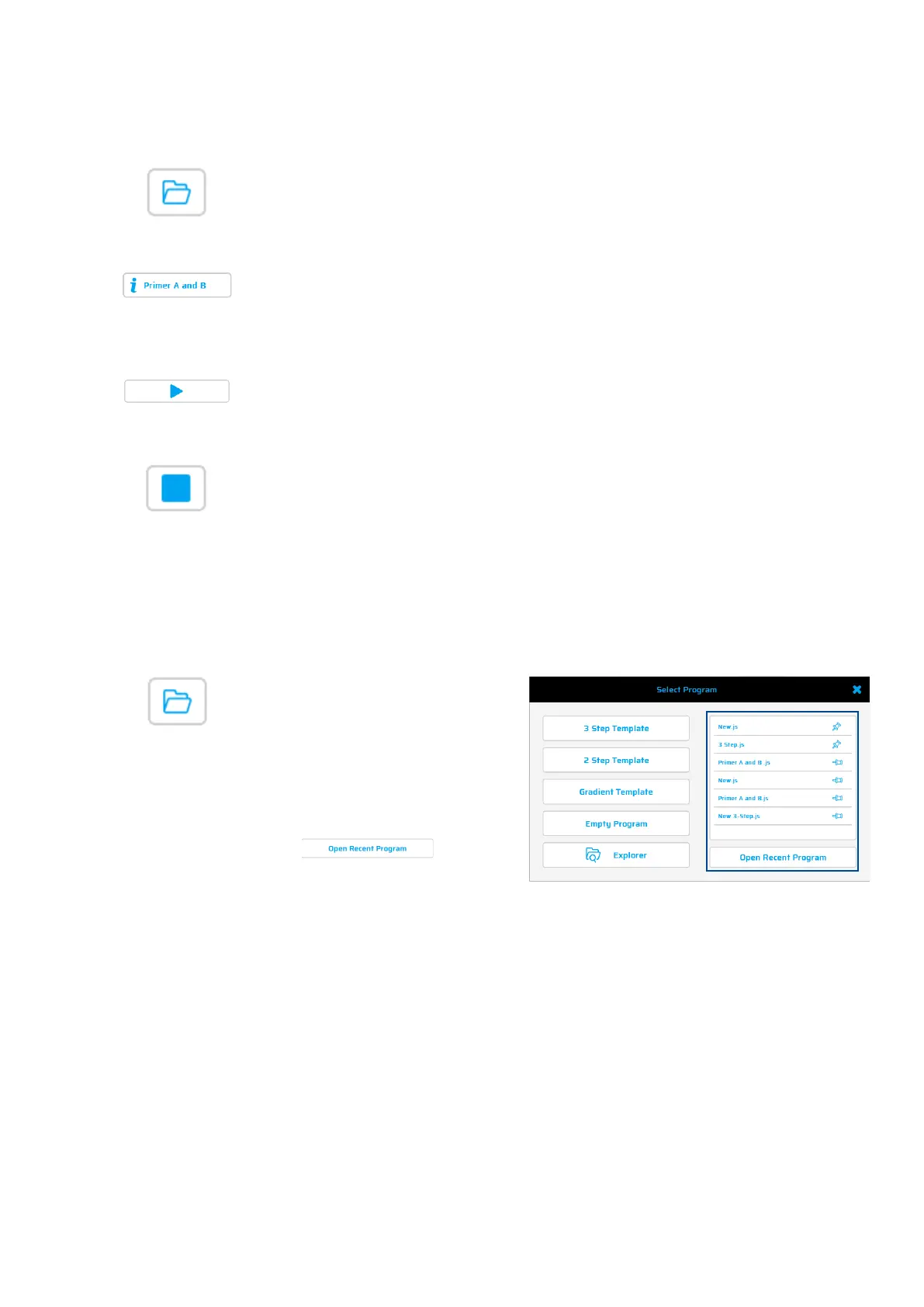
Using this button, a stored or recently used PCR protocol can be selected and loaded.
Also, the Protocol Wizard can be used to create new Protocols.
Use this button to display details of a PCR protocol (name, program options, author,
settings and comments).
Use this button to start a PCR protocol or pause a PCR protocol that is in progress.
Use this button to stop a PCR protocol that is in progress.
Select Program dialogue – Recent Protocols / Protocol Wizard
Stored programs or recently used
PCR protocol can be selected and
loaded. Also,
the Protocol Wizard
can be used to create new
Protocols.
If a recently used program is
selected,
be loaded in the run dialogue by
clicking
.


 To Next Page