19 vwr.com I Instruction manual VWR
®
PCR Cycler XT
96
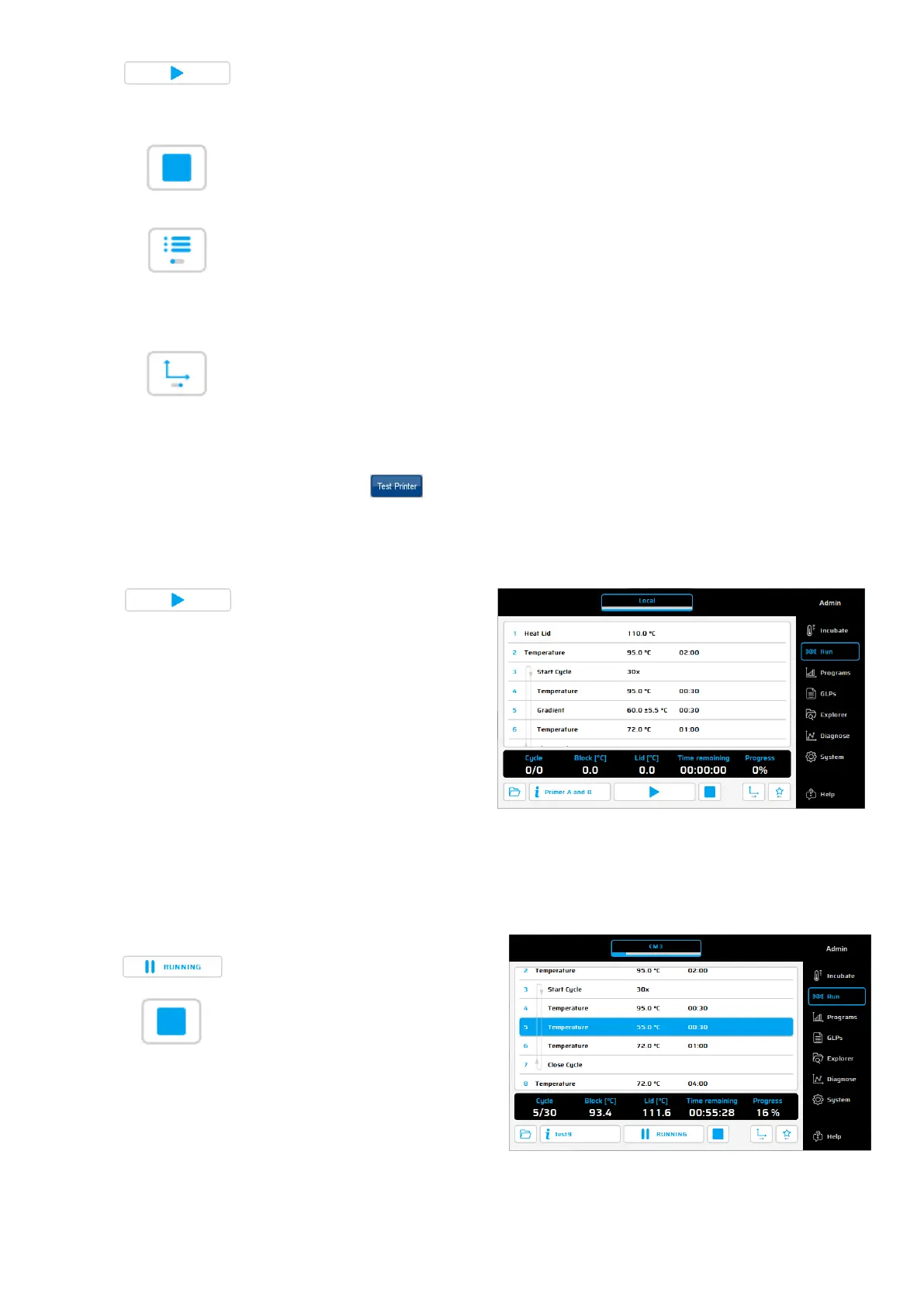
Use this button to start a PCR protocol or pause a PCR protocol that is in progress.
Use this button to stop a PCR protocol that is in progress.
Push this button to view the selected program in list view.
Push this button to view the selected program in diagram view.
If the path for the printer is already entered, simply click for printing.
Using the button
, a test printing will be performed to check the correct
settings.
Starting a program
If a program is opened, the
contents of the program can be
seen in the program window. The
loaded program is started by
using the 'Start' button.
A program is running
General: 'Pause' and 'Stop'
button
After starting the chosen program,
you can use these buttons to either
pause or to stop the program.


 To Next Page