TEBS E
10
Operation
173
Button
symbol
Function
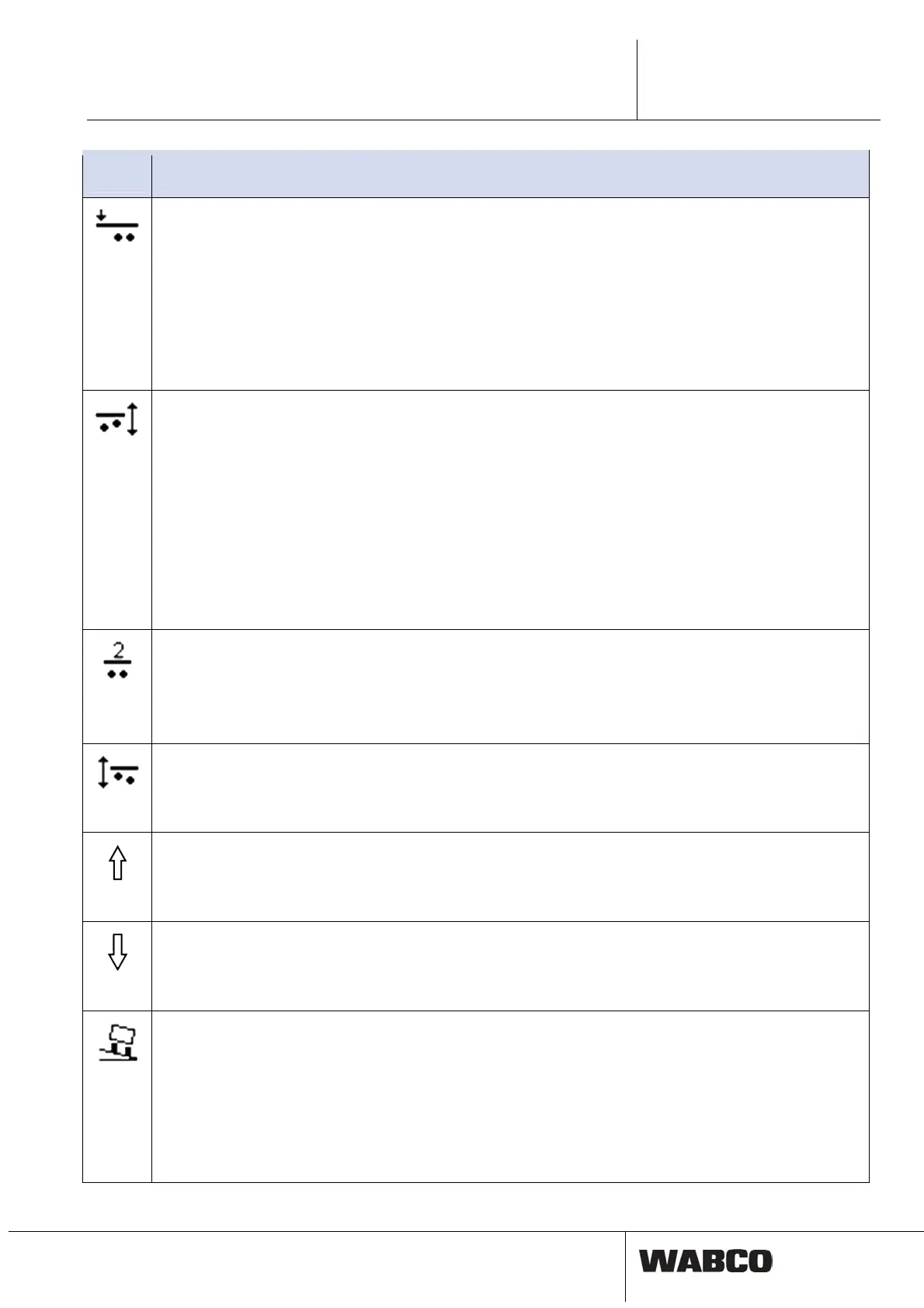
Traction help
Activating the traction help: Touch the button < 5 seconds.
Activating the traction help ‘Cross-country’ (if defined): Touch button 2 times.
Deactivation of the traction help / Traction help ‘Off-road’: Automatic when exceeding the road speed defined in
the TEBS E.
Forced lowering
Activation: Touch the button > 5 seconds.
Disabling: Switch on the ignition again or touch the button again.
When touching the button, the traction help is activated again.
If OptiLoad and OptiTurn have not been configured as Automatic:
Manoeuvering assistance (OptiTurn)
Activation: Touch the button < 5 seconds.
Disabling: Automatic when exceeding the road speed defined in the TEBS E.
Drawbar load reduction (OptiLoad)
Activation: Touch button 2 times (if Automatic has not been set in advance).
Disabling: Automatic when exceeding the road speed defined in the TEBS E.
Forced lowering
Activation: Touch the button > 5 seconds.
Disabling: Switch on the ignition again or touch the button again.
When touching the button, the OptiTurn is activated again.
Normal level II
Activating normal level II: Touch button.
Normal level I
Activation of normal level I: Touch button again.
Back to normal level II: Touch the button 2 times.
Forced lowering
Activation: Touch button (or button „Manoeuvring assistance’ or button „Traction help’ for > 5 seconds).
Deactivating the function ‘Forced lowering’ and simultaneously activating the lifting axle control (lifting the lift axle
depending on the load): Touch button again.
ECAS Lifting
Activation: Touch button.
Prior to version ELEX1, Lifting/Lowering must be selected as the GIO function and allocated in the GIO connector
assignment.
ECAS Lowering
Activation: Touch button.
Prior to version ELEX1, Lifting/Lowering must be selected as the GIO function and allocated in the GIO connector
assignment.
Tilt angle display
Activation: Touch button (green LEDs are lit permanently).
Disabling: touch any button (green LEDs go completely off).
In the TEBS E Diagnostic Software, the parameters for the warning levels can be set.
Green display (lit permanently): Tilt angle less than warning level 1, no danger.
Yellow display (lighting permanently, alert 1 Hz): Tilt angle between warning level 1 and 2, Attention!
Red display (flashing 2 Hz, continuous tone): Warning level 2 exceeded, Danger! Cancel lifting the dumper body
immediately.



 To Next Page