4-44 BA E14 track en* 1.3 * E14t_13_400.fm
4 Putting into operation
Individual menu for 7“ multifunction display (option)
User settings can be made and attachments configured in the individual
menu and attachments configured.
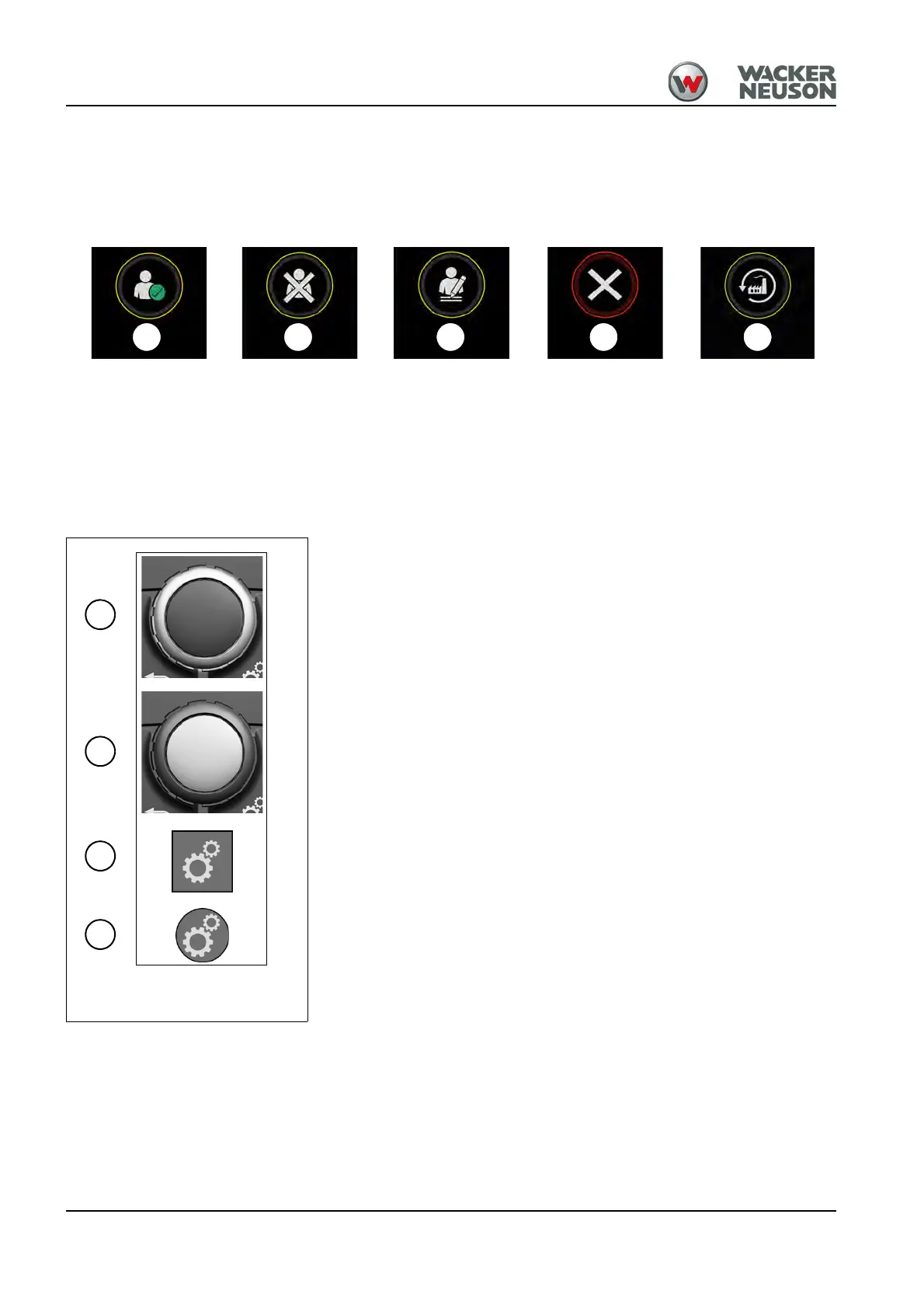
Pop-ups
A: Input confirmed
B: Use factory default settings
C: Change user settings
D: Wrong PIN
E: Return to factory default settings
Legend
J: Selecting menu items (turn)
K: Confirming menu items (press)
L: Invoke sub-menu (press and hold)
M: Accept selection (press)











 To Next Page